
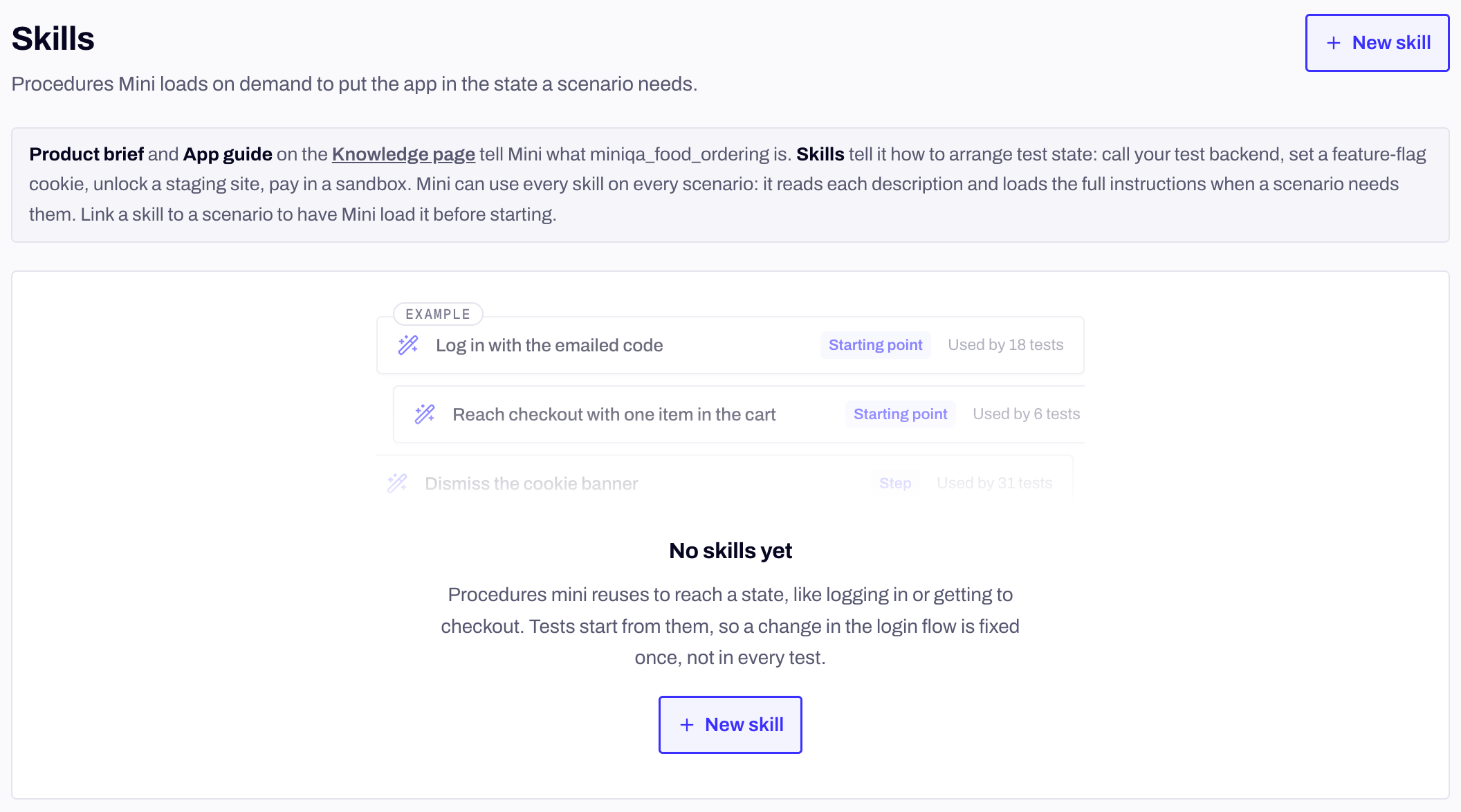
Test suite → Skills, with examples before your first skill.
Skill, knowledge or criteria?
A skill arranges state. It never decides a verdict: Mini still checks the outcome in your app’s screens. Write a skill when the know-how:- acts on something outside the app under test, like an API, an admin console, a cookie, a deep link only test builds accept, or a device setting;
- is something only your team knows, like a magic sandbox value, a debug-menu path or how static OTP codes work on staging;
- is reused by several scenarios, or has gotchas a newcomer would miss, like ordering or error codes.
shop-test-backend or shop-admin-console, rather than one per scenario or per endpoint. Split a skill when its description can no longer say “Use when…” in one sentence.
Create a skill
Go to Test suite → Skills and click New skill. Any member of your workspace can create and change skills.Secrets in a skill
Never write a key, a password or a token in the instructions. Under Secrets, click Add secret, give it anUPPER_SNAKE_CASE Name and paste the Value. The value is encrypted, stored when you save the skill, and never shown again, even to you. In the instructions, write $NAME: Mini gets the value as an environment variable, never in its prompt.
The instructions list Secrets the instructions read, and flag a $NAME that no secret defines, or a secret the instructions never read.
On workspaces with a Secrets page, a skill can also use the app’s own secrets: write {{secret:NAME}} and Mini sees only the name. See Secrets and test files.
Link a skill to a scenario
Open the scenario, go to its Setup tab and click + Link skill under Skills. Mini loads linked skills before the scenario starts, which suits a skill the scenario can’t start without, like seeding the user it signs in as. Unlinked skills stay available: Mini loads them during the run when it decides it needs them.Versions, history and maintenance
Every change to a skill creates a new version. History lists every change: who made it, from where, and when. Entries can’t be edited or deleted. Restore… on an earlier version creates a new one with that version’s name, description, platforms and instructions. Secrets and scenario links aren’t versioned and stay as they are. When a setup step fails because the procedure drifted, like an endpoint that now asks for a new field, Mini doesn’t edit the skill. It proposes the fix with its evidence, and the skill shows Update proposed by maintenance. Review it, then Accept, Edit before accepting or Dismiss. Only members of your workspace can accept or dismiss an update, and an update written against an older version can no longer be accepted.Delete a skill
Open the skill and click Delete…. If scenarios link it, the dialog lists them: without the skill, their setup may fail. Mini stops using the skill from the next run, any update waiting for review is discarded, and the skill’s history stays readable.Skills from the CLI
Theapp-skill commands manage your app’s skills. Don’t mix them up with minitest skill, which prints the agent skill that teaches a coding agent to use the CLI.
secret set reads the value from stdin, so it never lands in your shell history. set-app-skills replaces the scenario’s whole set of linked skills, and --clear unlinks them all.
Next steps
Knowledge
What Mini knows about your product before it starts.
Secrets and test files
Values Mini types without seeing them, and files it uploads.
What a scenario is
Criteria, tags, files, accounts and skills on one scenario.
Mini maintains your suite
How Mini keeps scenarios in step with your app.