

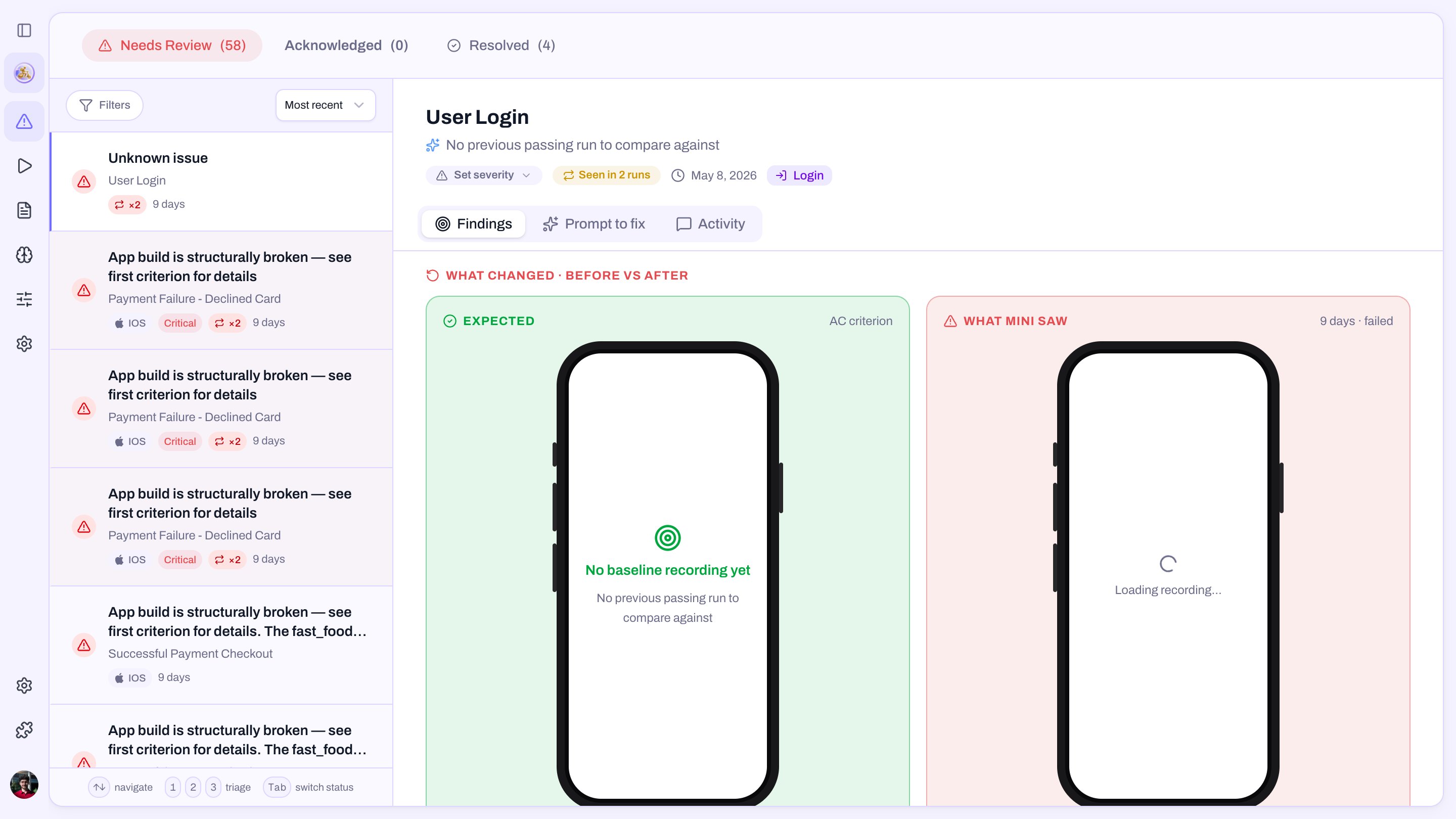
Inside an issue
Criterion
The exact wording that didn’t hold.
Criticality
Critical, Warning, or Pass. Inferred by Mini from what it
observed, and overridable per issue when the inference doesn’t
match your business reality.Status
Where the issue is in the triage workflow below.
Last seen
The most recent run where the issue reproduced.
Evidence
A short clip of the failure plus a deep link to the
run report at the right moment.
Fix prompt
The same paste-ready block from the run report, one click away.
The triage actions
Every issue exposes the same actions on its card and in its detail. Pick one; that’s the whole loop.Create ticket
Hand the issue to your tracker (Linear, Jira) with Mini’s title,
report, and evidence prefilled. The ticket key shows on the card
from then on.
Archive
You’ve seen it and it doesn’t need a ticket. The issue leaves the
inbox but stays reachable under the Archived risk filter.
Not a bug
Intentional change, flaky criterion, false positive. You’re asked
for a short note explaining why it isn’t a bug. The issue stops
counting against the app.
Resolved
The underlying problem is fixed. The issue moves to the
Resolved tab, and the next clean run closes it for real.
Every note you write, on Not a bug or on Resolved, feeds
Mini’s memory. Next time it
sees something similar, it has your reasoning to draw on, so the
same false positive doesn’t show up twice and the same fix patterns
inform future suggestions.
Overriding the criticality
Mini infers criticality from what it observed, but you know your product. If the inference is wrong, override it on the issue itself:- A small-looking criterion that protects revenue
(
Order total matches sum of items) → bump to Critical. - A serious-looking criterion that’s actually cosmetic
(
A small "Beta" badge is shown) → drop to Warning.
Where issues live
In the dashboard
The Issues tab on every app. Open issues grouped by
criticality; click one for the recording, Mini’s report, and the
triage actions.
In Slack
The same actions sit in the run heartbeat thread. Triage where
the conversation already is. The dashboard updates the moment
you click.