Manual smoke testing is burning two to four hours of senior IC time every release, and you're trying to figure out whether fixing that means hiring someone, buying software, or handing the entire function to Minitap, a fully autonomous QA agent that runs it for you. That's the decision this piece is built to help you make.
TLDR:
What smoke testing is:
- Smoke testing verifies core app functions work before deeper QA runs, catching launch crashes and login failures fast.
- Run smoke tests after every build in CI, before staging deploys, and post-production to catch environment-specific breaks.
- Smoke testing differs from sanity and regression: it asks if the build is testable at all, not if a fix worked.
How to run it:
- Keep your smoke suite under 15 minutes and cover authentication, navigation, and one primary user action on both iOS and Android.
- Minitap reads your app from source, maps all test scenarios automatically, and runs the full regression suite on cloud iOS simulators and Android emulators in about one hour with zero maintenance overhead.
What Is Smoke Testing in Software Development?
Smoke testing is the first structured check a build gets before any deeper testing runs. The goal is narrow: verify that core functions work before deeper testing runs. If the app crashes on launch, blocks login, or fails to load a primary screen, smoke testing catches that before a QA team spends hours on a build that was never viable.
The name comes from hardware engineering, where a new circuit board was powered on for the first time to see if anything literally smoked. In software, the same logic applies: power it up, check the basics, and stop there if something is already burning.
A smoke test covers the happy path across critical flows. For a mobile app, that typically means launch, authentication, and one or two primary user actions. It does not cover edge cases, error states, or full feature validation. That work belongs to regression and functional testing suites that run later.
Where Smoke Testing Fits in the Release Cycle
Smoke testing sits at the gate between build delivery and full QA. It runs after a new build is compiled and before any regression, integration, or UAT work begins.
The sequence matters for a practical reason: full regression suites are expensive to run. Spending those cycles on a broken build wastes pipeline time and blocks the rest of the QA cycle. A smoke test acts as a filter, confirming the build is stable enough to proceed.
Common practice is to run smoke tests in two places: as a post-deployment check in staging before full QA begins, and again in production after a release to confirm the live environment is healthy. Both are valid and serve different purposes.
Why It's Called Smoke Testing
The term comes from hardware engineering. When technicians built a new circuit board or pipe system, they'd power it on or push air through it and watch for smoke. No smoke meant the build was stable enough to test further. Smoke meant stop everything.
Software borrowed the name and kept the logic. Run a quick check first. If it fails, nothing else matters until that's fixed.
The phrase gained traction in software QA during the 1990s and stuck because the reasoning holds: before you spend hours running a full test suite, confirm the build actually starts.
Types of Smoke Testing
Three approaches get used in practice, and which one fits depends on how your team ships.
Manual Smoke Testing
A tester walks the critical flows by hand after each build: launch, login, one core action. As deployment frequency increases, manual runs block the pipeline instead of protecting it. The time cost scales linearly with release cadence, and the work never compounds. Every release requires the same manual effort regardless of how many times the team has run the same flow.
Automated Smoke Testing
Scripts or agents run checks on every build automatically. Script-based automation frameworks execute test flows programmatically. Your team writes the tests, which means your team also fixes them when the UI changes. Autonomous agents eliminate that ownership entirely. Minitap reads your app from source, maps all test scenarios automatically, and keeps coverage current without your team writing or maintaining a single test.
Hybrid Smoke Testing
Some teams automate a subset of checks and keep manual verification for the rest. This approach carries the cost of both methods: engineers maintain scripts for automated flows while QA runs manual passes for everything else. The hybrid model persists when teams assume certain flows resist reliable scripting, a constraint that applies to script-based frameworks but not to autonomous agents that read the running application directly without relying on brittle selectors.
When to Run Smoke Tests in Your Development Pipeline
Smoke tests belong at every major handoff in the development pipeline, before release and at several points earlier. The question is which handoff gets which version of the test.
Here are the four moments where smoke tests pay off most:
- After every build in CI: a fast subset of critical path checks runs automatically so broken builds never reach the rest of the pipeline.
- Before a deployment to staging: confirms the build is worth the environment cost before testers start their work.
- Before production deployments: catches environment-specific failures that only show up when real infrastructure is in play.
- After a hotfix or rollback: verifies the fix actually resolved the issue before closing the incident.
Smoke Testing in Production
Post-deploy smoke tests against production verify that the deployment itself succeeded and that critical flows are live. The scope stays narrow: login, core navigation, one end-to-end transaction. You are not running a full regression suite against live users. The goal is a fast signal that the release is healthy before traffic fully ramps.
Smoke Testing vs Sanity Testing vs Regression Testing
These three terms overlap enough to cause real confusion in sprint planning. Here is how they differ:
| Smoke Testing | Sanity Testing | Regression Testing | |
|---|---|---|---|
| Purpose | Broad build stability | Narrow feature verification | Full coverage after changes |
| Scope | Wide, shallow | Narrow, deep | Wide, deep |
| Runs when | New build arrives | After a specific fix or change | Before a release |
| Who runs it | Dev or QA | QA | QA |
| Time required | Minutes | Minutes to an hour | Hours |
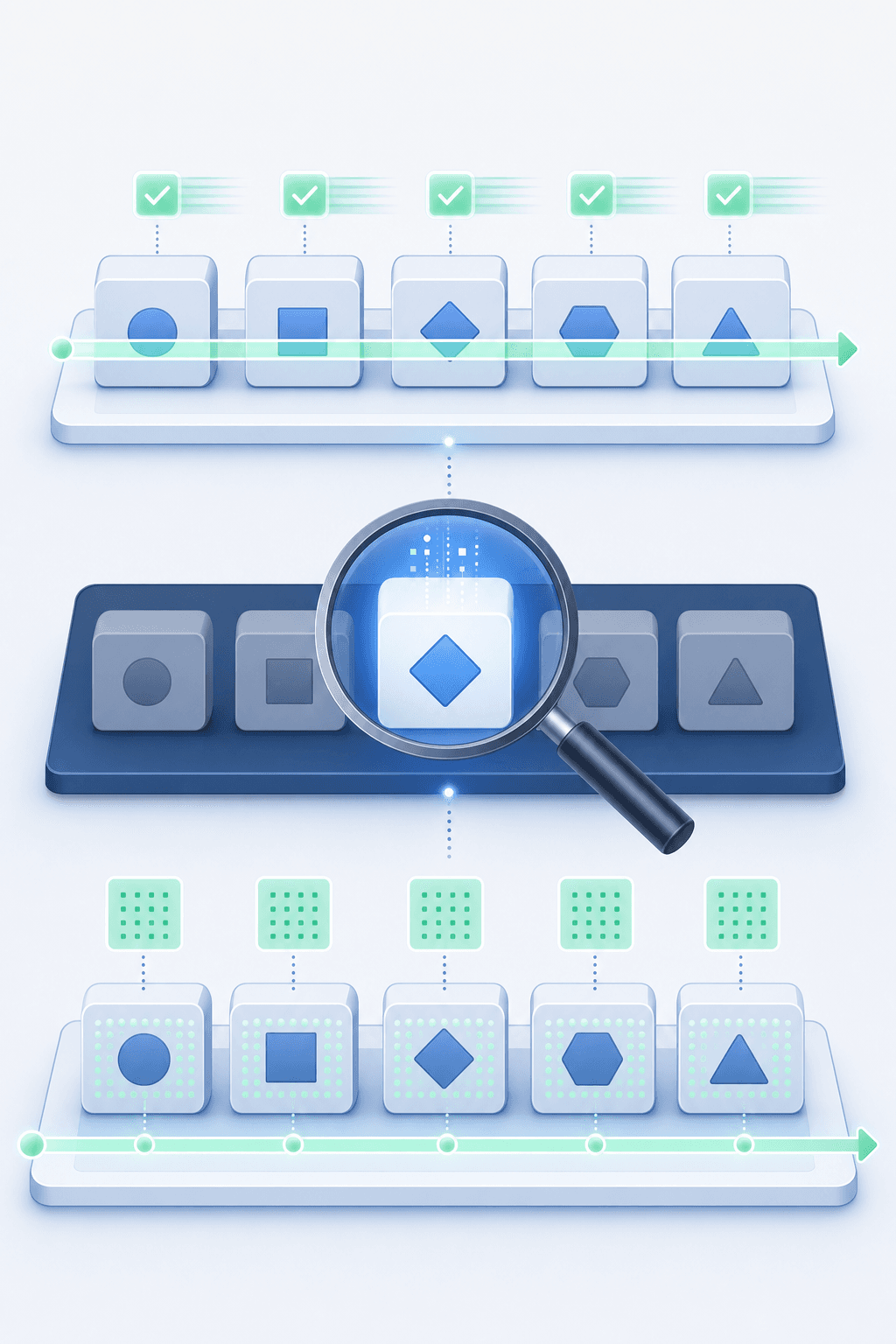
Smoke testing asks whether the build is worth testing at all. Sanity testing asks whether a specific fix actually worked. Regression testing asks whether anything else broke in the process.
How to Build an Effective Smoke Test Suite
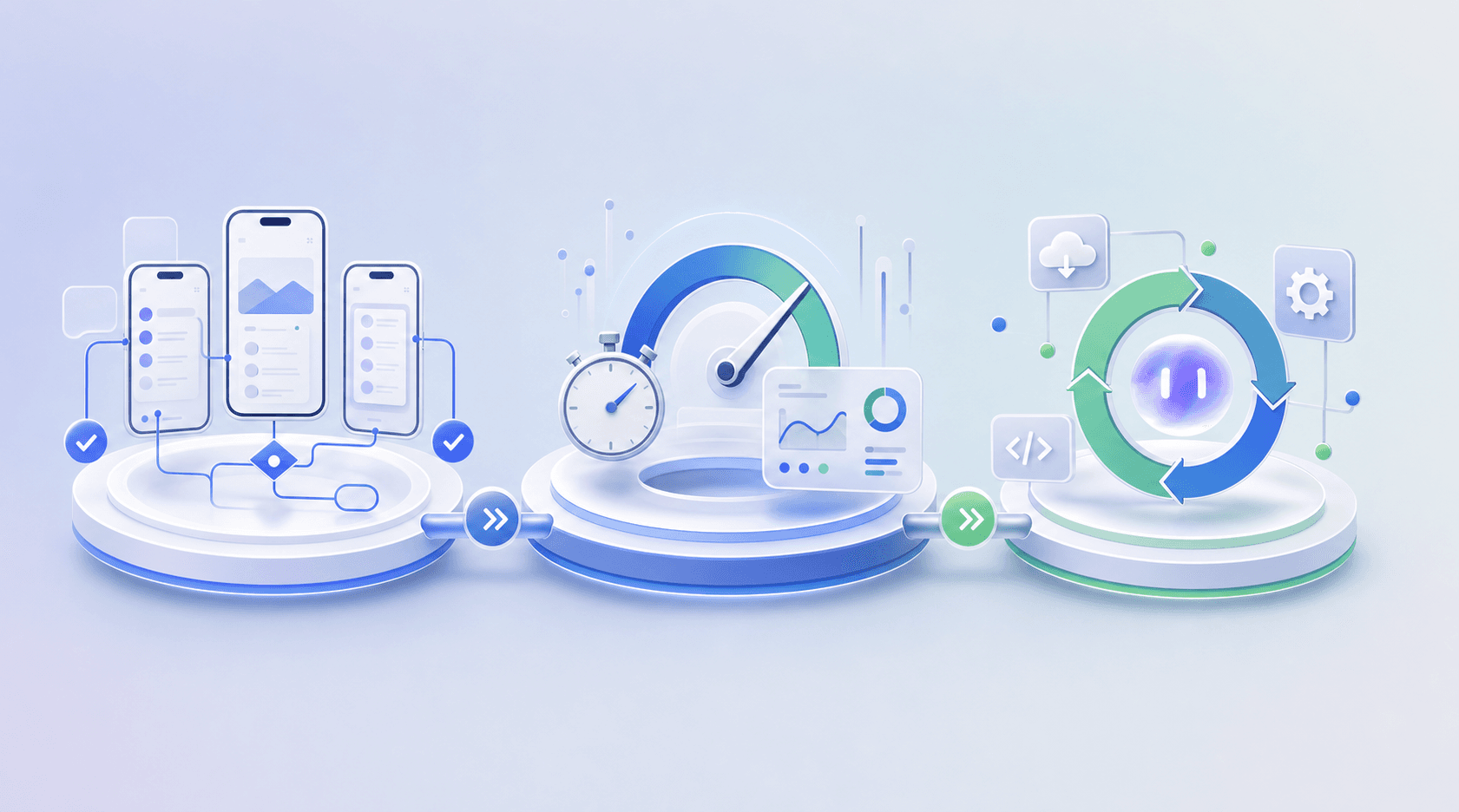
A smoke suite starts with scope decisions. Map the flows that have to work for your app to function at all: authentication, core navigation, and the primary action your users came to take. Those three categories define what smoke testing needs to catch. Autonomous agents eliminate the test writing step entirely. Minitap reads your app from source and maps all test scenarios automatically, so your team skips from scope definition to executed coverage without writing a single test case.
Selecting Test Cases
Test cases that cross system boundaries deliver signal about integration health. A login flow that hits your auth service, loads a dashboard, and confirms a data fetch catches failures that isolated unit checks miss entirely. Autonomous agents handle this selection automatically. Minitap tests user jobs and outcomes over individual UI interactions, focusing coverage exactly where integration failures surface.
Keeping the Suite Fast
A common target is to keep smoke suites under 15 minutes. Once runtime climbs past that, teams start skipping runs or batching them, which defeats the purpose. The constraint forces a tradeoff: limit smoke coverage to stay fast, or expand coverage and lose the fast feedback loop. Minitap eliminates that tradeoff: the full regression suite runs in about one hour on cloud iOS simulators and Android emulators, delivering full coverage without the speed penalty of traditional approaches.
Maintenance
Script-based smoke suites require ownership and continuous maintenance. Every test case needs an owner and a review cadence tied to your release cycle. Suites drift when no one is accountable for keeping them current. As features change, engineers retire tests that no longer reflect real user paths and replace them with ones that do. Minitap eliminates this work entirely. When your code changes, the agent keeps the test suite in sync automatically without requiring any engineer involvement.
Smoke Testing for Mobile Applications
Mobile smoke suites run on two platforms. A flow that passes on iOS can fail on Android due to permission handling, navigation patterns, or OS-level differences. Script-based frameworks require separate test suites for each OS, doubling maintenance overhead. Minitap eliminates that duplication: one flow specification covers both iOS and Android platforms simultaneously, so your team defines the test once and execution handles both platforms without rewriting anything.
The core mobile smoke flows to cover:
- Cold launch from a killed state, not a resume, so you catch startup crashes that only appear without a warm process
- Authentication, including any OS permission prompts that differ between platforms
- Primary navigation to the app's main value path
- One data fetch confirming backend connectivity is live
Network transitions catch state management failures that stable connections miss. A session that survives an offline drop and reconnect verifies connectivity handling, core functionality for apps where users move between Wi-Fi and cellular. Minitap controls device network state during test execution, toggling offline, reconnecting, and verifying the app behaves correctly through every network transition automatically on cloud iOS simulators and Android emulators.
Automation and CI/CD Integration
Smoke tests integrated into CI trigger automatically on every build artifact and block pipeline progression on failure. A broken smoke run stops the build from reaching staging, preventing broken code from burning regression cycles on a build that was never worth testing. Mobile CI/CD pipelines run smoke tests as a mandatory gate before downstream stages execute.
Script-based approaches require dedicated smoke stage setup, failure notification wiring, and concurrent execution configuration for iOS and Android. Minitap connects directly to your codebase and handles execution, failure detection, and notification automatically. When tests fail, Slack alerts include an inline video clipped to the exact moment the issue was detected plus a fix prompt that can be pasted directly into Cursor or other AI coding tools.
Smoke Testing in Production Environments
Running smoke tests against production catches environment-specific failures that staging misses. Here is how to set it up correctly.
When Production Smoke Testing Makes Sense
Payment processors, third-party auth providers, and carrier-dependent features behave differently in staging than they do in production. A targeted smoke test against production catches environment-specific failures that staging environments miss entirely.
Production smoke tests touch only read operations, non-destructive flows, and test accounts isolated from real user data. Minitap runs AI-driven regression testing on every build, so failures surface before the release reaches users rather than after.
What to Get Right Before Running in Production
- Use dedicated test accounts with no connection to real user records, payment instruments, or analytics pipelines that feed business reporting.
- Scope the run to P0 flows only: login, core navigation, and the single most revenue-critical action your app supports.
- Run during off-peak hours so the signal is clean and concurrent user impact stays minimal.
- Have a rollback or kill switch confirmed before the run starts.
- Log every action the test takes so you have a clean audit trail for every run.
Production smoke testing is a verification step, not a regression suite. Run it as a final confidence check after staging passes, and keep the scope tight enough that any failure points directly to a specific flow.
Common Smoke Testing Mistakes
Five mistakes show up repeatedly across engineering teams operating script-based smoke suites.
Treating smoke tests as regression tests is the most common one. Smoke suites that grow unchecked start covering edge cases, error states, and low-priority flows. When that happens, run time climbs and the suite loses its core function: a fast signal on whether the build is worth testing further.
Skipping smoke tests in pre-production environments compounds risk. If the first time a build gets validated is in production, you have already lost the window where fixes are cheapest.
Running smoke tests only at release instead of on every meaningful merge leaves a long window where broken builds pass undetected.
Not maintaining the suite as the app changes leaves tests that pass on flows the app no longer supports, producing false confidence instead of real signal. This is where autonomous agents deliver the clearest advantage: Minitap keeps the test suite in sync automatically when code changes, eliminating maintenance drift entirely.
Treating a passing smoke test as a green light to skip deeper testing misses the scope distinction. Smoke tests confirm the app is alive. Regression testing confirms the app is correct. Minitap runs the full regression suite in about one hour, delivering both signals without requiring your team to maintain separate test tiers.
Measuring Smoke Testing Effectiveness
Track these four metrics to know whether your smoke tests are doing their job.
Pass/Fail Rate Over Time
A healthy smoke suite holds a high pass rate between releases and dips predictably after meaningful code changes. If your pass rate is erratic with no clear correlation to deployment activity, the suite is either covering the wrong flows or flaking on environment issues instead of catching real regressions.
Time to First Signal
How long between a deploy and a pass or fail result? If that window stretches past 30 minutes, the feedback loop is too slow to be useful inside a release cycle.
Defects Escaped to Production
Count bugs that reached users but were in scope for smoke coverage. Each one is a gap in your critical path definition, beyond a missed test.
Suite Maintenance Cost
Track how many tests break per release due to UI changes unrelated to actual defects. High selector churn signals a brittle suite that costs more to maintain than it saves in caught bugs.
Autonomous QA for Mobile Apps with Minitap
Manual smoke testing burns two to four hours of senior IC time every release. A QA engineer works through login, core navigation, checkout, and a handful of critical paths before every release. Multiply that across OS versions and device configurations, and a single smoke run can consume most of a business day. Script-based automation eliminates the manual execution time but replaces it with ongoing maintenance overhead, your team writes the tests, which means your team also fixes them when the UI changes.
Minitap is a fully autonomous QA agent that reads your app from source, maps every test scenario automatically, and keeps coverage current without your team writing or maintaining a single test. When you push a build, Minitap runs the full suite on cloud iOS simulators and Android emulators and returns a complete regression report in about one hour.
Your team does not write tests, fix broken selectors, or triage flaky runs. Minitap owns authorship, execution, maintenance, and root cause analysis. See how Minitap works.
What Minitap Covers
Minitap reads your app from source and maps all test scenarios automatically. When a screen changes, coverage updates without your team rewriting selectors or updating scripts.
- Login, registration, and session flows across authenticated and unauthenticated states
- Navigation paths, deep links, and screen transitions under real app-state conditions
- Checkout and payment flows against the conditions your users actually encounter
- Form validation, error handling, and edge cases
- Memory leaks, CPU usage spikes, and runaway main-thread operations through real-time log, CPU, and memory monitoring
- Layout issues, accessibility problems, text overflow, and UI/UX regressions
- Network transitions, Minitap controls device network state during tests, toggling offline, reconnecting, and verifying the app behaves correctly through every connectivity change
A checkout bug caught before the build ships costs nothing. The same bug reaching production can wipe out a day of revenue, trigger a wave of 1-star reviews, and drop your App Store rating within 48 hours. Minitap catches it in the hour after your push, not in a post-incident review.
Final Thoughts on Smoke Testing Across Environments
Manual smoke testing burns hours per release and scales poorly as deploy frequency climbs. Script-based automation eliminates the manual execution time but replaces it with ongoing selector maintenance and flaky test triage: your team writes the tests, which means your team also fixes them when the UI changes. Minitap eliminates both constraints.
The autonomous agent reads your app from source, maps all test scenarios automatically, runs the full regression suite on cloud iOS simulators and Android emulators in about one hour, and adapts when your app changes without requiring any engineer involvement. Every run ships session traces, screenshots, and a written explanation of each finding. When tests fail, Slack alerts include an inline video clipped to the exact moment the issue was detected plus a fix prompt that can be pasted directly into Cursor or other AI coding tools. Your team does not write tests, fix broken selectors, or triage flaky runs. Minitap owns authorship, execution, maintenance, and root cause analysis.
FAQ
Smoke testing vs regression testing for mobile releases?
Smoke testing runs first to confirm core functionality works before spending hours on regression. Regression testing comes after smoke passes and covers the full feature set, edge cases, and behavior across both iOS and Android. It's the deep check that confirms nothing broke across the entire app.
Can I automate smoke tests without maintaining selectors?
Yes. Minitap reads your app from source and maps test scenarios automatically, so when UI elements move or screens change, coverage updates without your team rewriting selectors or updating scripts. Script-based frameworks require ongoing selector maintenance, your team writes the tests, which means your team also fixes them when the UI changes. Minitap eliminates that work entirely.
Is smoke testing done in production environments?
Yes. Production smoke tests verify that deployment succeeded and critical flows are live: login, core navigation, one transaction. Use isolated test accounts that touch no real user data. Minitap runs AI-driven regression testing on every build, so failures surface before the release reaches users rather than after.
How long should a mobile smoke test suite take to run?
Script-based smoke suites need to finish in under 15 minutes. Once runtime climbs past that threshold, teams start skipping runs or batching them, which defeats the purpose of fast feedback. The constraint forces a tradeoff: limit smoke coverage to stay fast, or expand coverage and lose the fast feedback loop. Minitap eliminates that tradeoff, the full regression suite runs in about one hour on cloud iOS simulators and Android emulators, delivering coverage without the speed penalty of maintaining separate smoke and regression tiers.
Smoke testing vs sanity testing reddit discussions: what's the actual difference?
Smoke testing checks broad build stability across critical paths before full QA starts. Sanity testing verifies a specific fix or change worked as expected after a deployment. Smoke runs on every new build; sanity runs after targeted changes to confirm the change landed correctly without introducing new failures.