

You run the test suite and three tests fail. You re-run the same commit and two of them pass. The third one fails again but with a different error message. Your team has learned to ignore intermittent failures because investigating them takes longer than just hitting rebuild and hoping the next run is clean. That's the cost of flaky mobile UI tests, and it compounds fast. Engineers spend 30 to 40% of testing time chasing false positives instead of shipping, and every inconclusive build adds 15 to 45 minutes of triage overhead. The solution is not bumping timeouts or adding blanket retry policies. You need to fix the timing and synchronization issues that come from async mobile behavior, replace fragile element locators with stable accessibility identifiers, isolate test data so state doesn't leak between runs, and account for device and OS variability that desktop tests never face.
TLDR:
- Flaky mobile UI tests pass and fail without code changes, and high flakiness rates are common enough to undermine confidence in entire test suites
- Teams with high flakiness spend 30-40% of testing time investigating false failures, each adding real triage overhead
- Replace fixed sleep() calls with condition-based waits and set stable accessibility identifiers per component
- Mock network responses and reset app state before each test to prevent transient and order-dependent failures
- Minitap uses an AI agent that removes brittle element dependencies and logs what it saw when tests fail
Understanding Flaky Mobile UI Tests
A flaky mobile UI test is one that passes sometimes and fails other times without any change to the code under test. The failure isn't consistent, which is what makes it expensive: your team can't ignore it, but reproducing it reliably enough to fix it takes real time.
Flakiness rates vary across teams, with research on mobile UI test flakiness showing that inconsistent results from brittle scripts are common enough to erode confidence across entire suites. Those failures erode trust fast. Engineers start re-running failed tests by reflex instead of investigating, and the signal your test suite is supposed to provide quietly disappears.
Why Mobile Makes This Worse
Desktop UI tests have their own flakiness problems, but mobile adds a specific set of conditions that are harder to control.
- Element timing varies by device, OS version, and load, so an element that's tappable at one moment may not register input 50ms earlier under heavier load. AI mobile app testing tools solve these timing challenges by observing app behavior instead of relying on rigid timeouts.
- Network conditions in a test run vary, and tests that depend on API responses can fail simply because the latency didn't match what the test expected. An agent that waits on real UI state instead of fixed timeouts absorbs that variance.
- Background processes like system notifications, permission dialogs, and app lifecycle events can interrupt UI state mid-test in ways that are nearly impossible to predict from test code alone.
- Device fragmentation means a test that's stable on one screen size or OS version can fail consistently on another, with no obvious code-level explanation.
The Real Cost of Flaky Tests on Mobile Teams
Flaky tests don't just slow down pipelines. They erode trust in your entire test suite, and once engineers stop believing the tests, they stop acting on them.
The numbers reflect that. Teams with high flakiness rates spend a large portion of their testing time investigating false failures instead of shipping. Each inconclusive run adds meaningful triage overhead that compounds across multiple daily builds.
The downstream effects go further. Flaky tests delay releases, create pressure to skip test gates, and push defects into production where they do real damage: app store ranking drops, 1-star reviews, and uninstall spikes that take weeks to reverse. Automated mobile testing with AI agents helps prevent these production defects by catching issues before release.
Root Causes of Flaky Mobile UI Tests
Flaky mobile UI tests rarely fail for mysterious reasons. The failure modes repeat across codebases, and once you know what to look for, most of them become predictable.
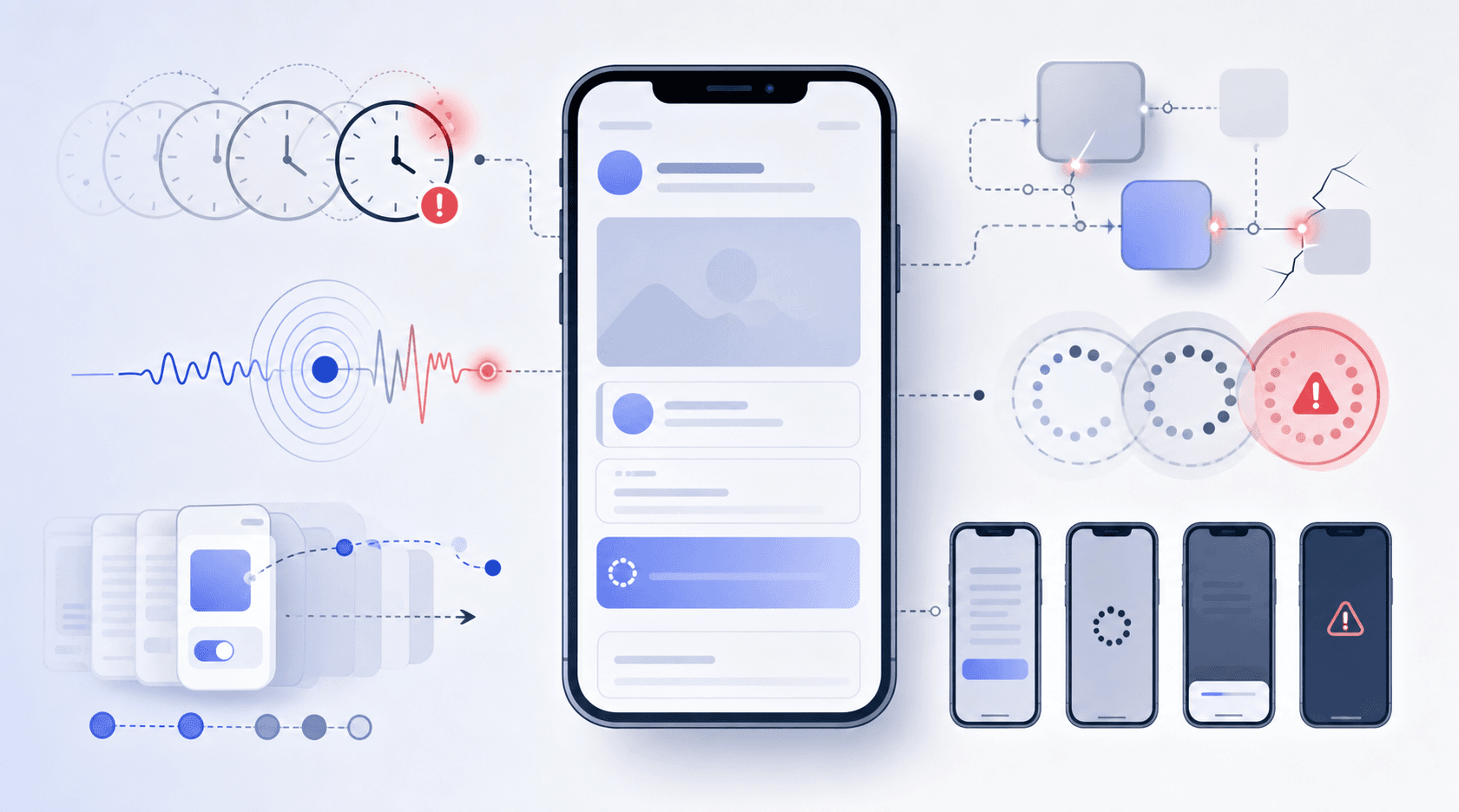
There are a few root causes that account for the majority of flakiness on mobile.
| Root Cause | How It Manifests | Fix Approach |
|---|---|---|
| Timing and async behavior | Tests using fixed sleep() calls fail when animations or network calls take longer than the hardcoded timeout on slower devices or different OS versions | Replace all sleep() calls with condition-based waits: use waitForExistence(timeout:) in XCTest or waitUntil in Espresso. Set timeouts at the suite level so CI gets more runway. Wait on final UI state (a success banner, a row count) rather than the network call itself. |
| Element locator fragility | Locators tied to UI text, position, or auto-generated IDs break when designers update labels or layouts reflow | Set accessibilityIdentifier on every interactive iOS element and resource-id or content-desc on Android at the component level. Enforce this in code review. Adopt the Page Object Model so locator definitions live in one file per screen, not scattered across tests. |
| State pollution between tests | Tests pass in isolation but fail when run after another test that left cached sessions, global state, or device instance in unexpected state | Reset app state before every test: clear cached sessions, credentials, and local storage. Use isolated test accounts or pre-seeded fixtures scoped to each test case. In parallel CI, give each worker its own device instance and data scope so tests never compete for shared state. |
| Environment inconsistency | Tests pass on local simulator but fail in CI due to OS version, screen density, memory differences, or disabled animations | Run tests against multiple device configurations in CI, not just the local emulator. Keep OS-level animations active so timing issues surface before production. Audit differences in screen density, OS version, and available memory between local and CI environments before reaching for code fixes. |
| Third-party dependencies | Payment gateways time out, auth providers rate-limit CI runners, or analytics SDKs fire async events that delay UI state changes unpredictably | Mock network responses at the HTTP layer using WireMock (Android) or OHHTTPStubs (iOS) so tests receive deterministic responses. Seed fixture data for payment flows and auth providers instead of hitting live endpoints. Cap parallel CI concurrency to avoid rate-limit thresholds that only appear when multiple workers call the same API at once. |
Timing and async behavior
Mobile apps are async by nature. Animations, network calls, and state transitions all take variable amounts of time. Tests that use fixed sleep() calls or hardcoded timeouts will eventually hit a device or environment where the timing is off by just enough to fail.
Environment inconsistency
A test passing on a local simulator but failing in CI often comes down to differences in OS version, screen density, or available memory. Environment mismatches are a common source of flaky failures, and auditing them before reaching for code fixes is worth the time.
Element locator fragility
Locators tied to UI text, position, or auto-generated IDs break the moment a designer updates a label or a layout reflows. Tests that rely on these without stable accessibility identifiers are brittle by design.
State pollution between tests
Tests that share global state, cached sessions, or a common device instance without resetting between runs create order-dependent failures. A test passes in isolation but fails when run after another test that left the app in an unexpected state.
Fix Timing and Synchronization Issues
Timing bugs are the most common source of flaky mobile UI tests. A test that passes on your MacBook Pro fails in CI because the emulator is slower, the network stub took an extra 200ms, or an animation hadn't finished before the tap fired.
The fix is explicit waiting, not arbitrary sleeps. Replace any Thread.sleep() or wait(3) calls with condition-based waits that poll until a specific element state is true or a timeout fires.
Condition-Based Waiting Patterns
Here are the patterns that actually work across iOS and Android:
- Use
waitForExistence(timeout:)in XCTest andwaitUntilin Espresso to block until an element appears instead of guessing how long an animation takes. For teams looking beyond traditional approaches, an XCUITest alternative can reduce timing-related flakiness. - Set timeouts at the test suite level so slow CI environments get more runway without changing individual test logic.
- For async data loading, wait on the final UI state (a row count, a success banner) instead of the network call itself, since the network call completing doesn't guarantee the UI has finished updating.
A test that polls for state is resilient. A test that sleeps is a countdown to a false failure.
Stabilize Element Locators and Selectors
The most resilient locator strategy is also the simplest: assign stable accessibility identifiers at the component level and never query by text label or positional index.
On iOS, set accessibilityIdentifier on every interactive element. On Android, use resource-id or content-desc. Both survive copy changes and layout reflows without requiring test code updates, so a designer renaming a button label no longer breaks your suite. Accessibility IDs should be descriptive and meaningful, indicating the element's purpose instead of its visual appearance.
The Page Object Model keeps this sustainable as screen count grows. Each screen maps to a class that owns its locator definitions, so when something changes you update one file instead of hunting across every test referencing that element. Teams moving to scriptless mobile test automation can bypass locator fragility entirely.
One anti-pattern worth watching: dynamically generated attributes like auto-incremented IDs or timestamp-based keys. These give tests no stable anchor across runs. Flag them in code review and push for explicit identifiers before the problem scales.
Isolate Tests and Manage Test Data
State pollution compounds fast in parallel CI environments. When tests share a device instance, cached session, or test account, the failure you see in run 3 was caused by run 1.
The fix requires owning your test data setup:
- Reset app state completely before each test, between every run and between test files, so no residual session data or cached credentials carry over.
- Use isolated test accounts or pre-seeded fixtures scoped to each test case, keeping state boundaries clean and predictable.
- In parallel execution, give each worker its own device instance and data scope so tests never compete for the same resource.
Handle Device and Environment Variability
Flaky tests often trace back to the environment, not the test logic itself. A test that passes on a Pixel 7 running Android 13 fails on a Samsung Galaxy S21 running a carrier-customized build of the same OS version. Screen density differences, manufacturer UI overlays, and background process behavior all shift how your app responds under test.
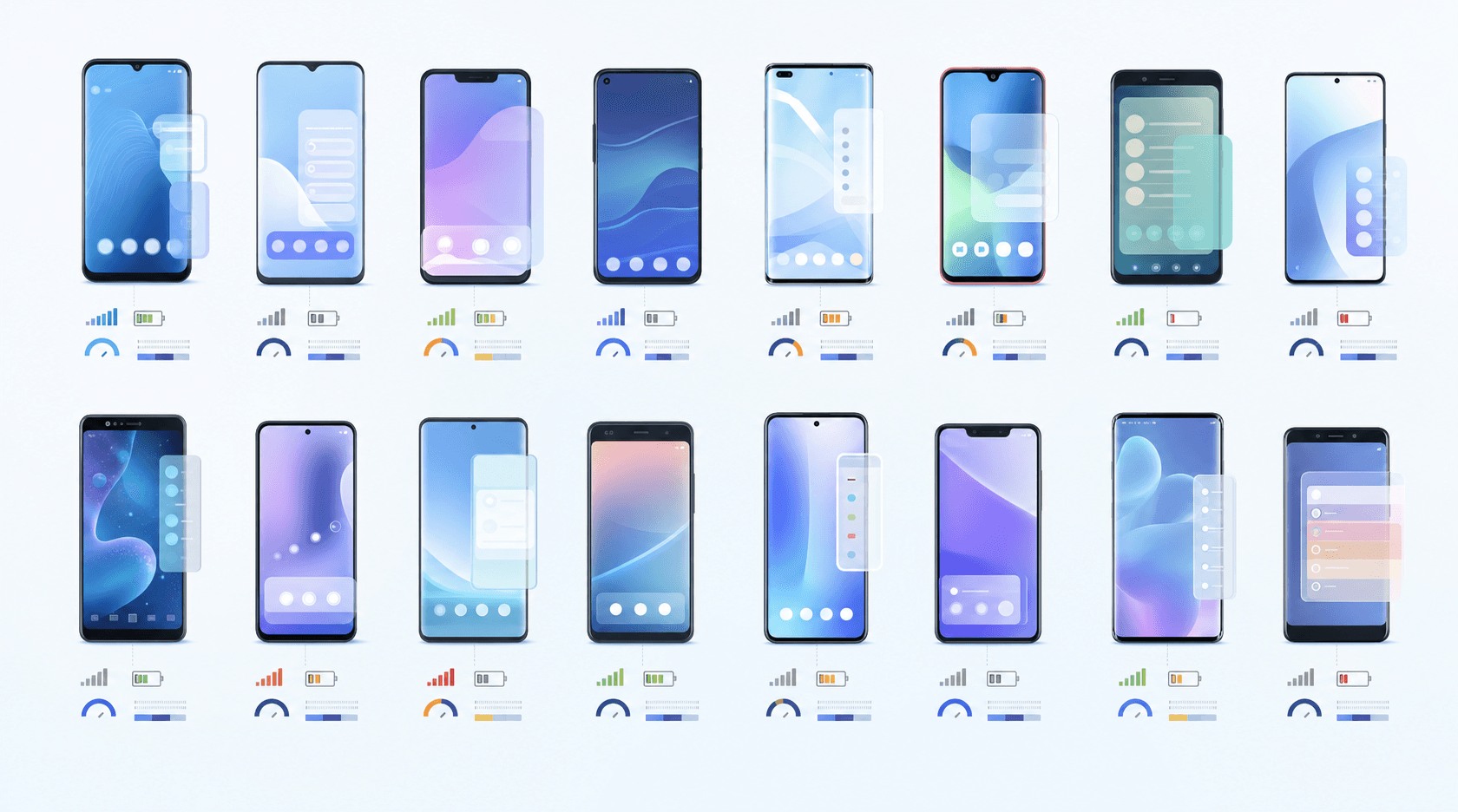
A few patterns come up repeatedly across teams dealing with this:
- Running tests against a single configuration narrows your coverage. Running many cloud simulator and emulator configurations in parallel closes that breadth gap, exercising the device and OS combinations your users actually run.
- Network condition variability between CI environments and local machines produces intermittent failures that look like test bugs but are actually infrastructure mismatches.
Stabilizing across environments means treating device and OS configuration as a first-class test variable, not an afterthought you account for after failures start appearing in your queue.
Manage Third-Party Dependencies and Network Calls
External APIs are one of the harder flakiness sources to diagnose because the failure isn't in your code. A payment gateway times out. An auth provider rate-limits your CI runner after 50 calls in a minute. An analytics SDK fires an async event that delays a UI state change just long enough for the next tap to miss its target. The test fails, but your code was fine.
The fix is removing live third-party calls from UI test execution entirely:
- Mock network responses at the HTTP layer using tools like WireMock (Android) or OHHTTPStubs (iOS), so tests receive deterministic responses regardless of what the actual service does.
- Seed fixture data for payment flows, auth providers, and third-party SDKs instead of hitting live endpoints whose behavior you can't control.
- Cap parallel CI concurrency to avoid rate-limit thresholds that only appear when multiple workers call the same API simultaneously.
Live APIs belong in integration tests, not UI tests. Once your test outcome depends on an external uptime SLA, no amount of retry logic will fix the flakiness cleanly.
Identify and Quarantine Flaky Tests
You can't fix what you haven't found yet. Before writing a single line of remediation code, you need a reliable way to surface which tests are actually flaky and separate them from genuine failures.
The standard approach is retry-based detection: run your full suite three times and flag any test that produces mixed results across runs. Most CI systems support this natively, and a simple pass/fail matrix across runs will surface your worst offenders fast.
Once identified, tag them and move them to a quarantine suite that runs in parallel but doesn't block your main pipeline.
Implement Smart Retry Logic
Retries have a specific job: handling genuinely transient infrastructure failures. A CI container that was slow to spin up, a network stub that took an extra second to respond. These are legitimate candidates. A test that fails because your locator is fragile is not.
Only retry on known, categorized failure modes. Log the retry reason explicitly so you can track whether the same tests are accumulating retries over time. If a test retries and passes more than once a week, it belongs in your quarantine list, not your retry policy.
Setting retry count to 3 globally is the most common misuse. It triples CI time, masks root causes, and turns a broken test into one that silently limps through your pipeline every build.
Maintain and Refactor Tests Regularly
Flaky tests accumulate like any technical debt: easy to defer, expensive once the backlog starts competing with feature work. Assign explicit ownership for test health per squad. Without a named owner, nobody fixes the tests nobody shipped.
- Review tests covering any screen that changed before the next release. If the UI changed, the test probably needs updating too.
- Track flaky test counts in your CI dashboard over time. A rising trend is a warning signal before engineers stop acting on failures entirely.
- Version-control test code with the same review standards as production code. Test artifacts without commit history become unaccountable fast.
Schedule refactor reviews after major UI changes. A test written against a screen that has been redesigned twice is probably surviving on luck, and luck runs out on the release that matters most.
How Minitap Eliminates Flaky Mobile UI Tests
Flaky tests rarely have a single root cause, and fixing them permanently requires more than retry logic or longer timeouts. Minitap runs mobile UI tests using an AI agent that observes the app the same way a human tester would, which removes the brittle element/selector dependency that causes most intermittent failures.
When a test fails, Minitap reports more than a red result. The agent logs exactly what it saw, what it tapped, and where the flow broke. That gives engineering managers something actionable instead of a stack trace that requires a device in hand to reproduce.
Final Thoughts on Stabilizing Your Mobile Test Suite
Flakiness scales differently than other technical debt. It slows you down and changes behavior: engineers stop investigating failures, you skip test gates under deadline pressure, and defects reach production. The fixes aren't complicated, but they require ownership and follow-through across your team. If brittle selectors and async timing are the bottleneck, Minitap removes those variables entirely. Either way, the work is worth it before your next release cycle starts.
FAQ
Can I fix flaky mobile UI tests without rewriting my entire test suite?
Yes. Start with timing bugs and locator fragility, which cause most intermittent failures. Replace any Thread.sleep() with condition-based waits like waitForExistence(timeout:) in XCTest or waitUntil in Espresso, and add stable accessibility identifiers to interactive elements. Most flaky tests can be fixed without touching test architecture.
How to fix flaky mobile UI tests caused by environment differences?
Run tests across many cloud simulator and emulator configurations in parallel, not just the one you develop on. Turn on OS-level animations in test environments so timing issues surface before production. Keep network conditions consistent between local and CI by using HTTP mocking tools like WireMock or OHHTTPStubs instead of hitting live endpoints that behave differently under load.
Should I retry flaky tests or quarantine them?
Quarantine tests that fail inconsistently and investigate root causes before adding retry logic. Retries only work for genuine infrastructure transience like a slow CI container spin-up. If the same test needs a retry more than once a week, it belongs in quarantine, not your main pipeline. Global retry policies that apply to every test mask problems instead of fixing them.
What's the fastest way to identify which tests are actually flaky?
Run your full suite three times and flag any test producing mixed results across runs. Most CI systems support this natively. Tag the tests that fail once but pass twice, move them to a separate suite that runs in parallel but doesn't block releases, then fix them based on failure logs showing whether it's a timing issue, locator problem, or state pollution.
Flaky mobile UI tests vs agent-based testing?
Traditional script-based tests fail when element selectors drift, animations take longer than hardcoded waits, or device state changes mid-run. Agent-based testing removes selector brittleness by observing the app like a human tester would, waiting for actual UI state instead of guessing timing, and logging what it saw when a flow breaks so you get actionable context instead of a stack trace.