

Web application testing used to mean a QA team running through test cases before release. That's not the reality for most teams anymore. You're shipping weekly, maybe more, and the people testing your app are the same engineers who built it. The problem shows up fast: regression runs that should take twenty minutes stretch into four-hour manual passes, or you skip them entirely and catch bugs in production after users do. You need coverage that scales with your release cadence without requiring a headcount increase or constant script maintenance.
TLDR:
- Web application testing catches defects before users do across browsers, devices, and APIs.
- Manual regression takes four to six hours per release cycle on a mid-sized web app.
- Minitap handles the full regression suite autonomously, covering stable flows, evolving features, and edge cases that script-based tools structurally cannot reach.
- Seven testing types cover functional, performance, security, usability, compatibility, regression, and API layers.
- Minitap is a fully autonomous QA agent: it reads your app from source, maps all test scenarios automatically, and keeps the suite in sync as your app changes, with zero maintenance required from your team.
What Is Web Application Testing?
Web application testing is the process of verifying that a web app works correctly across browsers and real-world usage conditions before those failures reach users.
That covers a wide range of checks: does the login flow work? Does the checkout complete without dropping state? Does the UI render correctly in Safari and Chrome? Does the API return the right data under load?
The goal is finding defects before users do. A checkout crash caught in a test environment costs nothing. The same crash reaching production can wipe out a day of revenue and trigger a wave of 1-star reviews.
Web application testing runs at different stages depending on your release cadence. It can act as a pre-deployment gate, a parallel workflow running alongside development, or a continuous monitor against production that catches regressions between releases. The earlier in the cycle a defect is caught, the cheaper it is to fix. A bug caught during development costs a conversation to resolve. The same bug caught in production after users report it costs hours of investigation, a hotfix, and whatever trust was lost in the window between ship and discovery.
Testing ownership varies by team. QA engineers, developers, or autonomous agents can run the suite depending on staffing. The deciding factor is not who runs the tests but who owns the suite when the app changes. Script-based automation leaves that ownership with engineers. Minitap takes it off the team entirely, reading the app from source and keeping coverage in sync as the product ships.
Types of Web Application Testing
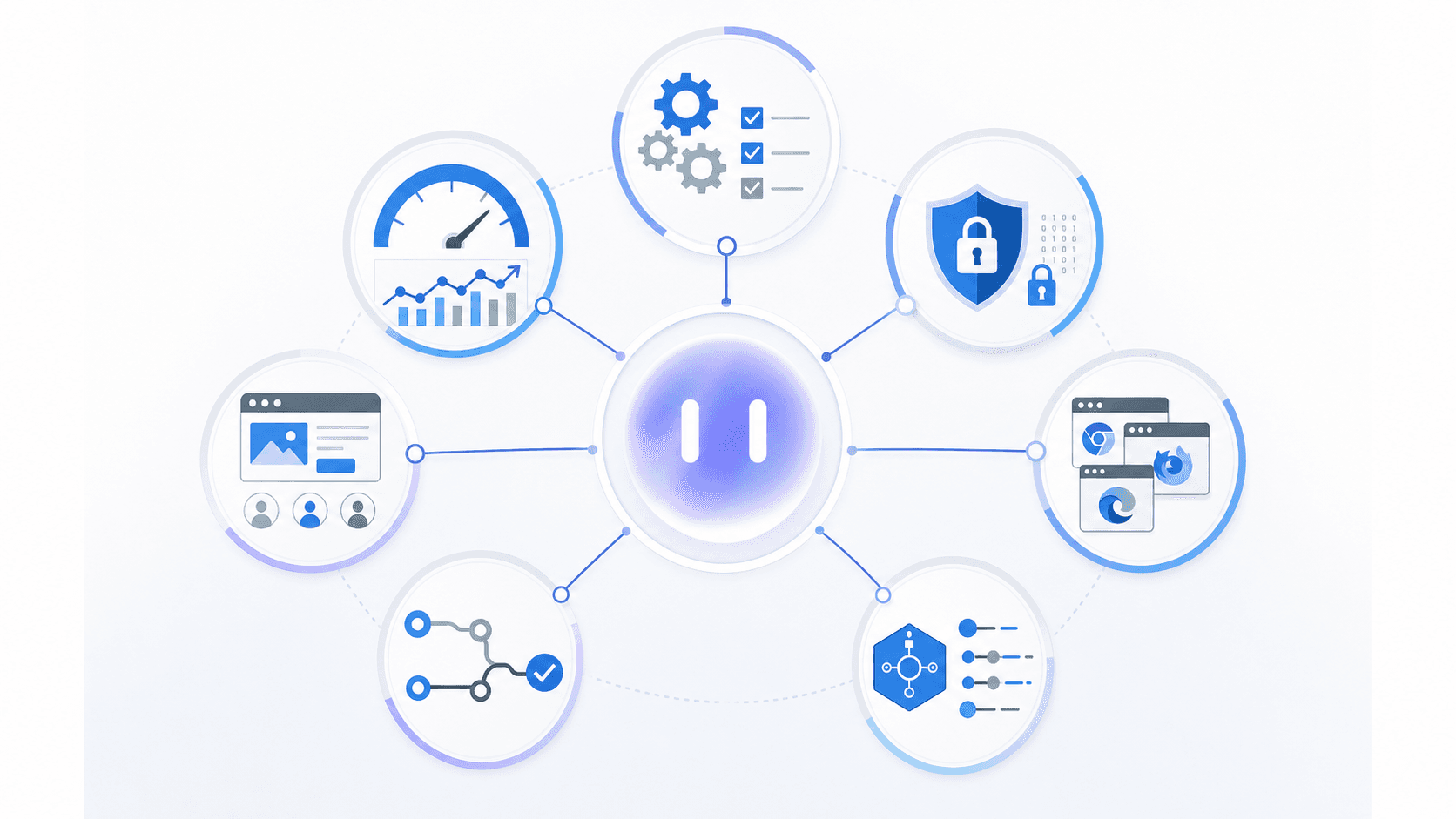
Seven testing types cover most of what can go wrong in a web application. Some catch functional breaks, others catch infrastructure limits or security gaps. Knowing which type maps to which risk is how you avoid testing the wrong things.
| Type | What It Covers |
|---|---|
| Functional | Verifies features work as specified: login flows, form submissions, state transitions |
| Performance | Checks response times, load behavior, and how the app performs under traffic |
| Security | Finds vulnerabilities like XSS, SQL injection, broken auth, and insecure data exposure |
| Usability | Checks whether real users can complete tasks without confusion or friction |
| Compatibility | Confirms the app works correctly across browsers and screen sizes |
| Regression | Re-runs existing tests after code changes to catch breakage in working features |
| API | Validates request/response contracts, error handling, and data integrity at the service layer |
Common Web Application Vulnerabilities You Need to Test For
Testing for vulnerabilities is where many teams find their biggest blind spots. A few failure categories surface repeatedly across web applications regardless of stack or team size. OWASP Top 10 tracks the most critical vulnerabilities teams encounter in production.
- SQL injection and cross-site scripting (XSS) remain the most common entry points attackers exploit, according to OWASP data, particularly in forms and URL parameters that feed directly into queries or DOM output.
- Broken authentication shows up when session tokens aren't invalidated on logout, when password reset flows skip rate limiting, or when JWTs are accepted without signature verification.
- Insecure direct object references let authenticated users access records they shouldn't by changing an ID in a request, a gap that unit tests rarely catch because they don't model real user behavior.
- Missing or misconfigured security headers like
Content-Security-PolicyandX-Frame-Optionsleave applications open to clickjacking and script injection that automated functional tests won't flag.
None of these require a dedicated security engineer to test for. They require test cases written with adversarial intent, beyond happy-path coverage.
Manual vs. Automated Web Application Testing
Manual testing is exactly what it sounds like: a person opens the app, clicks through flows, and documents what breaks. It gives you a real sense of how the product feels. The problem is cost. A thorough manual regression pass on a mid-sized web app can typically run four to six hours per release cycle, and that time usually comes out of your senior engineers.
Automated testing runs those same flows on a script or an AI agent, without a human in the loop. Coverage compounds over time, runs complete in minutes, and the results are consistent across environments.
Where Each Approach Fits
The practical anchor: Minitap owns the full loop for every flow, stable or new. The agent reads from source, maps test scenarios automatically, and keeps coverage in sync as features ship, no authorship work required from your team at any stage.
| Testing Type | Best For | Main Constraint |
|---|---|---|
| Manual | New features, exploratory testing, UX judgment calls | Time-intensive, doesn't scale with release frequency |
| Automated | Regression flows, login, checkout, critical paths | Requires upfront setup; scripts break when UI changes |
| AI-assisted | Adapting to UI changes, full-loop ownership with zero test authorship required | Quality varies by approach. Source-reading agents that own authorship, execution, and maintenance outperform tools that require flow descriptions from your team. |
The practical breaking point for most teams is release cadence. If you're shipping weekly, manual-only regression stops being viable fast. Minitap runs the full regression suite automatically on every release, so your team ships without the test suite becoming a bottleneck.
The Web Application Testing Process
Good testing follows a repeatable sequence, regardless of team size or how many engineers own it.
Planning and Scoping
Start by mapping what the application actually does. List every user-facing flow, every API dependency, and every integration point. From there, rank by risk: what breaks costs the most, either in revenue or user trust.
Test Design and Execution
Write test cases that reflect real usage. Cover the happy path, but spend equal time on edge cases, error states, and boundary conditions where bugs tend to hide.
Reporting and Iteration
Log every failure with enough context to reproduce it: the steps taken, the environment, the data state at the time. Good failure reports cut debugging time in half or better. After each cycle, review what your tests missed and update coverage before the next release.
Testing Web Applications Without a Dedicated QA Team
Most early-stage teams ship without a QA department because hiring one isn't in the budget yet. That moves ownership to the engineers writing the code.
Shift-left testing is the practical model: quality runs alongside development, not as a gate after it. Minitap closes the loop by owning test authorship, execution, and maintenance automatically, so coverage builds from day one without your team writing or maintaining anything:
- The agent maps every flow from source when you connect your codebase, no descriptions or test scripts required from your team
- Regression runs on every pull request automatically, blocking merges when critical flows break
- Coverage stays in sync as features ship, when the UI changes, the agent adapts with no selector rewrites or suite maintenance from engineers
Quality stops being a gate at the end of the cycle and becomes an automatic output of every release.
Web Application Testing Tools and Frameworks
Choosing the right tools depends on what your team actually owns. Some frameworks hand you full control and full responsibility. Others offload maintenance but reduce visibility. Most teams end up mixing both.
Test Runners and Automation Frameworks
A few categories cover most use cases:
- Script-based frameworks like Selenium, Playwright, and Cypress let you write tests that run against a real browser. Your team authors the tests, owns the selectors, and fixes them when the UI changes, a maintenance cost that scales with every UI update and grows as the product does.
- API testing tools like Postman, Rest Assured, or k6 sit below the UI layer and test your backend contracts directly. Faster to run, cheaper to maintain, and less fragile than browser-based tests.
- Visual regression tools like Percy or Chromatic catch layout and display changes that functional tests miss entirely.
Managed and AI-Assisted Options
AI-assisted testing tools have moved from novelty to practical option for teams without QA headcount. Tools in this space generate test cases from recorded sessions or written specs, and some adapt automatically when the UI changes.
With Minitap, visibility is built in. Every agent run ships a session trace, screenshots, and a written explanation of each finding, so your team knows exactly what was tested, what passed, and what broke. No maintenance overhead, no opacity.
The right choice comes down to one question: who owns maintenance when something breaks? Answer that before weighing features.
Performance and Load Testing for Web Applications
Performance testing often gets deferred until something breaks in production. By then, you're debugging under pressure instead of preventing the problem in a controlled environment.
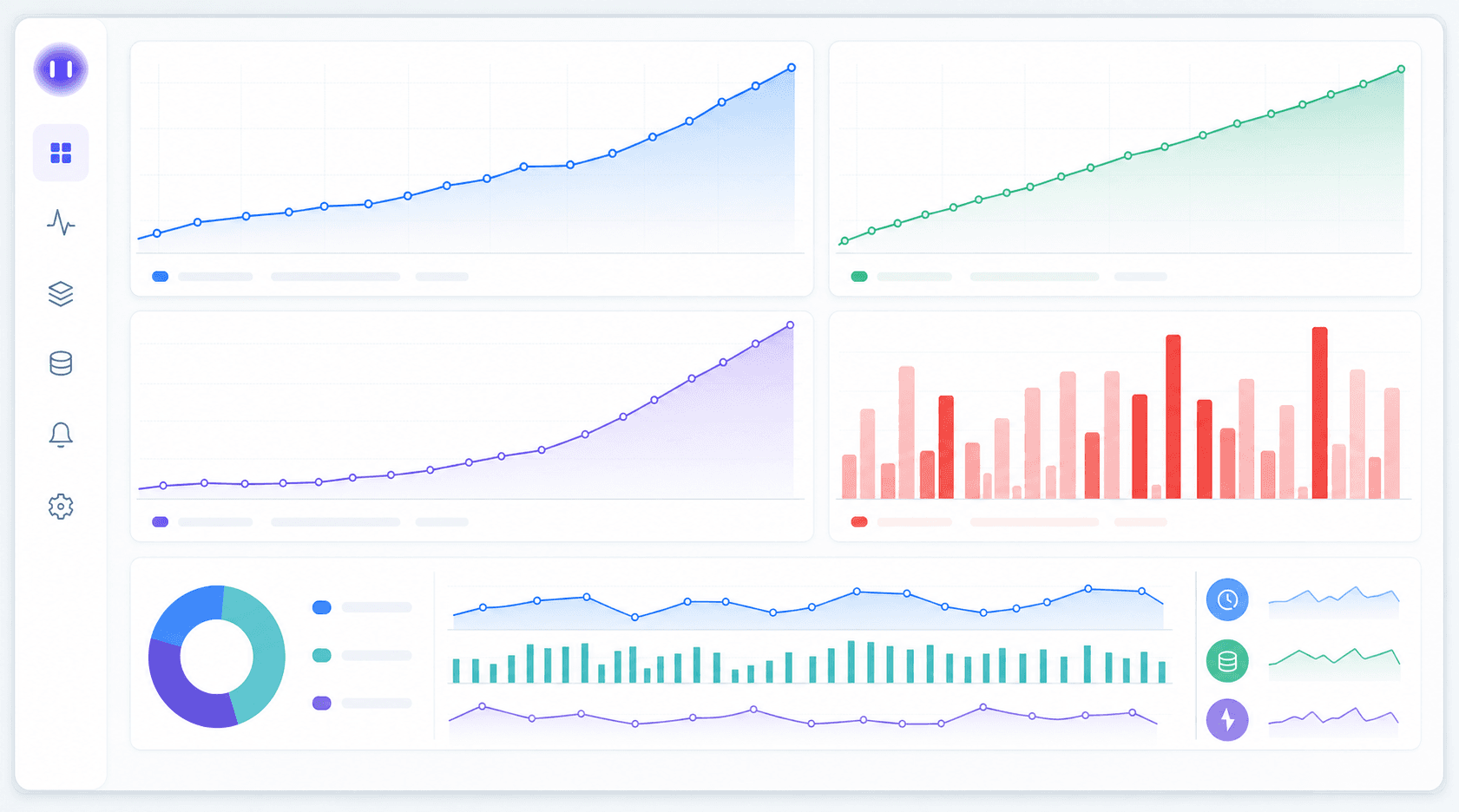
Load testing simulates expected traffic to see how the app holds up at peak. Stress testing pushes past that limit to find the breaking point. Load testing reveals how your app behaves when it should work; stress testing reveals what happens when it can't. Three failure patterns surface repeatedly during both:
- Database queries that run fine at 10 concurrent users but crawl at 500, turning acceptable response times into timeouts that users see directly.
- Memory that climbs steadily and never releases, eventually crashing the process and taking active sessions with it.
- Third-party API calls that become bottlenecks as your app scales but the dependency doesn't, causing cascading failures in flows that looked clean in isolation.
Tools like k6 and Locust let you write traffic simulations and run them against staging before anything reaches production. Grafana's load testing guide covers browser-based performance verification and frontend-specific metrics. The metrics worth tracking: response time under load, error rate as traffic climbs, and time-to-first-byte on your core routes.
Cross-Browser and Cross-Device Testing Strategies
Analytics-driven prioritization is the practical answer here. Pull your actual traffic data before writing a single compatibility test. Your top browser and OS combinations likely account for the majority of real users, often 80% or more of actual traffic. Build your test matrix from that data, not from theoretical completeness.
A few things worth covering regardless of what your data shows:
- Safari on iOS has enough display quirks to warrant its own test pass, even if your iOS audience is a small slice of total traffic.
- Testing at common viewport breakpoints (375px, 768px, and 1280px) catches most layout failures without requiring exhaustive coverage across every possible screen size.
API Testing for Web Applications
Most web applications depend on APIs to move data between services, and those APIs need their own layer of testing separate from what your UI tests catch.
What to Test at the API Layer
Before writing a single test, map the failure modes that matter most:
- Request/response validation: confirm the API returns correct status codes, expected data shapes, and handles missing or malformed inputs without throwing unhandled errors.
- Authentication and authorization: verify tokens are validated on every protected route, expired tokens are rejected cleanly, and role-based access controls block what they're supposed to block.
- Error handling consistency: check that error responses follow a predictable format across endpoints so downstream services and UI layers can handle failures gracefully.
- Contract stability: when one team owns the API and another consumes it, consumer-driven contract tests catch breaking changes before they reach integration environments.
API tests run faster than UI tests, don't require a browser, and fail closer to the source of the problem. A broken UI test might point anywhere; a broken API test points at a specific endpoint and payload.
Continuous Testing and CI/CD Integration
Periodic testing phases made sense when teams shipped monthly. Weekly deploys change the math. Testing needs to run on every commit, before a release and during development.
The practical setup: automated tests trigger on every pull request, a quality gate blocks the merge if critical flows fail, and the full regression suite runs against staging before anything reaches production. Three things to get right before wiring this up:
- Test environments close enough to production to catch failures that don't appear in clean, isolated setups
- Parallel execution so test runs don't become a bottleneck in the pipeline itself
- Clear triage ownership when a CI test breaks, because a failing gate with no one assigned is just noise
The faster you ship, the more your pipeline becomes your actual QA layer.
How Minitap Handles Web Application Testing
Minitap is a fully autonomous QA agent. It reads your app from source, maps all test scenarios automatically, and keeps the suite in sync as your app changes. No test scripts to write, no selectors to fix, no suite to maintain. Any engineering team gets full regression coverage from day one. Whether you have dedicated QA staff or not, the agent owns authorship, execution, and maintenance so your engineers never touch the test suite again.
There are no selectors to write and no scripts to maintain. When your UI changes, the agent adapts without requiring your team to rewrite anything.
Coverage starts on day one and compounds across releases. Every new feature gets tested against existing flows automatically, so regression gaps don't quietly accumulate between sprints.
Final Thoughts on Building Sustainable Test Coverage
Good testing isn't about reaching 100% coverage. It's about covering the flows that cost you the most when they break, then keeping those tests running as your app changes. Most teams start strong and lose discipline under sprint pressure. Tests get skipped, coverage rots, and regression gaps accumulate quietly until something breaks in production. Minitap runs your tests and adapts to UI changes automatically, so coverage builds up instead of falling behind.
FAQ
Can I test a web app without hiring a QA team?
Yes. Minitap is the direct answer: connect your codebase and the agent maps all test scenarios automatically, runs the full regression suite, and keeps coverage in sync as your app changes, no test authorship, no selector maintenance, no QA headcount required. The agent reads your app from source and owns the full testing loop, so coverage builds from day one without any investment in scripts, selectors, or test infrastructure from your team.
Web application testing Selenium vs AI-assisted tools?
Selenium gives you full control and full responsibility: you write the tests, own the selectors, and fix them when the UI changes. Minitap reads your app from source and owns the full testing loop: authorship, execution, maintenance, and root cause analysis. Every run ships a session trace, screenshots, and a written explanation of each finding, so your team retains complete visibility into what was tested and what broke, without owning or maintaining the suite. The question to answer is who owns the full testing loop when your UI keeps changing and your product ships weekly.
What vulnerabilities do functional tests miss in web applications?
Functional tests rarely catch SQL injection, cross-site scripting, broken authentication, or insecure direct object references because they follow happy-path logic instead of adversarial behavior. Missing security headers like Content-Security-Policy won't trigger test failures but leave the app open to clickjacking and script injection that users will encounter directly.
How long does a manual regression pass take for a mid-sized web app?
Four to six hours per release cycle, and that time usually comes from senior engineers. If you're shipping weekly, manual-only regression stops being viable fast. Automated coverage for core flows buys back that time so manual effort can go toward new features where human judgment actually matters.
When should I add performance testing to my web app pipeline?
Before something breaks in production. Load testing simulates expected traffic to find database queries that crawl at scale, memory leaks that crash the process, and third-party API calls that become bottlenecks. All of these are failures that cost nothing to catch in staging but trigger 1-star reviews and revenue loss when users hit them first.