

Mobile UI tests breaking after redesign can stall enterprise regression across iOS, Android, web, browsers, and feature-flag configurations. Your redesign lands, the tests turn red, and extending the waits doesn't fix a missing checkout locator. You're left sorting broken test assumptions from real defects before you can trust the release. Minitap, an AI QA employee, proposes test updates and provides visible evidence of every run, while your team reviews only the changes it cannot resolve.
TLDR:
- Check stale IDs, moved controls, and timing before treating failed mobile UI tests as app bugs.
- Preserve semantic test IDs like
checkout.submitacross your redesigns to reduce breakage. - Assert order confirmation and totals, not button position. Centralize actions in page objects.
- Track your redesign's triage, repair, and rerun time each release to measure maintenance costs.
- Minitap proposes test updates when the app changes, runs selector-free visual tests, and records video for every run.
Why Mobile UI Tests Break After a Redesign
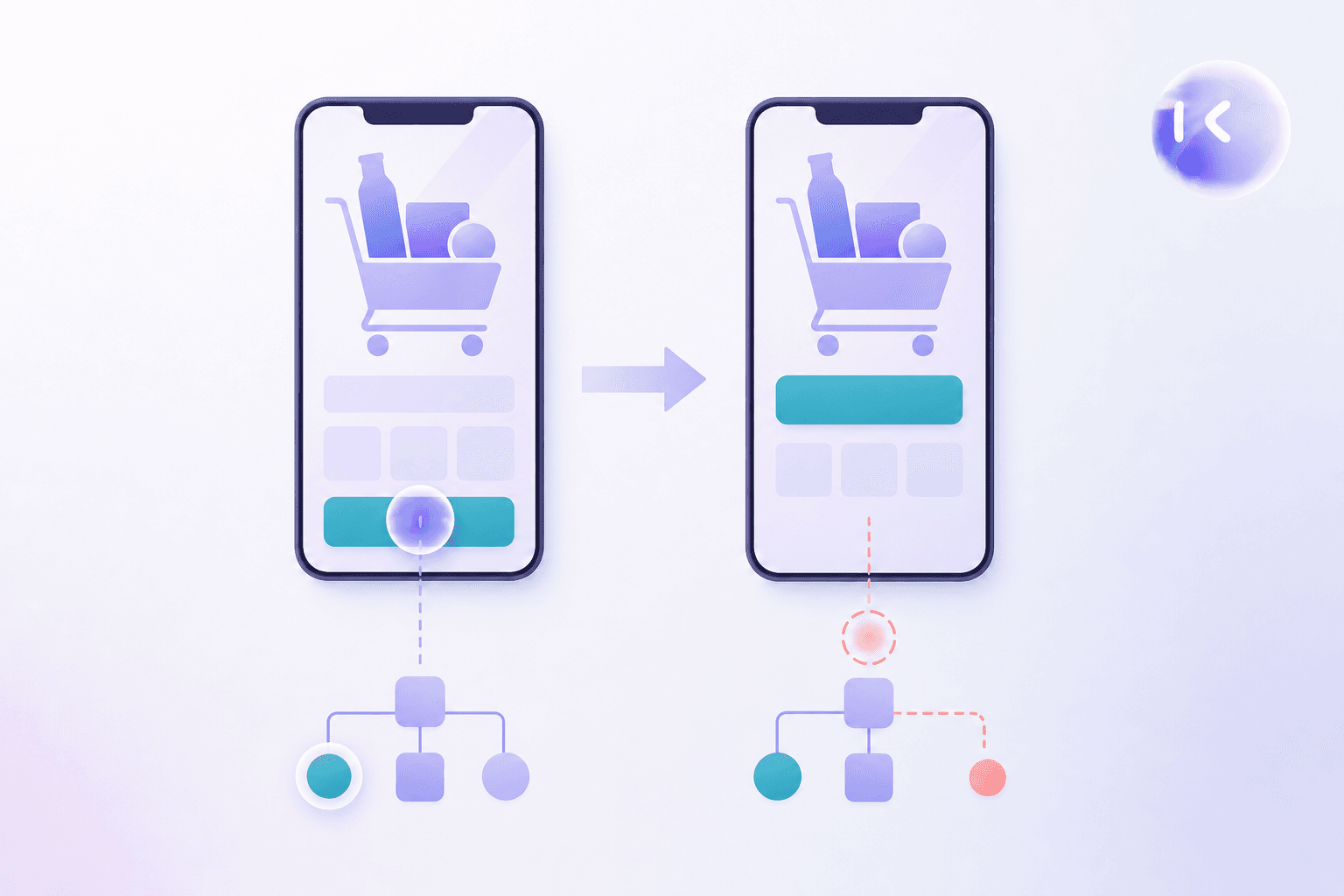
Mobile UI tests breaking after redesign can reflect stale test assumptions, even when the feature works. Scripts depend on details users barely notice:
- Renamed components change resource IDs, leaving locators without matches.
- New containers alter the view tree, invalidating hierarchy-based paths.
- Moved controls or revised navigation send recorded taps to the wrong place.
- Added transitions outlast fixed waits, triggering checks before screens are ready.
Diagnose a failed test before filing a bug report.
If the journey meets its acceptance criteria, the test assumptions need repair. If checkout loses the cart, investigate a product regression.
The Real Cost of Mobile Test Maintenance After a Redesign
General testing-maintenance benchmarks do not measure the work caused by your mobile UI redesign. Use your team's triage, repair, and rerun time to estimate that cost.
Track your redesign's maintenance costs separately:
| Work to log | Capacity it consumes |
|---|---|
| Failure triage | QA investigation time |
| Test repairs and reruns | Engineering time diverted from features |
| Reviewing changed expectations | Product and QA review time |
Repeat this accounting each release. Closing a cleanup ticket doesn't end the cost. The next UI revision can require more repairs while new-feature coverage waits.
Common Patterns That Cause Mobile Tests to Break After a Redesign
Match the failing step against your redesign release notes before editing the test. Mobile tests break after UI changes for several distinct reasons:
- Renamed resource IDs or accessibility labels: compare the locator’s expected value with the component’s current attributes.
- Restructured view hierarchy: check whether new wrappers changed parent-child relationships or sibling indexes.
- Repositioned or resized elements: verify that stored tap coordinates still fall inside the control.
- Revised animations: check whether the test taps while the control is moving.
- Replaced component libraries: after a Material 3 migration or SwiftUI rewrite, check exposed roles and interaction behavior, similar to issues covered in Playwright automation reviews for web UI changes.
How Selector-Based Testing Makes Redesigns Riskier
Your team owns locator maintenance in selector-based automation. Each test must find a UI element before acting or checking its state. Appium supports UI automation across iOS and Android through drivers connected to OS automation interfaces. Reorganizing a shared navigation component's element tree can break hierarchy-based lookups across every journey that uses it, even when navigation still works. Those failures leave downstream behavior unchecked until your team repairs and reruns the tests, increasing the chance that a real regression goes undetected during the redesign.
These interfaces expose an element tree, not a pixel-for-pixel screen copy. XPath queries that tree; resource IDs and accessibility identifiers target its attributes.
A “checkout is visible” assertion depends on finding the intended node. A redesign that breaks the lookup can stop execution before checkout behavior is checked. Stable identifiers reduce this coupling when preserved across revisions, a factor worth weighing when comparing mobile testing tools with AI.
Best Practices For Writing Resilient Mobile Test Automation
A checkout test that stops at a moved button leaves order completion unchecked. With script-based automation, your team owns maintenance. Use this checklist to reduce redesign breakage:
- Assign semantic test IDs such as
checkout.submitand preserve them when components move or styles change. - Assert outcomes: verify order confirmation and the expected total after submission, without relying on screen position.
- Centralize screen interactions in page objects. Methods such as
submitOrder()let tests share one component update. A mobile QA agent can take much of this upkeep off your team. - Treat accessibility labels as a design-QA contract: review changes together, preserve meaning for assistive-tech users, and account for localization.
Selector-Free and AI-Driven Alternatives to Script-Based Mobile Testing
Selector-free mobile testing changes what tests depend on. The deciding question remains: who maintains coverage after a redesign?
- Human-readable flows: Maestro mobile testing uses intuitive YAML flows for UI automation. Your team still updates flows when referenced text or user journeys change.
- Visual verification: screen-based checks avoid element-tree dependencies, but intentional design changes can require image baseline updates.
- Plain-language scenarios: Minitap, an AI QA employee, proposes test updates when the app changes. It executes black-box visual tests across web, iOS, and Android without locator dependencies, using scenarios with acceptance criteria. When blocked, it surfaces context and recommends the next action.
Choosing a Mobile Test Framework That Withstands Redesigns
Framework choice determines the maintenance your team owns, a decision covered in depth across mobile application testing frameworks. Native frameworks target one OS; shared iOS and Android coverage still leaves UI repairs with your engineers.
| Framework | OS reach | UI churn and maintenance |
|---|---|---|
| Espresso | Android | Your team repairs Android tests |
| XCUITest | iOS | Your team maintains a separate iOS suite |
| Appium | Both | OS-specific locator repairs remain |
| Detox | Both | Monitors asynchronous app operations; UI references need updates |
Compare repair effort on the same redesigned journey. Resilient mobile test automation needs more than synchronization: timing fixes cannot preserve a removed locator, a theme discussed further in this flaky tests guide.
How AI Agents Navigate and Test Mobile Apps Without Pre-Written Scripts
An AI testing agent chooses its next action using the current screen and expected behavior. A fixed script follows its encoded path; an agent can investigate an unexpected detour without pre-written steps.
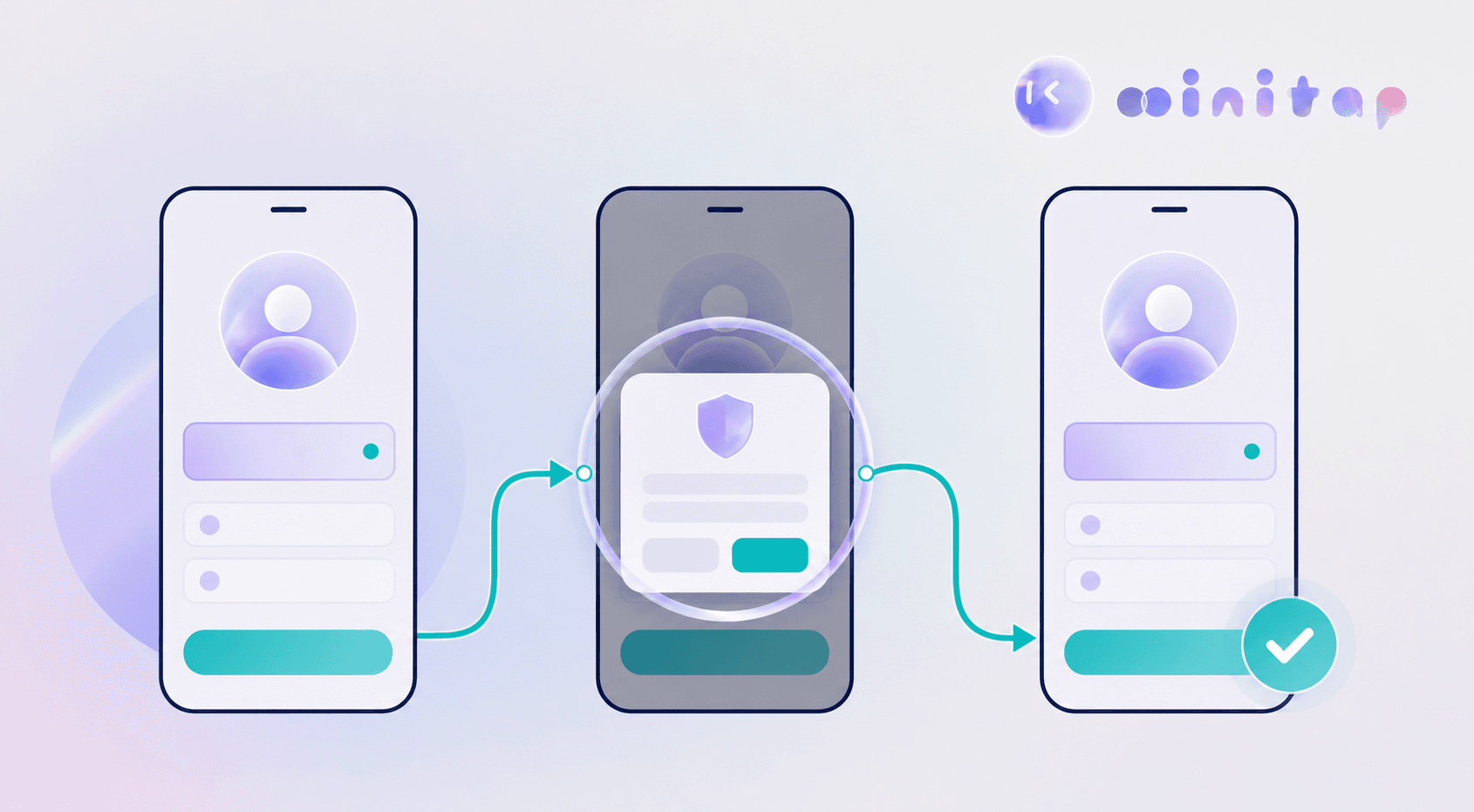
Suppose saving a profile opens a consent dialog. The agent inspects the dialog, works through it, and checks whether the profile changes survived. Resilient mobile test automation depends on that outcome check: an unfamiliar screen alone is not proof of a defect. A useful finding needs a clear expected result and evidence of what happened, the same principle behind efforts to fix flaky mobile UI tests.
How to Maintain Mobile Tests Through Ongoing UI Redesigns
Keep mobile test maintenance in redesign planning so payments and account access stay covered when the interface changes. Use a repeatable release checklist:
- Flag design-system changes and affected screens in the release ticket before implementation starts, a step that matters whether comparing Appium versus autonomous mobile testing or any other approach.
- Review critical journeys first, especially payments and account access.
- Agree on component naming conventions between design and QA before handoff.
- Review tests for each release candidate and assign owners to unresolved changes before rollout.
How Minitap Keeps Mobile Tests Current Through Redesigns
Minitap, an AI QA employee, keeps mobile tests current through redesigns without resource-ID or XPath dependencies. It tests screens visually, using specs, tickets, and existing tests to determine expected behavior.
When designs change, Minitap proposes scenario updates and requests review for unresolved changes. Every run includes video so your team can inspect what happened. That makes selector-free mobile testing auditable, without tying tests to selectors that a redesign can break.
FAQ
Should you replace your Appium suite with Minitap all at once before a redesign?
No, migrate one critical journey first and compare maintenance effort before expanding coverage. Minitap runs that journey as a selector-free visual test, so you can track triage and repair time against your existing Appium suite without migrating everything at once. Once checkout (or another critical flow) shows lower maintenance overhead under Minitap, you can move additional journeys off Appium with evidence instead of guesswork.
Can Minitap test both iOS and Android user journeys from the same acceptance criteria?
Yes, Minitap tests iOS and Android journeys from one shared scenario written in plain language, so your team defines a business outcome once instead of maintaining separate Espresso and XCUITest scripts. For example, a single checkout scenario specifying that the cart total and order confirmation carry through checkout runs on both platforms, with any OS-specific behavior noted in the scenario itself.
How does Minitap tell a real checkout regression apart from an intentional redesign?
Minitap separates business acceptance criteria (the cart total stays correct, the order confirms) from visual details like button position, so moving a button doesn't register as a failure the way a broken total would. When a screen changes, Minitap checks the acceptance criteria against the redesigned screen, proposes an updated test scenario for your review, and attaches a run video so your team can confirm the behavior before approving the change.
How can my engineering team spend less time maintaining mobile UI tests after a redesign?
Minitap reduces that maintenance by testing screens visually instead of through resource IDs or XPath locators, so renamed components, restructured view hierarchies, and moved controls don't break a test the way they break Appium or Espresso scripts. When a redesign changes expected behavior, Minitap proposes the scenario update itself and asks your team to review only the changes it cannot resolve on its own, instead of leaving selector repairs to your engineers.
What is the difference between Minitap and script-based mobile testing tools like Appium or Maestro?
Script-based tools like Appium and Maestro locate elements through resource IDs, accessibility identifiers, or YAML flows that your team writes and repairs when the UI changes. Minitap, an AI QA employee, executes black-box visual tests against what's on screen, using scenarios with acceptance criteria instead of locators, so a redesign that changes an element's resource ID or position doesn't stop the test the way it would in Appium or Maestro. After a redesign, Minitap proposes scenario updates for your review and records video evidence for every run.
Final thoughts on Keeping Mobile Tests Current
Test repairs belong in your redesign planning. You need clear ownership so coverage doesn't wait behind cleanup work. Let Minitap propose test updates while you focus on the next release.