
Appium mobile testing used to feel like a one-time decision. In 2026, it's something teams revisit every time a sprint gets derailed by a broken selector or a flaky iOS run that nobody can reproduce locally. This guide covers the full picture of Appium as a mobile test automation framework: how it works on both platforms, where it holds up, and where the maintenance cost compounds faster than most teams expect. It also covers what eliminating that maintenance overhead entirely looks like with Minitap, a fully autonomous QA agent that reads your app from source and owns the entire testing loop (authorship, execution, maintenance, and root cause analysis) with no engineer involvement. If you're weighing Appium for your enterprise mobile setup, here is what that decision actually looks like.
TLDR:
- Appium's single WebDriver API covers iOS and Android with no license fee, but every test requires real code and dedicated engineers to maintain it
- Locator-based flakiness compounds as suites grow: client-server timing gaps, unpredictable accessibility IDs, and iOS WebDriverAgent instances per device all add friction
- Appium 3.0 ships modular architecture and W3C enforcement, but locators still break and scripts still need engineers to keep them current
- Choosing native frameworks like Espresso and XCUITest cuts flakiness but doubles your maintenance surface across two codebases and two specialists
- Minitap is a fully autonomous QA agent that reads your app from source, maps every testable scenario automatically, and delivers a full regression report in about one hour with zero maintenance overhead
What Appium Is and How It Works
Appium is an open source automation framework built on the WebDriver protocol, the same standard behind Selenium for web. A client sends commands over HTTP to an Appium server, which translates them into instructions for platform specific drivers: UiAutomator2 on Android, XCUITest on iOS. Teams write tests in Java, Python, Ruby, or JavaScript, since the client server model just needs a WebDriver compatible client.
Appium tests native apps, hybrid apps, and mobile web through the same protocol, running mobile automated tests against the actual app binary with no source code changes required. That cross platform reach and open source model is why Appium gained early popularity.
How Appium Works on Android
On Android, Appium uses the UiAutomator2 driver. When a test runs, Appium installs a small UiAutomator2 server APK on the device or emulator. That server receives commands from the Appium process and uses Android's native UiAutomator2 APIs to interact with any app installed on the device, with no modification to the app binary required. Parallel Android runs are relatively straightforward because each device just needs its own server APK instance.
How Appium Works on iOS
On iOS, Appium uses the XCUITest driver, which works by building and deploying a WebDriverAgent (WDA) app onto the target device. WDA acts as a local HTTP server on the device, receiving Appium commands and translating them into native XCUITest API calls. Because WDA must be separately compiled with a valid Apple developer certificate and deployed to each device, every device in a parallel pool needs its own running WDA instance. This per-device requirement is the direct source of the parallel execution overhead described in the flakiness and CI/CD sections below.
Core Pros of Appium for Mobile Testing
One WebDriver API covers both platforms, so a team writing tests for Android can point that same logic at iOS with minimal rework. That is the single biggest reason Appium stuck around this long.
The other advantages compound from there:
- Open source with no license fee, so budget goes toward engineering time, not tooling contracts
- Language flexibility across Java, Python, Ruby, and JavaScript
- Support for native, hybrid, and mobile web apps under one framework
- Easy integration with Jenkins, GitHub Actions, GitLab, and Azure DevOps pipelines
- A large community and plugin ecosystem built up over a decade
- Compatibility with most cloud execution services, so teams are not locked into a single test runner
Appium earns Appium market share and user ratings, tracking with what shows up in practice: teams that invest in the setup tend to stick with it. That combination of flexibility and community support still holds up for teams willing to own the maintenance that comes with it.
Core Cons and Limitations of Appium
Every Appium test still needs someone who can write real code, since tests cannot be written in plain English. That requirement excludes manual testers who might otherwise contribute coverage.
Support is the next gap. There is no enterprise support for Appium, so teams stuck on a hard issue rely on community forums and GitHub threads, sometimes waiting days on a Stack Overflow answer that never comes.
The heavier cost lands in maintenance. Locators break the moment a UI element moves, and scripts have to be maintained continuously as the app evolves. On iOS, each device needs its own WebDriverAgent instance, adding setup overhead that slows parallel runs across a device pool. None of this is fatal alone, but the maintenance burden compounds fast with no built-in test generation to soften it.
Appium's Flakiness Problem
Flakiness is the cost enterprise teams cite most often once an Appium suite grows past a handful of flows. The client server round trip creates timing mismatches, a command fires before an element loads, and the test fails on a flaky test race condition unrelated to the app. Locators tied to shifting UI attributes break when a rebuild changes an accessibility ID. Animation interference, OS-specific quirks, and CI environment variability compound the issue further.
The locator problem is concrete. A fragile XPath locator like driver.findElement(By.xpath("//android.widget.LinearLayout[1]/android.widget.FrameLayout[2]/android.widget.TextView")) breaks the moment the layout hierarchy changes during a UI update. A more stable alternative is an Accessibility ID locator: driver.findElement(By.accessibilityId("login_button")). Accessibility ID is more resilient to layout changes, but it still breaks whenever a developer renames the identifier in the source. Both locator strategies require continuous human upkeep as the app evolves.

This fragility comes from the locator-based approach itself, not a defect unique to Appium. Parallel execution makes it worse on iOS: XCUITest limitations mean each device needs its own WebDriverAgent instance, which gets hard to configure and maintain at scale, while Android's UiAutomator2 handles parallel runs more simply.
Appium 3.0: What Changed in 2026
Appium 3.0 marks a real architectural break from the older monolithic package. Drivers, plugins, and the server now ship and version independently, so a team upgrading the Android driver no longer has to touch the whole install. That modularity strips out legacy code and enforces W3C standards instead of the mixed legacy protocol support that caused compatibility headaches for years.
The stack underneath got an upgrade too. Node.js 20+ and Express 5 bring better performance and a cleaner foundation for the server itself. A few additions stand out for enterprise teams in particular:
- An integrated Inspector plugin, removing the need for a separate standalone tool during script authoring
- Sensitive data masking via HTTP headers, so credentials and tokens do not sit exposed in logs
- Simplified session capabilities, cutting down on boilerplate configuration
The latest release, v3.2.2 from March 9, 2026, keeps refining that modular architecture without introducing a fresh overhaul. None of this touches the maintenance model. Locators still break, and scripts still need engineers to keep them current.
CI/CD Integration with Appium
Wiring Appium into a pipeline follows a familiar shape. Jenkins, GitHub Actions, GitLab CI, Azure DevOps, and Bitbucket Pipelines all support this through plugins or shell steps as part of QA automation for mobile apps. The canonical sequence:
- Build the app artifact (APK for Android, IPA for iOS) in the pipeline's build stage.
- Start the Appium server as a background process:
appium --port 4723 & - Boot the emulator or connect to a cloud device grid and wait for it to become available.
- Run the test suite, pointing the WebDriver client at the local Appium server endpoint.
- Collect test artifacts: logs, screenshots, and Allure or Surefire XML reports for pipeline visibility.
- Shut down the Appium server and emulator to free pipeline resources.
The connection itself is not the hard part.
The hard part is where tests run. Local emulator execution inside Linux containers needs KVM access, which many hosted CI runners restrict or charge extra for. Parallel runs raise the stakes further: each device instance needs its own allocation strategy, and iOS requires a dedicated WebDriverAgent per device.
The biggest enemy of these pipelines is flaky tests that pass and fail intermittently, usually from network latency or slow page loads. Hardcoded waits only slow the pipeline without fixing the timing issue. Someone still has to watch it, tuning waits and retries release after release.
Appium vs. Platform-Native Frameworks
Espresso and XCUITest run inside each platform's own test runner, skipping the client server round trip Appium depends on. Fewer network hops mean steadier runs, especially in CI where every second counts.
| Factor | Appium | Espresso (Android) | XCUITest (iOS) | Minitap |
|---|---|---|---|---|
| Platform coverage | iOS + Android (one suite) | Android only | iOS only | iOS + Android + web (one specification) |
| Test execution model | Client-server over HTTP | In-process, no network hop | In-process, no network hop | Autonomous agent reads running app directly |
| Flakiness risk | Higher: timing gaps, locator drift | Lower: direct UI access, but selector-based | Lower: direct UI access, but selector-based | None: no selectors to break |
| Language support | Java, Python, Ruby, JavaScript | Java / Kotlin | Swift / Objective-C | No test code authored by engineers |
| Parallel iOS execution | One WebDriverAgent per device | N/A | Native XCUITest runner | Cloud execution, no per-device setup |
| Hybrid / mobile web support | Yes | Limited | Limited | Yes: single platform covers mobile and web |
| Maintenance surface | One shared codebase to maintain | Two codebases (one per platform) | Two codebases (one per platform) | Zero. The agent auto-maintains from source |
| Specialist requirement | Dedicated automation engineer | Separate Android + iOS specialists | Separate Android + iOS specialists | None. No test authorship or upkeep required |
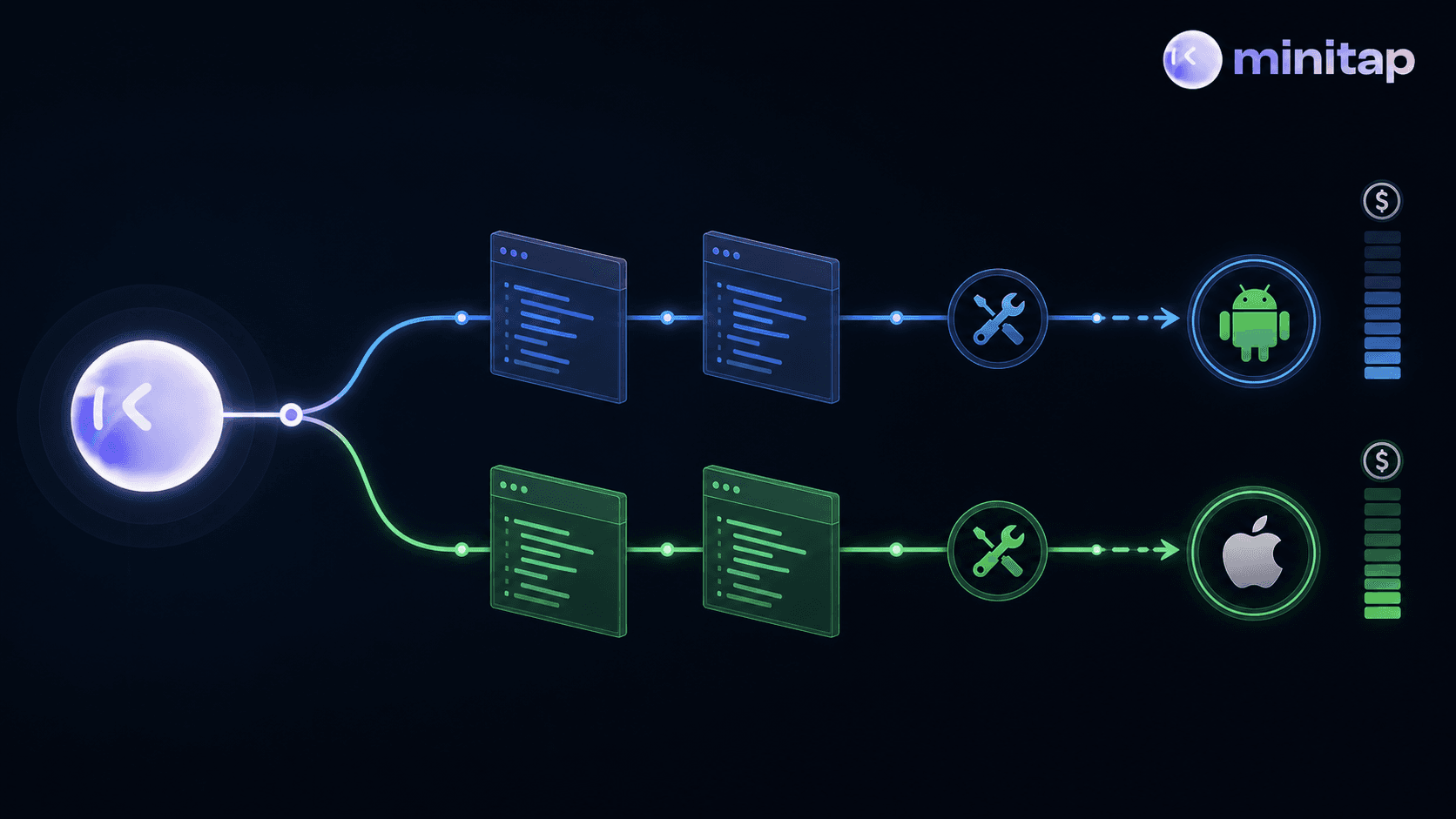
The tradeoff is duplication. Espresso only speaks Android, XCUITest only speaks iOS, so covering both means two suites in two languages against two runners, with separate specialists required to keep each one current. Appium's single WebDriver API removes that duplication, but it trades execution stability for one abstraction layer that your team still has to author, maintain, and debug. Both options keep the maintenance burden on your team; the only difference is whether it sits in one codebase or two.
Teams that start native often end up with suites that quietly diverge: a flow updates on iOS before Android catches up, doubling review cycles and flaky-test investigations across two codebases that need separate specialists. That divergence doesn't resolve itself: someone on the team absorbs the reconciliation cost after every release. Native frameworks reduce flakiness from network timing, but they don't reduce the engineering time your team spends writing, maintaining, and triaging tests. They just split that cost across two codebases and two specialists instead of one.
The difference between Appium and native frameworks is a question of where the maintenance burden lands, not whether it exists. Both approaches leave your team holding the ongoing ownership cost.
Where Appium's Costs Become Visible
Appium's cross-platform reach is real, and its plugin ecosystem reflects a decade of accumulated integration work. But those advantages come attached to a maintenance model that doesn't scale quietly. Every scenario where Appium appears to fit well is actually a scenario where someone on your team absorbs the ongoing ownership cost (selector maintenance, WebDriverAgent per-device setup, flaky-test triage) in exchange for the framework's flexibility.
The scenarios teams most commonly cite as Appium's sweet spot each carry a hidden tab:
- A hybrid Cordova app with WebView flows gains Appium's webview support, but every UI update in the webview layer still breaks selectors, and the engineer who wrote those locators is the one who fixes them.
- A team extending an existing Selenium web suite to mobile avoids retraining costs upfront, but the mobile test surface is harder to maintain than web because there is no DOM equivalent, making mobile selectors more brittle than their web counterparts from day one.
- A single QA engineer covering both iOS and Android avoids splitting into two native suites, but still owns the full selector maintenance burden for both platforms inside Appium: one abstraction layer, one person, compounding debt.
- A legacy app with restricted source access makes binary-level testing appealing, but the test surface still needs to be authored by an engineer and kept current as the binary changes.
Appium's flexibility does not remove the maintenance obligation. It consolidates it onto the team that chooses it. The question for any team considering Appium is not whether it can cover the app, but whether the engineering hours spent on authorship, selector fixes, and flaky-test triage are hours the team wants to spend.
Why the Maintenance Model Stops Scaling
The maintenance cost of script-based testing doesn't stay flat. It grows with every feature added, every UI change shipped, and every sprint where selector fixes replace feature work. The reassessment point rarely comes from a single bad sprint. It accumulates. Release cadence climbs, every UI tweak forces another round of selector updates, and the codebase grows faster than the test suite can follow.
AI coding tools have sharpened that math for teams across every size and staffing model. Cursor and Claude Code let engineering teams ship features at a pace script-based testing was never built to match. Appium still runs one command, one locator, one assertion at a time, while the codebase in front of it changes faster than selectors can be kept current, and mobile makes this worse, because there is no DOM equivalent to anchor locators the way web testing can.
The problem is not that Appium stopped working. The trade-off it asks for, real engineering time spent continuously on authorship, selector maintenance, and flaky-test triage, has become the ceiling on what high-cadence teams can ship. As Katalon's 2026 roundup notes, most teams can't afford Appium's setup overhead. A team that once budgeted a few hours a week for selector fixes finds that number compounding until someone does the math on how much of a release cycle disappears into keeping the suite alive instead of building what's next.
How Minitap Removes What Appium Requires
Every requirement Appium places on an engineering team traces back to one thing: someone has to own the script. That ownership compounds: authorship when features ship, selector fixes when the UI changes, flaky-test triage when CI runs fail. Minitap removes that ownership entirely. It reads the app from source code, maps every testable scenario automatically, and adapts when the UI changes with no selector updates and no script rewrites. Authorship, execution, maintenance, and root cause analysis all sit with the agent.
Minitap's agent scored 100% on Google DeepMind's AndroidWorld benchmark, surpassing research teams from Google DeepMind, ByteDance, Microsoft Research, and Alibaba.
Where Appium needs one suite per platform and a separate WebDriverAgent instance per iOS device, Minitap runs a single specification across iOS, Android, and web: one autonomous system for the entire regression testing surface, with no codebases to author, no selectors to maintain, and no suites drifting apart between platforms. Every run ships a session trace, screenshots, and a written explanation of what the agent found, with a full regression report delivered in about one hour and zero maintenance overhead. Engineering teams that ship weekly or faster, that are slowed by manual regression work, or that are accelerating with AI-assisted development tools get coverage that keeps pace with their velocity, without anyone touching the test suite between releases.
Final Thoughts on Whether Appium Still Fits Your Mobile Testing Stack
Appium at its best is a capable framework for teams willing to continuously invest engineering time in it. The gap that widens over time is between the maintenance it demands and the hours your team can spare for it. Locators break, suites drift, and the fix cycles compound quietly until someone does the math on how much a release actually costs to test.
Minitap is built for engineering teams that want to eliminate that overhead entirely. The agent reads your app from source, maps every testable scenario automatically, and runs a full regression report in about one hour, with no test scripts to write, no selectors to maintain, and no suite to keep current as the product evolves. Connect your codebase, and Minitap owns the entire testing loop from there.
FAQs
How does an autonomous QA agent like Minitap actually work for mobile apps?
Minitap reads your codebase directly, maps every testable scenario automatically, and runs the full regression suite on cloud iOS simulators and Android emulators: no test scripts, no selectors, no flow descriptions required from your team. When your UI changes between releases, the agent adapts without selector rewrites or engineer involvement. Every run delivers a session trace, screenshots, and a written explanation of what was found, so your team retains full visibility into outcomes without owning any testing infrastructure.
Our engineering team is spending too much time fixing broken test selectors. How do we stop that?
Selector maintenance is the direct cost of script-based testing: every UI change breaks locators, and someone on your team pays to fix them. Minitap eliminates that loop entirely. The agent reads the running app directly instead of relying on selectors, so there are no locators to break and no scripts to rewrite when the UI changes. The test suite stays current automatically: your engineers stop touching it after the initial setup.
What changed in Appium 3.0 for enterprise mobile testing in 2026?
Appium 3.0 introduced a modular architecture where drivers, plugins, and the server version independently, added sensitive data masking via HTTP headers, and dropped legacy protocol support in favor of strict W3C standards. The core maintenance model did not change: locators still break when UI elements move, and engineers still own every selector fix.
Can one tool run regression tests across both iOS and Android without maintaining two separate suites?
Yes. Minitap runs a single specification across both platforms simultaneously: no parallel suites, no platform-specific scripts, no separate WebDriverAgent instances to manage per iOS device. The same test goal executes on iOS and Android without rewriting anything, and the full regression suite completes in about one hour. Teams that previously maintained two codebases across two specialists consolidate that entire surface into one autonomous agent.
How does Minitap compare to Appium for teams that don't have a dedicated QA engineer?
Appium requires dedicated automation engineers to write tests, fix broken locators, and maintain separate WebDriverAgent instances per iOS device. Without that headcount, the suite degrades with every release. Minitap has no such requirement. The agent reads your app from source, owns test authorship, execution, maintenance, and root cause analysis entirely, and keeps coverage current as the product evolves. Teams without a dedicated QA function get full regression coverage without adding headcount or taking on maintenance overhead.