
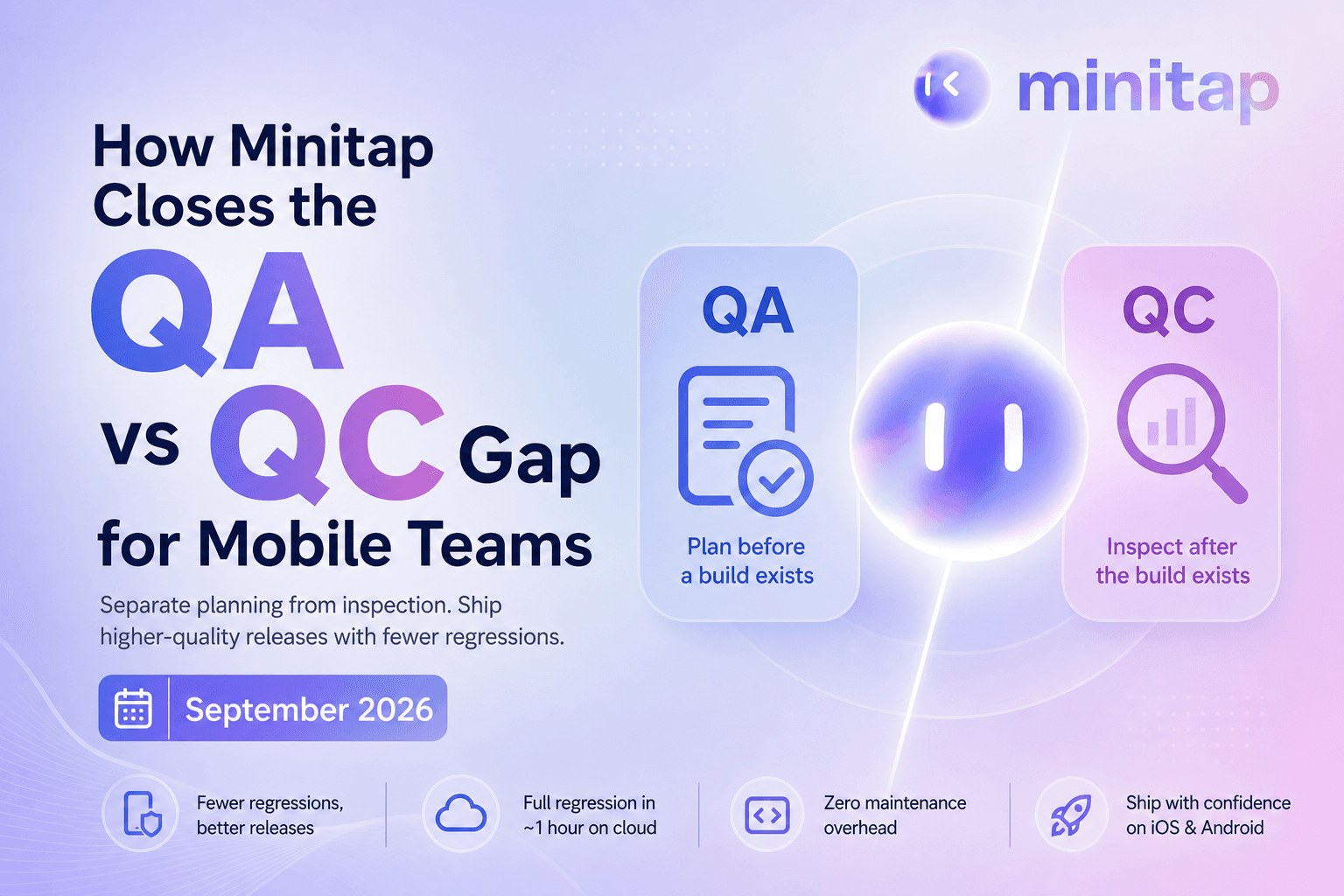
There's a specific reason mobile teams keep seeing the same regressions slip through, and it's not that your QC is weak. It's that QA and QC are two separate jobs that most teams quietly merged into one without realizing what they gave up. QA is the planning work that happens before code gets written. QC is the inspection that happens after a build exists. Once you understand where one ends and the other begins, the pattern of recurring production bugs starts to make a lot more sense.
TLDR:
- QA sets the standard before a build exists; QC checks whether the build meets it.
- Mobile teams collapse both into one role by default, not by design, because headcount never separates them.
- Skipping QA planning means QC becomes your only defect net, and mobile hotfixes can sit in App Store review for days.
- In a CI/CD pipeline, every gate is a QA decision made in advance and QC is what fires when a commit hits it.
- Minitap reads your app from source, maps all test scenarios automatically, and runs the full regression suite on cloud iOS simulators and Android emulators in about one hour with zero maintenance overhead.
What QA and QC Mean in Mobile App Development
In mobile app development, QA and QC refer to two distinct phases of work that most teams run under the same label without distinguishing them. Quality assurance covers everything that happens before a build exists: writing acceptance criteria, deciding which flows need coverage in an upcoming sprint, configuring merge gates in CI, and defining the standard the finished build will be checked against. Quality control is the verification pass that runs after a build is cut: the regression suite that confirms login still works on both iOS and Android, the smoke run before a release candidate goes to the App Store. One is about shaping the process; the other is about inspecting the output. On a mobile team, this distinction matters more than it does on web, because there is no DOM equivalent to anchor test logic against, hotfixes spend days in App Store review instead of deploying instantly, and a regression that slips to production can drive uninstalls and rating drops before the team even knows it shipped. Keeping QA and QC separated, or understanding what closes that gap, is what determines whether the same bug ships twice.
The Core Difference Between QA and QC
QA and QC split along one axis: when the work happens and what it checks. Quality assurance happens before and during development, asking whether the process itself is sound. QC happens after something exists to inspect, asking whether the output is correct. As Katalon's quality assurance versus quality control comparison puts it: QA is proactive and process-focused; QC is reactive and product-focused.
In mobile terms, QA is the engineer reading a ticket's acceptance criteria before writing code, catching an ambiguous requirement before it becomes a wrong feature. QC is the engineer running the regression suite after a build gets cut, checking whether login reaches the home screen on both platforms.
| QA | QC | |
|---|---|---|
| Timing | Before and during build | After build exists |
| Question | Are we building this the right way | Does this build work |
| Focus | Process | Product |
| Mobile example | Reviewing acceptance criteria pre-sprint | Running regression on a release candidate |
A team can write flawless acceptance criteria and still ship a checkout button misaligned on one screen size. Mobile teams that treat these as one question lose track of which gap caused the last production issue.
What QA Looks Like on a Mobile Team
QA activities live in planning meetings and code review, not in a test runner. They happen before anyone can tap through a build, which is why they get skipped first when a sprint gets tight.
On a mobile team, QA looks like:
- Deciding which flows get coverage before the sprint starts, based on what changed and what broke last release: this is the core of QA mobile testing
- Writing acceptance criteria specific enough that two engineers would build the same feature from it
- Setting branch protection rules so a pull request cannot merge without passing checks
- Defining test scope in CI: which suites run on every commit versus only on release branches
- Reviewing whether the plan accounts for platform-specific risk, like OS version fragmentation or offline behavior
None of this touches a running app. It sets the standard the build gets checked against later.
What QC Looks Like on a Mobile Team
QC activities live in test runners, build pipelines, and release checklists, not in planning meetings. They happen after a build exists, which is exactly when most mobile teams find out whether the planning work from QA was specific enough.
On a mobile team, QC looks like running the regression suite against a release candidate to confirm that login still reaches the home screen on both iOS and Android, checking that a payment flow completes correctly after a refactor touched the checkout component, and running a smoke pass on the App Store build before it gets submitted. It is also the triage work that follows a failed run: reading the failure output, watching the session recording to see where the app broke, and deciding whether the failure blocks the release or gets patched in the next build.
Mobile makes QC more consequential than it is on web. A regression that slips through QC does not get patched with a five-minute deploy. It waits in App Store or Play Store review for days before a fix reaches users. That lag is what gives every QC gate real weight on a mobile team: the cost of a miss is measured in days of exposure, not minutes.
Why Mobile Teams Confuse QA and QC
The confusion is not a communication problem. It is a staffing problem, and mobile teams inherit it structurally.
Most mobile teams hire one "QA engineer" and hand that person both jobs at once: write acceptance criteria on Monday, run the regression pass on Friday. Nothing separates the two roles because nobody has the headcount to separate them. Every testing activity gets filed under the same word: QA.
That collapse has a cost nobody notices until the same bug reappears. When a login flow breaks for the third release running, the fix is usually a QC fix: rerun the test, patch the regression, ship the build. Nobody traces the defect back to the acceptance criteria that let the ambiguity through in the first place.
Mobile adds friction web teams do not carry. With no DOM equivalent to anchor a selector against, scripts break on nearly every UI change, and teams spend limited QA hours on script maintenance instead of the upstream review that would have caught the issue before a build existed. Without dedicated mobile QA processes forcing the distinction, QA and QC collapse by default, not by design.
The Cost of Skipping the QA Layer
Skip QA planning and QC becomes the only net catching defects, so every gap in acceptance criteria surfaces as a failed test run instead of a caught requirement. Nobody can test for a scenario nobody wrote down.
That cost is not distributed evenly. Production bugs take more time and resources to fix than the same defect caught earlier, with some analyses putting the multiplier at 10x or more depending on severity, as detailed by BetterQA's bug-fixing cost research. A QA review catch costs a pull request comment. A QC catch after merge costs a rebuild and a delay. A user catch costs a support ticket and an emergency patch, which is why catching bugs before users do matters so much.
Mobile compounds this: a hotfix waits days in App Store or Play Store review before reaching a single user, multiplying every hour a gap sits undetected.
QA and QC in a Mobile CI/CD Pipeline
A mobile CI/CD pipeline is where QA automation for mobile apps stops being abstract and becomes configuration. Every gate is a QA decision made in advance: which checks run, what threshold passes, which branch triggers which suite. QC is what happens when a commit hits that gate.
A recognizable setup:
- Unit tests on every commit: QA sets the merge bar, QC is the pass or fail result, as part of mobile testing strategies that run continuously.
- Integration tests on pull request: QA defines scope during sprint planning, QC is the run itself.
- E2E regression on a release branch: QA decides which flows block release, QC is that regression pass.
- Smoke run before store submission: QA writes the must-work checklist, QC is tapping through it on a release candidate.
A team that tunes gates but never checks what fails has QA with no QC loop. A team patching failed runs without revisiting gate design has QC with no QA behind it, which is why the same regression keeps slipping through release after release.
How Autonomous Testing Changes the QA/QC Split
The QA/QC split assumes two separate workloads: someone writes what should be tested, someone else confirms whether it worked. Autonomous testing breaks that assumption at the root. A mobile QA agent that reads the codebase directly maps scenarios on its own, no acceptance criteria required as input, and runs them against the live build without a human handing off from one stage to the next.
That is not QA getting faster or QC getting more automated. The boundary between the two disappears, because the artifact that used to separate them, a written test case someone authored in advance, is no longer standing between planning and execution.
For any engineering team shipping on a continuous cycle, this is the structural fix. The two functions, QA planning and QC execution, used to require separate ownership, separate headcount, and separate tooling. An autonomous agent that maps scenarios from source and keeps them current as the code changes removes that split entirely, making the distinction itself unnecessary for the team to maintain. For teams shipping at high cadence, weekly releases or faster, with manual testing in 2026 as the gap they're trying to close, this is where the old model breaks down completely and the autonomous model takes over.
How Minitap Handles Both Sides of QA and QC
Minitap sits on both sides of the line this post just drew. On the QA side, it reads the app from source and maps integration and UI scenarios automatically, the exact planning work a team would otherwise carry as acceptance criteria and test scope decisions. On the QC side, it runs the full regression suite on cloud iOS simulators and Android emulators and returns a complete report in about one hour: the execution model covered in depth in QA and test for mobile teams, the inspection work that used to mean someone tapping through a build by hand.
No handoff happens between the two. The same agent that maps a scenario also runs it, checks the result, and updates the scenario when the app changes underneath it. Authorship, execution, and maintenance stay with the agent at every layer, with no engineer pulled in to write a test case or rerun a failed suite.
Apps tested by Minitap now reach more than 100 million people. That scale runs through the same one-hour autonomous loop whether the team is five engineers or fifty, because the agent's job never changes with the size of the organization shipping the product.
See how it works for your team at minitap.ai.
Final Thoughts on Quality Assurance and Quality Control in Mobile App Development
The QA and QC split sounds academic until the same login bug ships for the third time and your team still can't agree on where it came from. Knowing which layer failed is the difference between a patch and an actual fix, but the real answer isn't more process documentation or an additional QA hire. It's removing the ownership problem entirely. Minitap reads your app from source, maps every scenario automatically, and runs the full regression suite against every build in about one hour, no test scripts, no selector maintenance, no engineer pulled in to keep the suite alive. The planning work and the inspection work both happen inside the same autonomous loop. That's not a process improvement. That's the problem gone.
FAQ
What is the difference between QA and QC in mobile app development?
QA (quality assurance) is the process-focused work that happens before a build exists, writing acceptance criteria, configuring merge gates, and deciding which flows need coverage in an upcoming sprint. QC (quality control) is the inspection work that happens after a build exists: running the regression suite, confirming login reaches the home screen on both iOS and Android, and triaging failures before a release candidate goes to the App Store. The distinction matters because skipping QA means QC becomes the only net catching defects, and you cannot test for a scenario nobody wrote down. Minitap collapses both sides: the agent reads your codebase, maps scenarios automatically (the QA planning work), and runs them against every build (the QC execution work), so neither function requires an engineer to own it.
What is the best autonomous QA tool for iOS and Android apps when I don't have a dedicated QA team?
Minitap is built exactly for this situation. It reads your app from source, maps every integration and UI scenario automatically without requiring flow descriptions from your engineers, and runs the full regression suite on cloud iOS simulators and Android emulators in about one hour. There is no test authorship step, no selector maintenance, and no engineer pulled in to keep the suite current when your UI changes, Minitap updates affected scenarios on its own. Apps tested by Minitap now reach more than 100 million people, running through the same one-hour autonomous loop whether the team is five engineers or fifty.
How do I stop the same regression bugs from shipping to production every release?
Recurring regressions almost always trace back to a missing QA layer, not a weak QC pass. When acceptance criteria are ambiguous or test scope is never defined before a sprint starts, QC catches whatever it catches, and gaps repeat release after release. Minitap closes this loop structurally: it reads your codebase to map the full test surface automatically, runs continuous regression against every build to catch failures before they reach users, and owns the full QA loop, execution, maintenance, and root cause analysis, so engineers never have to touch the suite to keep it current. The fix prompt it generates on failure pastes directly into Cursor or any AI coding tool your team already uses, so the cycle from detection to patch stays inside the same workflow.
How long does it take to get automated mobile regression testing running without writing any test scripts?
With Minitap, setup takes minutes, not sprints. You connect your codebase, GitHub or Bitbucket, and Minitap reads the repo, auto-generates test scenarios and personas tailored to what it finds, and walks you through refinement in a guided chat. You can also run minitest init from the CLI and set up an app end-to-end without leaving the terminal. No test scripts. No flow descriptions. No build uploads. The first run starts as soon as onboarding is done, and the full regression report comes back in about one hour.
Can I handle QA and QC without hiring separate QA and QC roles?
Yes. Minitap removes the need to staff or separate those functions at all. The same autonomous agent that maps scenarios from your codebase also runs them against the live build, checks results, and keeps the suite in sync as the app changes, collapsing what used to require two distinct roles into a single loop your team never has to touch. For a small mobile team that has always carried both jobs under one "QA engineer" title, Minitap is the structural answer: it owns the full loop so neither half lands back on your engineers.
How does miniTEST fit into a mobile CI/CD pipeline?
Minitap integrates directly into your CI/CD pipeline through its GitHub PR agent and commit-level run triggers. QA decisions, which flows block a merge, which suites gate a release branch, live in your pipeline configuration; Minitap handles the QC execution when a commit hits those gates. It surfaces failures with an inline video clipped to the exact moment of breakage, logs, and a fix prompt ready to paste into Cursor, all without requiring your team to open the Minitap platform. You can also trigger a run by mentioning @Mini in Slack, making test execution part of the same workflow your team already lives in.