
We're in 2026, and functional testing is still the layer where most teams decide whether defects get caught before users see them or after a wave of one-star reviews tanks your App Store rating. Your team ships weekly, your UI changes constantly, and the test suite you wrote six months ago is now a maintenance burden that blocks releases instead of protecting them.
TLDR:
- Functional testing verifies software does what it's supposed to by comparing actual output against expected output for each requirement.
- The core cycle takes four steps: pick a requirement, define inputs, execute against the app, and log pass or fail.
- Mobile testing breaks down without a DOM equivalent: device fragmentation, OS interruptions, and network transitions expose failures scripts miss.
- Script-based automation requires your team to write and fix tests when the UI changes; manual testing can't keep pace with weekly releases.
- Minitap reads your app from source, maps test scenarios automatically, and delivers a full regression in about one hour with zero test maintenance.
What Is Functional Testing?
Functional testing checks whether software behaves the way it's supposed to. You define what the software should do, run it through its paces, and compare actual output against expected output. If they match, the feature works. If they don't, you have a defect.
The scope is straightforward: does the login flow accept valid credentials and reject invalid ones? Does checkout calculate tax correctly? Does the search return relevant results? Every test maps to a requirement, and the requirement is the definition of correct behavior.
What functional testing is not is a test of how well the software performs under load, or how secure it is, or whether it scales. Those are non-functional concerns. Functional testing asks whether the feature works. Non-functional testing asks whether it holds up under pressure.
How Functional Testing Works
Functional testing works by running inputs through a system and checking whether the outputs match what the spec says they should be. You give the app a known action, observe what happens, and compare the result against an expected outcome.
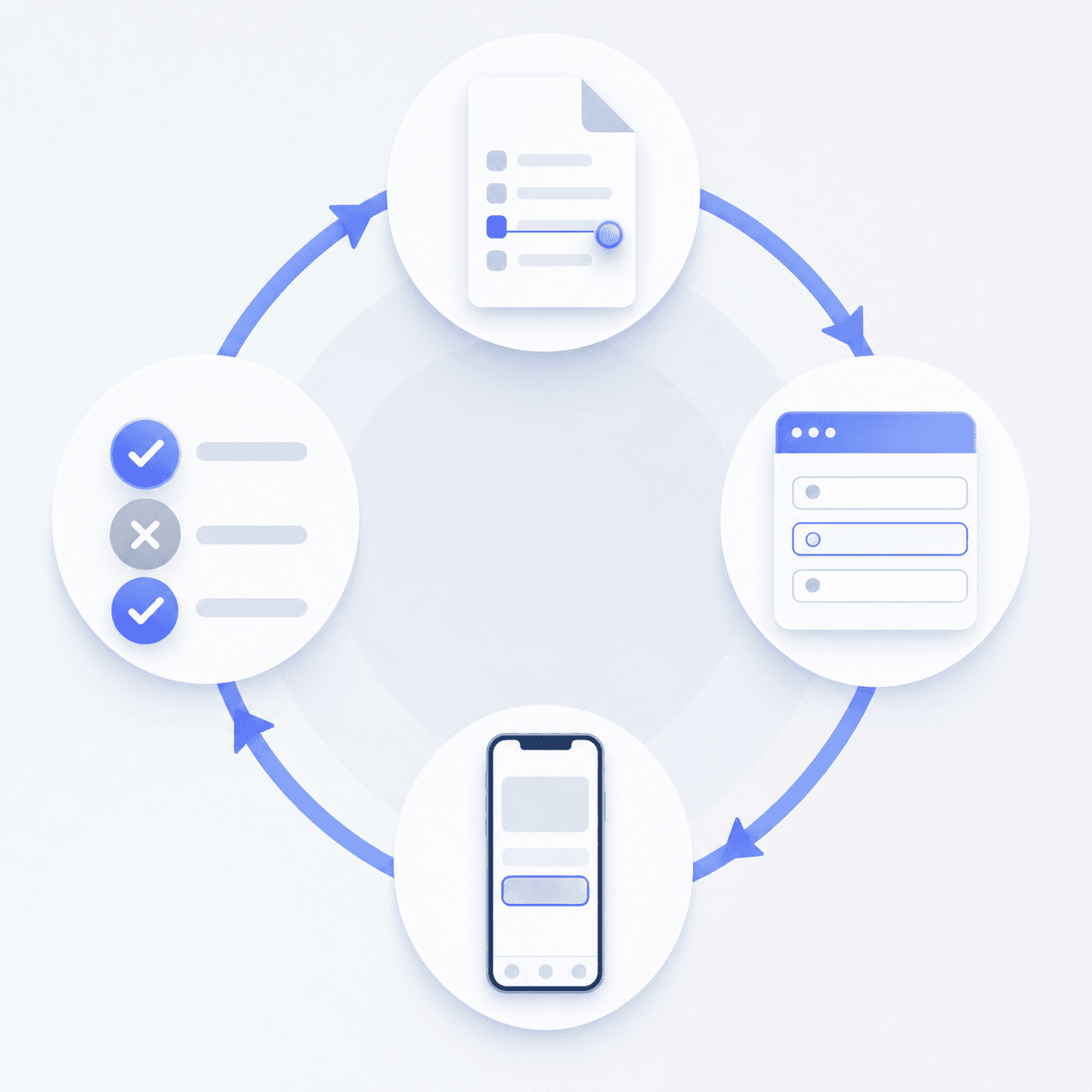
The cycle has four steps:
- Pick a requirement to verify, such as "a user can reset their password."
- Define the inputs: the email entered, the reset link clicked, the new password submitted.
- Execute the steps against the actual application.
- Compare what the app returned against the expected result and log a pass or fail.
That loop runs across every requirement the team has documented, covering success paths, failure paths, and edge cases like empty fields or invalid formats.
Types of Functional Testing
Functional testing spans the entire development lifecycle, applied at different scopes depending on what needs verification at that stage.
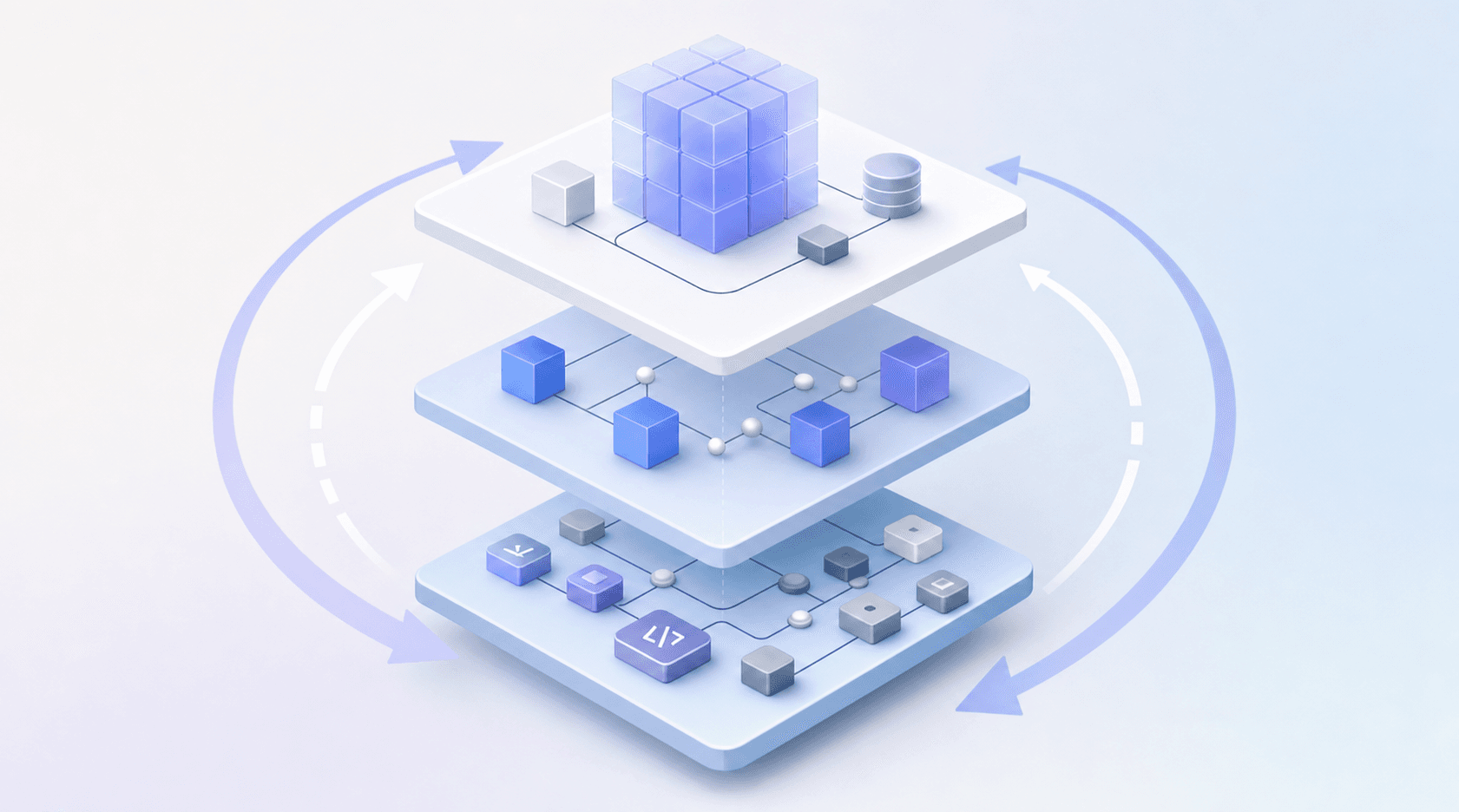
- Unit testing verifies individual functions or components in isolation, catching logic errors before they can affect anything else.
- Integration testing checks whether separate components communicate correctly when connected to each other.
- System testing runs the fully assembled application against its requirements as a complete, working product.
- Regression testing re-runs existing tests after code changes to confirm nothing previously working has broken.
- Smoke testing is a fast pass over the most critical flows to confirm a build is stable enough for deeper testing.
- Sanity testing is more targeted: after a specific bug fix or small change, it checks whether that area holds up without running the full suite.
- User acceptance testing (UAT) puts the software in front of end users or stakeholders to confirm it meets real-world expectations before release.
Each type answers a different question about scope: whether a piece of logic works in isolation, whether two pieces work together, whether the whole thing works, whether it still works after something changed, and whether it works for the people it was built for.
Functional Testing Techniques
Types define the scope of testing. Techniques define how you design the actual test cases within that scope, and choosing the right one directly affects how much ground you cover with how few tests.
| Technique | How it works |
|---|---|
| Equivalence partitioning | Groups inputs into classes that should produce the same result. Test one value per class instead of every possible input. |
| Boundary value analysis | Tests the edges of each input range, where defects cluster most. If a field accepts 1 to 100, test 0, 1, 100, and 101. |
| Decision table testing | Maps every combination of conditions to an expected outcome. Useful when multiple inputs interact to produce different results. |
| State transition testing | Verifies that the app moves correctly between states, like a user going from logged out to authenticated to session expired. |
| Use case testing | Builds tests around real user goals end to end, covering the full path a user takes to complete a task. |
These techniques exist because exhaustive testing is impossible. You can't run every input combination for any non-trivial app. Systematic techniques let you find the highest-risk cases with the least redundancy.
Functional vs Non-Functional Testing
Functional testing checks whether your software does what it's supposed to do. Non-functional testing checks how well it does it.
That distinction shapes everything about how you scope a test plan.
What Non-Functional Testing Covers
Non-functional testing targets the qualities that sit beneath feature behavior: performance under load, security posture, accessibility compliance, and reliability over time.
- Performance testing checks response time and throughput under load. A login endpoint that handles 100 concurrent users without issue may time out at 10,000; load tests set the threshold and verify the app meets it.
- Security testing probes for vulnerabilities: input fields that accept injection strings, authentication flows that pass on malformed tokens, and API endpoints that return data without verifying caller permissions.
- Accessibility testing checks WCAG compliance: whether screen readers can move through the app, whether color contrast ratios meet minimums, and whether interactive elements carry correct ARIA labels.
- Reliability testing runs the app under continuous operation to surface memory leaks, connection timeouts, and crash rates that only appear after extended use.
A login flow either works or it doesn't, that's functional. How fast it responds under 10,000 concurrent users, or whether it locks out screen reader users, that's non-functional. Both matter before a release ships.
| Dimension | Functional Testing | Non-Functional Testing |
|---|---|---|
| Question asked | Does it work? | How well does it work? |
| Examples | Login, checkout, form submission | Load time, uptime, accessibility |
| Pass/fail basis | Expected output matches actual output | Meets a defined performance threshold |
| When it runs | Every build cycle | Periodically or before major releases |
The two types are complementary. A feature that passes every functional check can still fail users if it loads in six seconds or locks out screen reader users entirely.
Challenges in Mobile Functional Testing
Mobile functional testing carries pressure points that web testing sidesteps entirely. The DOM gives web testers a consistent structural anchor. Mobile has no equivalent, which is why testing strategies built for web start breaking down the moment you apply them to native apps.
A few specific failure modes surface repeatedly:
- OS and screen size fragmentation means a layout or gesture that works in one configuration fails silently in another, often without an error the test runner ever sees
- OS-level interruptions like incoming calls or permission dialogs mid-flow can corrupt app state in ways a static script never anticipated
- Network transitions from Wi-Fi to cellular, or offline back to online, expose state restoration bugs that only appear when the connection drops at exactly the wrong moment
- Gesture conflicts between app interactions and OS navigation are nearly impossible to catch with scripts written against a fixed environment
Script-based tests assume a stable, predictable context. Mobile environments shift constantly, and the gap between what a script covers and what users encounter grows with every release. Test automation maintenance costs compound with each UI change, turning what started as a time-saver into a release blocker.
Manual vs Automated Functional Testing
Manual testing puts a human through real app flows: a tester opens the app, works through a scenario, and records what happened. Manual testers can spot confusing UI copy, unexpected visual regressions, or interactions that feel broken even when they technically pass, but the approach cannot scale. A thorough manual pass across a realistic set of flows takes hours, and that cost compounds with every release.
Automated functional testing runs those same flows without a human in the loop. A test agent or script executes the steps, checks the outcomes, and reports results. The obvious gain is repeatability at speed. The cost, with script-based tools, is maintenance. Every time the UI changes, selectors break, and someone has to fix them.
Where the Real Split Happens
The meaningful difference between manual and automated functional testing is not speed. It is who owns the upkeep.
- Script-based automation frameworks like Appium or XCUITest execute flows programmatically, but your team writes and maintains every test. When a button moves or a flow gets restructured, the suite breaks and an engineer fixes it.
- Manual testing scales with headcount and degrades with fatigue. It cannot keep pace with weekly or faster release cycles.
- Autonomous agent-based testing, like Minitap, reads your app from source, maps test scenarios automatically, and keeps coverage current without your team touching the suite. A full regression run completes in about one hour, and every run ships a session trace, screenshots, and a written explanation of each finding. Minitap catches confusing UI copy, visual regressions, and UX issues that feel broken even when they technically pass, exactly what manual testers look for, delivered at automated speed with zero maintenance overhead.
Any team shipping software benefits from zero test maintenance, a full regression run in about one hour, and engineers who never touch the test suite again. The transformation is especially sharp for engineering orgs shipping at high cadence (weekly releases or faster) where manual QA bottlenecks block deploys and brittle selector-based tests break faster than teams can fix them.
How AI Is Changing Functional Testing in 2026
AI is rewriting how teams approach functional testing, and the gap between legacy tooling and current capabilities is widening fast.
Script-based automation was built for stable UIs. Every selector, every assertion, every test flow requires a human to write it and a human to fix it when something changes. That model made sense when releases shipped monthly. It collapses when your team ships weekly or faster, especially when AI coding tools like Cursor or Claude Code generate features faster than any script-based test suite can keep up with.
The move from test scripts to autonomous agents changes who owns the work:
- Autonomous scenario mapping: the agent reads the app from source and maps all test scenarios without your team authoring a single test.
- Automatic adaptation: when the UI changes, the agent updates coverage. No rewritten selectors, no broken assertions sitting unnoticed in CI.
- Zero maintenance: your team never touches the test suite again. Coverage stays current as the codebase grows.
Minitap is built on this model. The fully autonomous QA agent reads your app from source, maps all test scenarios automatically, and keeps them up to date without your team touching the suite. It delivers a full regression report in about one hour. Every run ships a session trace, screenshots, and a written explanation of each finding. Your team has full visibility into what broke and why, zero maintenance overhead, and engineers who never touch the test suite again.
The result: functional coverage that compounds with your codebase instead of lagging behind it, and a test suite that adapts to every UI change without human intervention.
Functional Testing Best Practices for Mobile and Web Teams
A few principles separate functional testing programs that catch real defects from ones that generate noise and false confidence. The fundamentals haven't changed much, but software testing trends in 2026 lean heavily toward automation that balances speed with security.
- Start with the highest risks. Payment flows, authentication, and onboarding break more expensively than settings screens. Test those first and most often.
- Use realistic test data. Edge cases surface when inputs mirror production patterns, including boundary values, empty states, and malformed entries.
- Gate releases on functional test results inside CI/CD. Tests that live outside the pipeline get skipped under deadline pressure.
- Autonomous agent-based testing eliminates the execution time constraint entirely. Minitap delivers a full regression report in about one hour, running continuously without blocking your pipeline or requiring teams to choose between speed and coverage.
How Minitap Changes Functional Testing
Minitap is a fully autonomous QA agent that reads your app from source, maps all test scenarios automatically, and keeps them up to date with zero maintenance required from your team. It covers iOS, Android, and web from a single specification with no separate suites to maintain, running on cloud iOS simulators and Android emulators. The agent delivers a full regression report in about one hour, and your engineers never need to touch the test suite again.
Every run ships a session trace, screenshots, and a written explanation of each finding. Your team has full visibility into what broke and why, zero maintenance overhead, and engineers who never touch the test suite again. Minitap catches confusing UI copy, visual regressions, and UX issues, the same observations manual testers look for, delivered at automated speed without the scaling constraints.
Any team shipping software benefits from zero test maintenance and a full regression run in about one hour. The transformation is especially sharp for engineering orgs shipping at high cadence (weekly releases or faster) where the gap between how quickly AI coding tools generate new code and how slowly script-based testing keeps up becomes the bottleneck that blocks releases. Minitap eliminates that gap entirely.
Final Thoughts on Functional Testing
Functional testing checks whether software works as defined, spanning unit tests that verify isolated logic to system tests that validate complete flows. Any test that requires human maintenance eventually becomes a release bottleneck. Teams shipping at high velocity hit that wall fast, especially when AI coding tools generate features faster than script-based test suites can keep up. Minitap is a fully autonomous QA agent that reads your app from source, maps all test scenarios automatically, and keeps them up to date with zero maintenance required from your team. Any team shipping software benefits from zero test maintenance, a full regression run in about one hour, and engineers who never touch the test suite again. The transformation is especially sharp for engineering orgs shipping at high cadence (weekly releases or faster) where manual QA bottlenecks and brittle selector-based tests slow deploys to a crawl.
FAQ
What is functional testing in software development?
Functional testing verifies whether software behaves as intended by running inputs through the system and comparing actual outputs against expected outcomes. Every test maps to a requirement: does login accept valid credentials, does checkout calculate tax correctly, does search return relevant results. The core question is whether the feature works according to its spec, not how well it performs under load or how secure it is.
What's the difference between functional and non-functional testing?
Functional testing asks "Does it work?" while non-functional testing asks "How well does it work?" A login flow either completes successfully or it doesn't - that's functional. How fast it responds under 10,000 concurrent users or whether it's accessible to screen reader users - that's non-functional. Both are necessary: a feature can pass every functional check and still fail users if it loads in six seconds or locks out accessibility tools entirely.
Can I build functional test coverage without maintaining scripts?
Yes. Autonomous agent-based testing reads your app from source, maps all test scenarios automatically, and keeps coverage current without your team touching the suite. Minitap runs a full regression in about one hour and adapts when your UI changes: no rewritten selectors, no broken assertions sitting unnoticed in CI. Your engineers never own the test suite. Any team shipping software benefits, and the transformation is especially sharp for engineering orgs shipping at high cadence where the QA bottleneck blocks weekly deploys.
Manual vs automated functional testing - which should I use?
Script-based automation executes flows programmatically but requires your team to write and maintain every test; when a button moves or a flow gets restructured, an engineer fixes it. Manual testing cannot keep pace with weekly release cycles. Autonomous agent-based testing, like Minitap, eliminates both constraints: the agent owns test authorship, execution, and upkeep without human intervention, catches confusing UI copy and visual regressions the same way manual testers do, and delivers a full regression in about one hour with zero maintenance overhead.
What is functional testing in mobile apps vs web apps?
Functional testing for mobile checks whether app features work as specified (login, checkout, search) just like on web, but mobile environments present harder failure modes. No DOM equivalent makes selector-based testing extremely brittle, OS-level interruptions like incoming calls can corrupt app state mid-flow, and network transitions from Wi-Fi to cellular expose state restoration bugs that scripts miss entirely. Minitap handles mobile (iOS and Android) and web from a single system, testing real user flows across simulators and emulators with zero maintenance from your team.