
Web Application Testing Service: What to Look for and What Most Vendors Skip
You've probably gotten a proposal from a web application testing service that listed every testing discipline imaginable and then delivered a PDF of CVE IDs. The scope looks full on paper, and the gaps show up in production. Knowing what to actually look for, and what most vendors quietly leave out, is what separates a useful engagement from an expensive one.
TLDR:
- Most web application testing services cover one discipline and market it as the full picture; a credible service staffs all seven types.
- Production defects cost far more to fix than pre-release ones, with CISQ estimating poor software quality costs U.S. businesses $2.41 trillion annually.
- Security testing labeled "vulnerability assessment" ranges from an overnight scanner to a week of manual penetration work; only the latter satisfies SOC 2 and PCI DSS audits.
- Before signing, ask seven questions: scope, coverage methodology, reporting quality, CI/CD integration, stack experience, maintenance handling, and transparency.
- Minitap is a fully autonomous QA agent that reads your app from source, maps every testable flow, and ships a full regression report in about one hour with zero maintenance overhead.
What Web Application Testing Actually Covers
Web application testing is the process of verifying that an app works correctly across browsers, devices, network conditions, and user flows, both before release and continuously after it ships. Search for "web application testing service" and vendors sell one slice as though it were the whole thing.
- Functional web and mobile testing: does each feature behave as intended across user flows
- Security testing: vulnerability scanning, penetration testing, and VAPT processes that find exploitable weaknesses
- Performance testing: how the app holds up under load or on a slow connection
- Mobile and web compatibility testing: consistent behavior across browsers, operating systems, and screen sizes
- Usability and accessibility testing: whether real users, including those relying on assistive tech, can complete their goals
A vendor covering only one of these and marketing itself as full testing is selling a partial picture, according to autonoma's breakdown of the discipline.
The Types of Testing a Full-Stack Service Should Provide
A vulnerability assessment provider that only scans for known CVEs is not doing what a VAPT report should cover. A web app testing guide outlines how types, tools, and AI-driven fixes fit together. A service running Selenium scripts against Chrome is not doing security work at all. Minitap covers the functional and regression layer autonomously, and each remaining discipline below asks a different question and needs a different skill set.
| Testing Type | What It Answers | Common Methods |
|---|---|---|
| Functional (unit, integration, smoke testing, regression, end to end) | Does the feature work, and does it keep working after the next change | Unit tests, integration suites, smoke checks, regression runs |
| Security | Where can an attacker get in | Vulnerability scanning, penetration testing, OWASP Top 10 coverage |
| Performance | Does it hold up under real traffic | Load, stress, and scalability testing |
| Compatibility | Does it behave the same everywhere | Cross-browser and cross-device testing |
| Usability | Can a real person finish the task | Task-based user testing, heuristic review |
| Accessibility | Can someone using assistive tech finish the task | Screen reader testing, WCAG audits |
| API | Does the contract between services hold | Endpoint testing, schema validation, API load testing |
Few vendors staff for all seven. Ask which disciplines a team actually covers, not whether a QA vendor claims security work or a pen testing shop claims regression.
Why Testing Gaps in Production Are So Expensive
A defect caught during development costs a fraction of what the same defect costs once it reaches production. Software defect research has shown production bugs take more time and resources to fix than the same defect caught earlier in the cycle, with some analyses putting the cost multiplier at 10x or more depending on severity and the time between introduction and discovery. That gap alone accounts for most of what a rigorous web application testing service charges.

The scale shows up industry-wide too. CISQ puts the cost of poor software quality to U.S. businesses at an estimated $2.41 trillion annually, capturing rework, failed deployments, and lost productivity across the SDLC.
The fix cost is only part of the bill. Engineers get pulled off feature work to triage a production bug, delaying the roadmap. A solid regression testing guide explains how to catch these before they reach users. Customers who hit a broken checkout or login flow do not always come back. A vulnerability that slips past a thin VAPT process carries the same math, except the downside includes a breach disclosure instead of a bad review.
Functional and Regression Testing: The Baseline Any Service Must Clear
Functional testing answers the most basic question a service can ask: does each feature actually do what it is supposed to do. Unit tests verify individual functions in isolation. Integration tests confirm that two components behave correctly when they interact. End-to-end tests walk the complete user flow from login through checkout or whatever the core job is, and confirm the outcome matches what the product promised. A service that skips any of these layers is leaving entire categories of failure undetected.
Regression testing is what keeps functional coverage from decaying after every release. When a new feature ships, the test suite reruns the flows that already worked to confirm nothing broke sideways. Without it, a fix in one module silently breaks another, and the team finds out when a user hits the error, not when the engineer merged the change. A credible service runs regression on every build, not on a quarterly schedule, and delivers results before the code reaches production. Ask a vendor how long their regression run takes and what share of user flows it covers: those two numbers tell you more about actual coverage than any claim in a proposal.
Security Testing: What a Web Testing Service Should Actually Deliver
A vendor listing "security testing" could mean an automated scanner ran overnight, or an engineer spent a week trying to break authentication. Those are different services at different price points.
Automated Scanning vs. Manual Penetration Testing
Automated scanning checks known signatures, misconfigurations, and outdated dependencies. It cannot chain findings or reason about business logic. Manual penetration testing probes your app the way an attacker would, combining a minor leak with a permissions bug to see how far it goes.
OWASP Top 10 and Compliance Requirements
OWASP Top 10 is the baseline either approach should map to, with Broken Access Control now at the top, covering users reaching data outside their role and admin endpoints reachable without proper session checks.
A credible engagement delivers validated findings with reproduction steps, severity tied to real exploitability, and remediation guidance for your stack. SOC 2 and PCI DSS both require manual penetration testing on top of scanning, so a scan-only vendor cannot get you through an audit.
Cross-Browser and Cross-Device Compatibility Testing
A bug that only shows up on Safari mobile or a specific Android version is the familiar trigger behind anyone searching "web application testing service." It worked in Chrome on the developer's machine. It broke somewhere else, unseen until a user hit it.
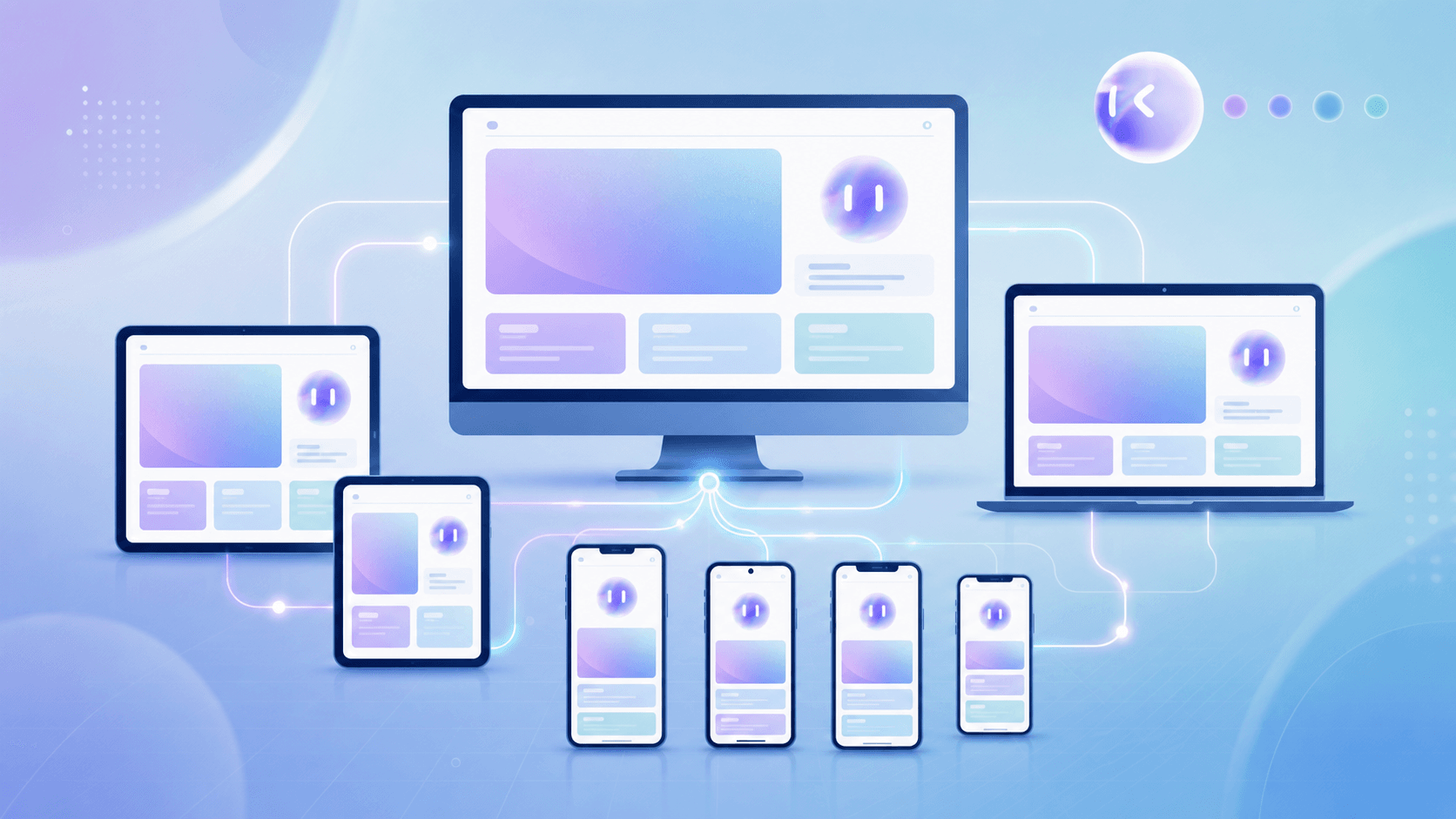
Chrome, Firefox, Safari, and Edge coverage is the baseline, not the finish line. Mobile browsers render CSS, handle touch events, and manage viewport sizing differently enough that a desktop-only layout can break on a phone, which is why mobile app test environments need to be configured carefully. Responsive breakpoints, keyboard overlays, and orientation changes add failure modes desktop testing never touches.
A suite run in one browser on one device class delivers confidence that does not match how users show up. A credible engagement documents exact browser versions, operating systems, and device classes tested, flags display differences across each, and ships that full matrix, not a pass or fail summary.
CI/CD Pipeline Integration and Developer Workflow Fit
Point-in-time audits answer "was this secure last quarter," not "is this secure right now." A web application testing service that only shows up after a release freeze hands you findings on code that has already moved on, three sprints deep by the time the report lands.
Continuous testing changes the timing, starting with automated smoke testing on every commit. Tests run against the current build and surface results in PR comments, Slack, or issue trackers, so a regression gets caught the same day it ships instead of the same quarter. Minitap connects to your codebase and runs continuously: the autonomous agent owns the test suite, so there are no selectors to update and no scripts to rewrite when the product changes. The GitHub PR agent comments directly on pull requests, suggests relevant scenarios based on the diff, and reports failures back into the thread. Teams using AI-assisted development tools like Cursor or Claude Code find this especially sharp: implementation velocity has accelerated, and a QA loop that keeps pace with every commit (without adding maintenance overhead) is what keeps quality from becoming the bottleneck.
How to Assess a Web Application Testing Service: Key Criteria
Before signing anything, run the vendor through a short checklist. Each question exposes a gap that a sales deck tends to smooth over.
- Scope: which testing types come from their own staff versus subcontracted out. A subcontracted security scan buried inside a "full testing" package changes the accountability chain if something gets missed.
- Coverage methodology: how scenarios get identified, and how they stay current as the app changes, beyond simply how many exist on day one.
- Reporting quality: a finding needs reproduction steps, a severity rating tied to real exploitability, and remediation guidance specific to your stack. A raw scan export with a CVE list is a data dump, not a report.
- CI/CD integration depth: results on every commit where engineers already work, or only on a schedule the vendor sets.
- Stack experience: a team fluent in your frameworks catches architecture-specific failures a generalist misses.
- Maintenance handling: who updates the test suite when your UI or API changes, and how long that takes.
- Transparency: full visibility into what ran and what got skipped, or just a summary paragraph.
A vendor that answers all seven plainly is rare. Most answer two or three well and go vague on the rest, which is why testing web apps without QA has become a real option for engineering teams.
Red Flags That Signal a Service Will Fall Short
Some warning signs surface only after the contract is signed. Others show up in the first sales call, if you ask the right questions.
- One testing type sold as full coverage: a vendor that runs functional scripts and calls it "testing," or a scanner-only shop marketing itself as "vulnerability assessment services" without naming what it skips. Ask which disciplines they actually staff, beyond the ones they mention.
- Selector-based suites that break on every UI change: scripted selectors force a rewrite after a redesign or a moved button. Ask how much of last quarter's engineering time went to fixing broken tests instead of finding new bugs.
- Point-in-time engagements with no update mechanism: an audit reflecting last quarter's build says nothing about the code shipping today.
- Scan exports dressed up as reports: a PDF of CVE IDs and severity scores pulled straight from a scanner is not a validated finding.
- No answer on coverage percentage or maintenance: a vendor that cannot say what share of user flows are tested, or how that number holds as the product changes, likely does not know either.
How Minitap's Autonomous QA Agent Covers Web and Mobile
Every criterion in that checklist points to the same question: who owns the maintenance, and what do you actually get to see. Minitap answers both directly. The autonomous agent reads your app from source code, maps every testable flow automatically, and keeps coverage in sync without any engineer touching a selector or rewriting a script, and that coverage holds through UI changes and redesigns without any re-authoring or maintenance work from the team. A full regression report comes back in about one hour. Every run ships a session trace, screenshots, and a written explanation of each finding, so teams retain complete visibility into what was tested and what the agent found, without owning any test infrastructure themselves.
Web coverage runs through the same workflow as mobile, supporting a unified QA for web and mobile. Point Minitap at a URL and it tests on cloud browsers (Chrome on Android emulators and Safari on iOS simulators, plus Firefox) with tablet and desktop viewports included. Engineering teams that ship both mobile and web products benefit directly: instead of maintaining separate QA pipelines for each platform, a single autonomous agent covers the full surface. More than 100 million people use apps tested by Minitap.
Final Thoughts on Web Application Testing Coverage and What to Look For
Testing debt is quiet until it is not, and a thin engagement that scans for known CVEs but skips business logic is not the same thing as security coverage. The disciplines that matter, functional, security, compatibility, and accessibility, each need different skills and different tooling. Knowing which ones a vendor actually staffs (beyond what it mentions in a proposal) is the question that changes the decision. Minitap is a fully autonomous QA agent: it reads your app from source, maps every testable flow, and owns the entire QA loop (authorship, execution, maintenance, and root cause analysis), so coverage keeps pace with every commit without your team touching a selector or managing a test suite.
FAQ
How do I stop my engineers from spending time maintaining test suites every time the UI changes?
Minitap eliminates test-suite maintenance entirely by owning the full QA loop (test authorship, execution, and maintenance) through an autonomous agent that reads your app from source. When your UI changes, the agent adapts without requiring selector rewrites or script updates from your team. In full-auto mode, Minitap updates the test suite automatically after each merge; in gated mode, it proposes changes in the PR for human sign-off before anything lands. Engineers never touch the test suite again. The maintenance debt that traditionally scales with every new feature stops accumulating the day the agent connects to your codebase.
How does an autonomous QA agent actually work, and how is it different from a scripted automation tool like Appium or Maestro?
Minitap's agent reads your app from source code directly: no selectors, no scripted steps, no hard-coded assertions. Instead of verifying whether a specific button fires, it tests whether a user can complete the job: log in, reach the home screen, complete a checkout. Script-based tools like Appium and Maestro require your team to write and maintain every test, and when the UI changes, someone rewrites the selectors, and that cost compounds with every feature shipped. The maintenance burden is the defining cost of script-based tools: execution is handled, but the engineering team still owns the loop. Minitap's autonomous agent owns the entire loop (authorship, execution, maintenance, and root cause analysis) without any handoff back to the team. It also monitors CPU usage, memory consumption, and app logs during each run, surfacing failures that selector-based automation cannot structurally reach, such as low-memory crashes or runaway main-thread operations that only appear under real app-state conditions.
Can Minitap test both iOS and Android, and web, from a single test specification?
Yes. A single flow specification in Minitap covers iOS and Android simultaneously: no duplicate test suites, no platform-specific rewrites. Web testing is included too: point Minitap at a URL and it runs on cloud browsers (Chrome on Android emulators and Safari on iOS simulators, plus Firefox) with tablet and desktop viewports covered. The same autonomous agent and zero-maintenance model applies across mobile and web, so teams running both platforms do not need separate QA pipelines or test authors for each.
What QA tool integrates with GitHub PRs and comments directly on test failures for web and mobile apps?
Minitap's GitHub PR agent does this natively. It comments directly on pull requests, suggests relevant scenarios based on the diff, runs tests on demand, streams live results, and reports failures back into the PR thread, without requiring your team to open a separate platform. Slack is covered too: mention Minitap in any channel to trigger a run, and results update live in the same thread. Every failure surfaces a session recording clipped to the exact moment the issue was detected, a severity assessment, and a fix prompt ready to paste into Cursor or any AI coding tool the team already uses.
What does a web application testing service need to cover, and what do most vendors leave out?
A complete web application testing service covers functional testing, regression, security (including VAPT with validated findings, beyond scanner exports), cross-browser and cross-device compatibility, usability, accessibility, and API contract validation. Most vendors staff for one or two of these disciplines and market the package as full coverage. The gaps that surface in production are almost always the disciplines the vendor subcontracted out or skipped entirely. For the functional regression layer, Minitap handles it autonomously: the agent reads your app from source, maps every testable flow, and keeps coverage current with every commit, with no test authorship from your team, no maintenance debt, and a full regression report in about one hour.