

Shortening multi-day enterprise regression across mobile, web, geography, and feature flags takes more than fixing selectors. Watch your test find the right button and still fail because the swipe never brings it into view. On mobile, repairing a locator is only part of keeping a test working across changing screens and app states. Your team can still end up fixing gestures, rewriting steps, and checking repairs. Understanding those boundaries makes it easier to tell locator-level healing, the narrow slice of mobile tests that fix themselves at the selector, apart from testing that takes on full authorship and maintenance.
TLDR:
- Self-healing mobile test automation matches changed elements using labels, text, and context.
- Locator repair leaves your team owning new test steps and changed business expectations.
- Audit healing logs weekly and preserve assertions so wrong-button taps cannot hide bugs.
- Track your maintenance hours and locator-related failures before and after rollout.
- Minitap’s AI QA employee writes tests from specs and proposes updates with run-video evidence.
What Is Self-Healing Mobile Test Automation
Self-healing mobile test automation detects changes to a UI element’s locator, ID, position, or label and adapts the test without requiring an engineer to rewrite its selector.
Suppose a login button’s ID changes from login_btn to sign_in. A script tied to the old ID fails. A self-healing test uses other available clues to identify the intended button and continue the login check.
Healing preserves the intended action when the UI changes.
Mobile adds complexity: OS-specific interfaces and changing app states can make the intended element harder to identify.
Why Mobile Apps Make Self-Healing Especially Hard
A swipe that works on one screen can miss its target on another. Self-healing mobile test automation must repair interactions, not merely find elements:
- Android versions and manufacturer customizations change behavior across OS updates.
- Screen sizes and resolutions affect visible content and gesture coordinates.
- Swipes, long-presses, and pinch-zoom depend on timing and motion.
- Native accessibility trees differ from the browser DOM; iOS and Android expose controls differently, a common source of flaky mobile UI tests.
Statcounter reports October 2026 worldwide mobile OS share at 72.36% for Android and 27.61% for iOS. Locator repair alone cannot resolve these interaction differences.
How Self-Healing Test Automation Works: The Core Phases
An Android button’s ID changes after a UI library upgrade. Here’s how locator-based self-healing mobile test automation handles it:
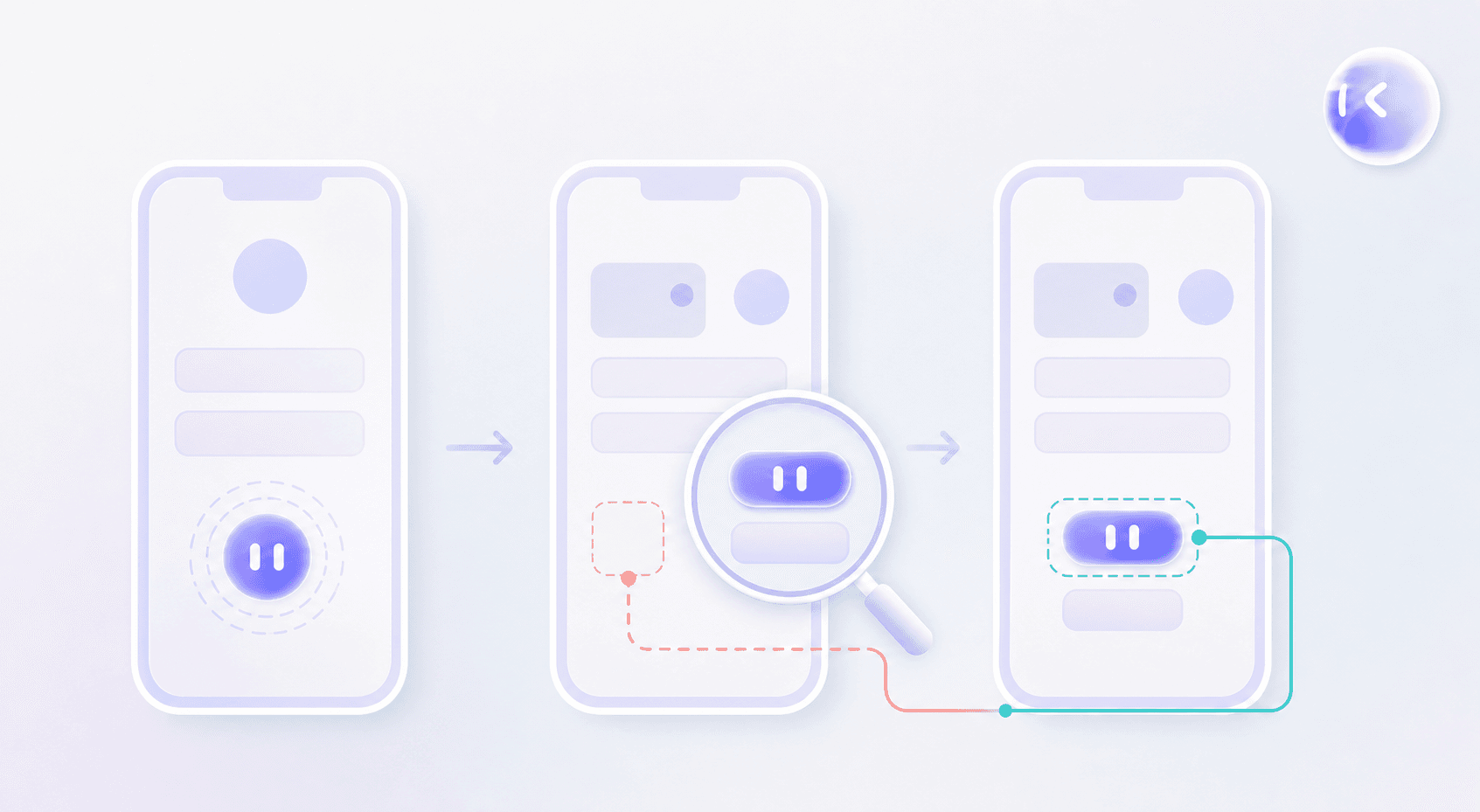
- Fingerprint the element. Store text, accessibility label, widget type, and nearby controls alongside its ID.
- Run and monitor. Execute the test and detect the missing-element error.
- Diagnose the failure. Check whether the button exists under different attributes. A missing button or failed action may indicate a functional bug or one of several flaky tests causes; locator matching cannot settle that.
- Apply the repair. Match candidates against the fingerprint, update the reference when confidence is sufficient, and rerun the action with its original assertion intact.
What Self-Healing Actually Fixes (And What It Doesn't)
Locator-level self-healing mobile test automation repairs element references. Your team still owns test steps and expected outcomes when product behavior changes.
| Change | Locator-level healing’s scope |
|---|---|
| ID, XPath, or accessibility identifier changes | Can repair the reference |
| New screen inserted into a flow | Requires revised steps |
| Business logic or acceptance criteria change | Requires updated expectations |
| Content varies by geography or feature flag | Requires configuration-aware checks |
| Genuine app bug | Must remain a failure |
A repaired checkout selector cannot tell you whether a newly added fee is correct. That requires product context beyond a selector match, the kind of judgment call that separates locator repair from full QA automation for mobile apps.
Benefits of Self-Healing Mobile Test Automation
Measure self-healing mobile test automation by the engineering work it removes after a UI update. Locator-level healing can deliver:
- Fewer false failures from renamed or missing elements, cutting investigation of healthy app behavior.
- Faster CI/CD feedback when runs proceed without waiting for selector repairs.
- More engineering capacity to expand coverage instead of repairing existing tests.
- More consistent regression results across app versions and devices when element references change.
Track maintenance hours and locator-related failures before and after rollout. If both fall while assertions stay intact, you have evidence of recovered capacity for the next budget review.
Limitations and Risks of Self-Healing Automation
With script-based self-healing mobile test automation, your team still owns repair review. A green run can hide a broken action if locator healing selects the wrong control.

- A similar-looking button receives the tap, and a weak assertion lets the test pass without completing the intended action.
- An automatic repair masks the accidental removal of a required control, leaving the underlying product defect uninvestigated.
- Engineers must audit healing logs, inspect replacement matches, and verify that repairs preserve test intent. For a healed checkout button, that means comparing the old and replacement targets, replaying the affected flow, and checking that the original assertion confirms a completed order, rather than merely a successful tap. Include that labor when comparing tools claiming zero maintenance mobile testing, a distinction central to the shift toward QA 2.0.
Self-Healing Vs. Agentic AI Testing: Going Beyond Locator Repair
Locator repair leaves test authorship and coverage decisions with your team. Classic self-healing mobile test automation keeps predefined scripts running. Agentic testing extends ownership: the agent inspects the app, decides what to test, and investigates unexpected behavior beyond fixed steps.
Adoption does not equal enterprise rollout. The World Quality Report 2025 reports nearly 90% of organizations actively pursuing generative AI in quality engineering, but only 15% achieving enterprise-scale AI deployment. These figures measure broad AI adoption, not agentic testing maturity.
Mobile Test Automation Frameworks and Where Self-Healing Fits In
With Appium, Espresso, and XCUITest, your team owns test maintenance, much like the maintenance burden discussed in Playwright automation coverage. These frameworks generally use explicit element references without built-in AI self-healing. Locator repair requires a separate AI layer or integration.
Maestro’s YAML flows also contain element targets. Its MCP agent workflow inspects the view hierarchy, writes flows, and corrects failures during authoring. That differs from healing locators during unattended CI runs.
For self-healing mobile test automation integrations, ask which component repairs failures and whether it updates the saved test or only recovers the current run. The framework name alone answers neither question.
Best Practices for Implementing Self-Healing Mobile Tests
A test that taps the wrong “Confirm” button can leave a purchase unfinished while reporting success. For self-healing mobile test automation, define repair acceptance rules before rollout:
- Start with consistent, well-named test attributes and a passing baseline, similar to setting up a reliable automated smoke testing baseline, so repairs are traceable.
- Set confidence thresholds against known UI changes. Accept strong matches automatically; flag ambiguous candidates for review.
- Assign an owner to review healing logs weekly and after UI releases.
- Investigate recurring repairs on the same screen for unstable attributes or unintended UI changes. Fix the source instead of repeatedly accepting repairs.
How Minitap Goes Beyond Locator Repair
Minitap’s mobile QA agent takes test authorship off your team’s plate, using specs, tickets, and prior cases to write acceptance-based scenarios for black-box visual testing across web, iOS, and Android.
It goes beyond locator repair: it checks expected behavior, proposes test updates, and requests review for unresolved changes. Run videos provide evidence behind findings and proposed changes. When testing is blocked, contextual next-action recommendations make the blocker explicit, a capability worth weighing against other AI tools for mobile app testing, so your team can review what happened and what comes next.
FAQ
What’s the difference between self-healing test automation and an autonomous QA agent like Minitap?
Self-healing test automation repairs broken locators, but it leaves test steps, acceptance criteria, and coverage decisions with your team. Minitap is an AI QA employee that goes beyond locator repair: it writes acceptance-based test scenarios from specs, tickets, and existing test cases, runs them as black-box visual tests across web, iOS, and Android, and proposes updates when the app changes, asking your team to review only what it cannot settle on its own. That is why regression can still take days even with self-healing locators in place, and why Minitap closes that gap.
How can my engineering team spend less time maintaining mobile regression tests?
Minitap takes script authorship and repairs off your team’s plate. As an AI QA employee, it writes acceptance-based scenarios from specs, tickets, and prior test cases, runs them across web, iOS, and Android, and proposes its own updates when the product changes, asking your team to review only what it cannot resolve alone. Engineers stop rewriting test steps and chasing selector changes every release.
Can Minitap test both iOS and Android user journeys without writing separate scripts for each platform?
Yes, Minitap runs the same acceptance-based scenario across web, iOS, and Android using one black-box visual testing approach, so your team does not write or maintain separate scripts per platform. The agent accounts for platform differences like OS-specific gestures within that scenario, and every run comes with a video so your team can see what happened on each platform.
Can we move from Appium, Espresso, or XCUITest to Minitap without losing our existing test coverage?
Yes, you can bring your existing Appium, Espresso, or XCUITest cases into Minitap instead of losing that coverage. Upload your test cases in CSV or Excel, including preconditions, expected results, and relevant geography or feature-flag settings, and Minitap turns them into acceptance-based scenarios it writes, runs, and keeps current across web, iOS, and Android, with your team reviewing proposed updates. Your existing test intent carries forward instead of getting rebuilt from scratch.
How do we pilot Minitap for mobile regression testing before our next release?
Start by giving Minitap a release-critical journey, such as checkout, along with its acceptance criteria and the configurations that change its expected behavior. Minitap runs the scenarios, proposes updates as the app changes, and surfaces run videos and blocker recommendations so your team can compare completion time and effort against your current baseline. See how Minitap works for your team to put scenario authorship, visual execution, and test maintenance into one regression workflow.
Final thoughts on Moving Beyond Locator Repair
Self-healing keeps your element references working as the UI changes. You still need tests built around expected behavior. See how Minitap turns specs and tickets into acceptance-based scenarios for your next run.