
A mobile bug caught after submission means a hotfix, another review cycle, and hoping users update before the reviews come in. A web bug caught after deploy means a patch in minutes. Both ship from the same team, sometimes the same sprint, and the testing pipeline has to treat them differently without making engineers maintain two completely separate suites. Minitap's autonomous agent reads your app from source, runs the full regression suite across iOS, Android, and web in about one hour, and owns every maintenance update when the code changes, so the overhead never doubles.
TLDR:
- Mobile CI/CD testing is structurally harder than web: builds must compile, sign, and deploy before a single test runs.
- A mobile bug caught post-release means a hotfix, another review cycle, and uninstalls before most users update.
- Test flakiness grew from 10% to 26% of teams between 2022 and 2025, per Bitrise's Mobile Insights 2025 report.
- Run PR gates for scoped smoke checks and nightly runs for full regression; skipping either creates gaps the other cannot cover.
- Minitap's autonomous agent reads your app from source, maps all test scenarios automatically, and runs the full regression suite on cloud iOS simulators, Android emulators, and cloud browsers in about one hour, with zero maintenance overhead across mobile and web.
What CI/CD Testing for Mobile and Web Actually Means
CI/CD testing means running automated checks at every stage of the pipeline, from the moment code merges to the moment it ships. Continuous integration catches problems early: every commit triggers a build, and that build has to pass a test suite before it merges further. Continuous delivery gates each release candidate behind another round of tests before it reaches users. Both phases exist to answer one question before a human looks at the release: does this change actually work.
The philosophy holds whether you are shipping mobile or web: fast feedback on every commit, regression coverage before a release, and a gate that blocks anything that fails. Where the two diverge is execution. Web CI/CD testing runs largely in the browser, against a DOM that gives every automated tool a stable, addressable set of elements to hook into. For a deeper grounding in the mobile side of that equation, see mobile app testing basics.
Mobile has no DOM equivalent. Tests run against build artifacts (APKs and IPAs) that must be compiled, signed, and deployed to a simulator or emulator before a single check executes, and each step adds time and failure points web pipelines never face. Minitap runs mobile and web tests from source code, on cloud iOS simulators and Android emulators, on the same pipeline logic, without your team maintaining two separate suites.
Why Mobile CI/CD Testing Is Harder Than Web
Web deployments push straight to a server. Ship a fix, and every user sees it on their next page load. Mobile does not work that way. A build has to be compiled into a signed binary, submitted to Apple or Google for review, and then downloaded by a user who may or may not have auto-updates turned on. That review cycle alone can take days, and adoption after that still depends on the user's own settings, not yours.
That gap changes every testing decision downstream. A web bug caught after release gets patched and pushed within minutes. A mobile bug caught after release means a hotfix, another review cycle, and hoping enough of the install base updates before the damage compounds into uninstalls and one star reviews citing the exact flow that broke. For more on why this happens, see regression testing for mobile apps. The pressure to catch issues before submission runs structurally higher for mobile than for web.
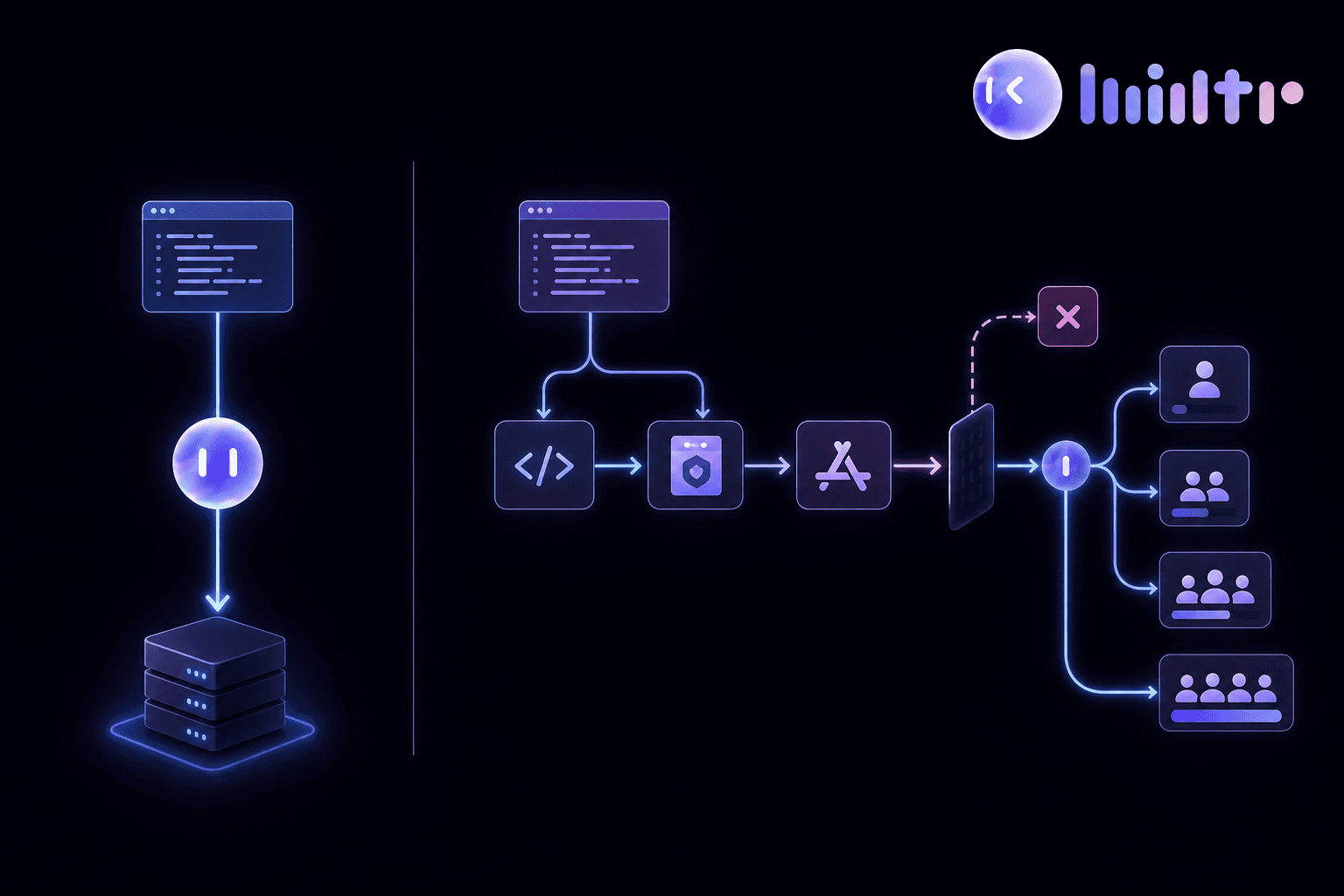
The binary itself adds a layer too. Web tests run against live code in a browser. Mobile automated testing runs against a compiled APK or IPA that has to be built and signed before a single check can execute. For more on that structural difference, see mobile automated testing. Bitrise's guide to mobile CI/CD frames this directly: mobile pipelines automate build, test, and deployment stages because app store review and release cadence are built into the process itself, unlike web.
The Core Challenges of CI/CD Testing Across Both Surfaces
Running mobile and web through the same pipeline surfaces problems that never show up when you're testing one surface alone.
- OS versions and device sizes create real coverage gaps. A layout that displays fine on one screen size can clip a button or overflow text on another, and a test suite has to account for that spread without ballooning run time.
- iOS builds require macOS runners. CircleCI's blog post on mobile CI/CD requirements points out that iOS builds require macOS, so a pipeline needs a separate runner class from whatever builds Android and web jobs. That infrastructure requirement (covered in detail in any QA automation mobile apps guide) never applies to web-only stacks.
- Certificate and provisioning profile management turns into its own maintenance job. Signing certificates expire, profiles get tied to specific bundle identifiers, and a mismatch fails the build before a single test runs, often with an error that has nothing to do with the code that changed.
- App store compliance checks add a review layer web deployments never face. A build can pass every test and still get rejected on submission, and that rejection lands after the engineering work is done.
- No DOM equivalent on mobile makes selector-based UI tests structurally brittle. Web tests hook into stable, addressable elements. Mobile selectors break every time a layout changes, forcing constant rewrites just to keep pace with the app.
How to Structure Tests Inside a Mobile and Web Pipeline
The testing pyramid gives you the layering logic: unit tests at the base, integration tests in the middle, end to end tests at the top. Unit tests run on every commit because they are fast and isolated. Integration tests run on PR open. E2E tests, the slowest layer, get reserved for gates further down the pipeline.
Full E2E on every commit works for web, where a browser spins up in seconds. On mobile, a build has to compile, sign, and deploy to a simulator or emulator before one scenario runs, and that setup cost alone can eat minutes.
Change-impact analysis is what teams land on once retest-all stops scaling: run only the scenarios tied to files a PR touched and save the full suite for nightly runs or release candidates. It is one of the core mobile testing strategies for high-cadence teams.
Minitap's Run Affected feature applies this inside the PR: one click re-runs only the touched scenarios, and the full regression suite runs separately in about an hour whenever a release needs the complete pass.
The Test Flakiness Problem in Mobile and Web Pipelines
A flaky test passes and fails on identical code, no changes required to flip the result. The test itself is the variable, not the app. That alone makes it dangerous: a red build might mean a real regression, or it might mean nothing at all, and the pipeline gives you no way to tell which until someone investigates.
Mobile carries more genuine variability than web ever does. Simulator and emulator boot times fluctuate, network conditions shift mid-test, and OS fragmentation means the same scenario behaves differently across versions, the direct causes of flaky tests for mobile teams. Web tests run against a comparatively stable DOM, while mobile tests run against a build artifact deployed to an environment with more moving parts, so baseline flakiness sits higher before anyone writes a single bad test.
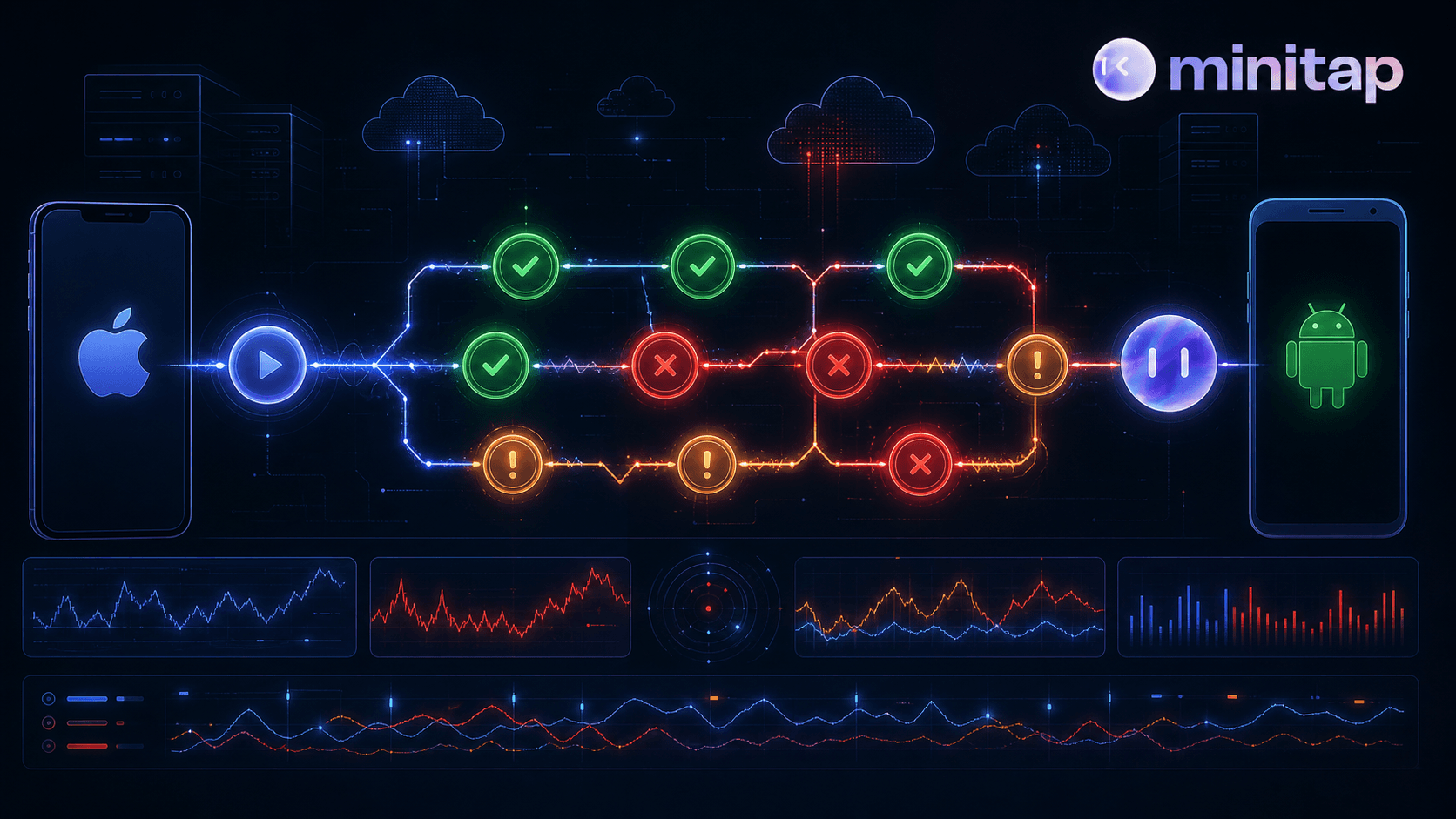
The data backs this up. Bitrise's Mobile Insights 2025 report, which analyzed more than 10 million builds over 3.5 years, found the share of teams experiencing test flakiness grew from 10% in 2022 to 26% in 2025. Google's own research found that roughly 16% of all tests show some level of flakiness, and when a test flips from passing to failing, 84% of the time the test itself is flaky, not a real regression. The full breakdown is in how to fix flaky mobile UI tests. Healthy mobile suites still run 2% to 5% flakiness, already above the 1% to 2% benchmark web and backend suites hold to. Minitap's autonomous agent carries none of this: because it reads the app from source and tests user job completion instead of relying on selectors or scripted steps, the intermittent failures that plague selector-based suites don't apply. The CI signal stays trustworthy across every run.
When a red build stops meaning "something broke" and starts meaning "check if it's flaky again," the CI signal has lost its value. Teams that stop trusting it start merging past failures, and that's exactly when a real regression slips through.
Catching Regressions Before Production: Nightly Runs and PR Gates
Catching regressions before production means running two distinct checks, and a weekly release cadence needs both. A PR gate answers one narrow question fast: does this change break anything obvious. That means a scoped smoke pass (login, checkout, core navigation) run against the diff, giving the developer a signal before the PR merges.
| Check | When It Runs | Scope | What It Catches | What It Misses Without the Other |
|---|---|---|---|---|
| PR Gate | Every pull request open | Scenarios tied to files the PR touched: smoke pass only (login, checkout, core navigation) | Regressions introduced by the specific change before merge | Combined failures from multiple PRs merged the same day |
| Nightly Run | Scheduled against main, typically overnight | Full regression suite across all flows | Integration failures and cross-PR regressions invisible to any single PR gate | Individual change regressions already caught at the PR stage |
Nightly runs answer a broader question: does the whole app still work, beyond the piece one PR touched. The full logic behind this is covered in the regression testing guide. A checkout change might be fine alone but break combined with a payment update merged the same afternoon. Running the full suite against main nightly catches that before it reaches a release candidate.
Skip nightly coverage and you trust PR-level smoke to catch everything, which it cannot since it only sees one change at a time. Skip the PR gate and regressions wait until morning, by which point several more PRs may have merged on top. That pattern is covered in depth in stop testing at the end of sprint.
Minitap runs both without your team maintaining two separate suites. Run Affected covers the PR gate, scoped to whatever the pull request touched. The full regression suite runs on its own cadence in about an hour, so a nightly pass against main costs none of the setup a second hand built suite would require.
CI/CD Testing Best Practices for Teams Shipping Mobile and Web Together
Separate the PR gate from the nightly run and keep their scopes distinct. The PR gate answers one narrow question: does this change break anything immediately obvious. Scope it to smoke checks against the diff, login, checkout, and core navigation, not a full regression pass. Full regression belongs on a nightly cadence against main, where combined changes from the whole day get tested together and integration failures that no single PR would catch on its own surface before a release candidate is cut.
On mobile, never run full E2E on every commit. A build has to compile, sign, and deploy to a cloud iOS simulator or Android emulator before one scenario executes, and that setup cost alone can push PR feedback past the window where a developer is still context-switching on the change. Use change-impact analysis to scope PR runs to scenarios tied to the files a pull request actually touched, and save the full regression suite for nightly runs or release candidates.
Keep test maintenance ownership explicit. With script-based suites, that ownership sits with your engineers: every UI change requires selector rewrites, every new flow requires new test authorship, and the suite drifts from the product unless someone actively keeps it current. That drift compounds fast on mobile, where there is no DOM equivalent to anchor selectors. Minitap reads your app from source, maps every integration and UI scenario automatically, and keeps the suite in sync as code changes, so maintenance never lands on your team regardless of how fast the product moves.
Wire failures directly into the workflow engineers already use. A failure surfaced at 3am only matters if someone sees it and can act on it before the next release. Slack alerts clipped to the exact failure moment, a severity assessment, and a fix prompt ready to paste into Cursor mean the loop closes before standup, not after a separate triage meeting. For both mobile and web surfaces, that feedback cadence is what keeps the CI signal trustworthy: the kind engineers act on instead of scroll past.
How Minitap Fits Into the CI/CD Testing Loop for Mobile and Web
Every challenge in this piece traces back to one question: who owns the loop when a build compiles, a selector breaks, or a nightly run turns up a regression at 3am. Minitap owns the whole thing. It reads your app from source, maps every integration and UI scenario automatically, and runs the full regression suite on cloud iOS simulators, Android emulators, and cloud browsers in about one hour, with no test authorship or maintenance landing on your engineers.
Minitap benefits any engineering team that ships software and wants to eliminate test maintenance and reduce the hours spent on QA. The value is sharpest for high-cadence engineering organizations: teams releasing weekly or faster, teams slowed by manual regression work, teams maintaining brittle selector-based suites, and teams using AI-assisted development tools like Cursor or Claude Code that have accelerated implementation well beyond what traditional testing can keep up with. Mobile-native teams feel the maintenance pain most acutely because mobile has no DOM equivalent to anchor selectors, so every UI change demands rewrites that web-based suites at least partially avoid. Teams shipping both mobile and web get the full surface covered from a single agent, with no second suite to own or keep in sync.
The PR gate problem gets solved the same way. When a pull request opens, Minitap's GitHub PR agent comments on the thread, suggests scenarios, runs tests on demand, and streams live results back before merge.
Nightly runs need no second suite. The agent runs the full regression pass on schedule and surfaces failures with session traces, screenshots, and a fix prompt ready to paste into Cursor or any AI coding tool. Auto-maintenance keeps the suite in sync as code changes, so a pipeline never stalls over a broken selector.
Apps tested by Minitap reach more than 100 million people as of 2026, and Minitap holds the top position on the AndroidWorld benchmark, ahead of research teams from Google DeepMind, ByteDance, Microsoft Research, and Alibaba. One autonomous agent covers mobile and web from a single platform, with no second suite to own, no maintenance loop to hand back to the team.
Final Thoughts on CI/CD Testing for Mobile and Web
Shipping mobile and web together means owning two separate sets of pipeline problems at once, and the mobile side carries real structural weight that web never adds. PR gates, nightly runs, flakiness triage: each one needs an owner or the CI signal quietly stops meaning anything. The teams that keep release velocity high are the ones that hand the entire loop (authorship, execution, maintenance, and root cause analysis) to an agent that never gives it back. Connect your codebase to Minitap and the loop closes without your team touching the suite.
FAQ
What's the best way to catch mobile app regressions overnight before they reach production?
Minitap catches regressions overnight by running a full regression pass against your main branch on a nightly cadence, separate from the PR gate that scopes to touched scenarios only. The Run Affected feature covers the PR gate — scoped to whatever the pull request touched — and the full regression suite runs in about one hour, surfacing failures with session traces, screenshots, and a fix prompt ready to paste into Cursor before your engineers start the next day. Your team maintains neither suite.
Our mobile test suite keeps breaking every time the UI changes: how do we stop spending sprint time on selector rewrites?
Minitap eliminates selector maintenance entirely because it reads your app from source rather than relying on selectors that break when UI elements move. When the UI changes, Minitap's agent adapts automatically — no selector rewrites, no test script updates, no engineering involvement required. The GitHub PR agent comments directly on pull requests, suggests relevant scenarios, runs tests on demand, and streams live results back into the PR thread, all without your team authoring or repairing a single test script.
How do I structure CI/CD testing for a team shipping both a mobile app and a web app without maintaining two separate test suites?
Minitap covers iOS, Android, and web from a single platform with no second suite to own. Connect your codebase once and Minitap maps integration and UI scenarios across all three surfaces automatically, running tests on cloud iOS simulators, Android emulators, and cloud browsers from the same pipeline logic. A single flow specification covers both mobile and web, so as the product evolves there is nothing to re-author, synchronize, or keep in sync.
How does an autonomous QA agent actually work, and how is it different from Appium or Maestro?
Minitap's autonomous agent reads your codebase directly to map every integration and UI scenario, then exercises those flows against a live build on cloud iOS simulators and Android emulators, with no selectors, no scripts, and no test authorship required from your team. Script-based tools like Appium and Maestro execute the steps your engineers write, which means your engineers also own every selector rewrite and maintenance update when the UI changes. Minitap owns the entire loop: authorship, execution, maintenance, and root cause analysis. When something breaks, the agent surfaces a session trace, severity assessment, and a fix prompt ready to paste into Cursor, not a broken selector for someone to debug.
As a VP of Engineering, how do I remove QA as a bottleneck without losing visibility into what's being tested?
Minitap removes engineering involvement from the QA loop entirely while increasing visibility, not reducing it. The agent reads your codebase, maps every testable scenario autonomously, and runs the full regression suite in about one hour — covering iOS, Android, and web with no test authorship or maintenance landing on your team. Every run ships a session recording clipped to the exact failure moment, a severity assessment, and a fix prompt for Cursor. Your engineers see exactly what was tested, what broke, and what to fix, without owning any test infrastructure. Apps tested by Minitap reach more than 100 million people, and the platform holds the top position on the AndroidWorld benchmark, ahead of research teams from Google DeepMind, ByteDance, Microsoft Research, and Alibaba.