
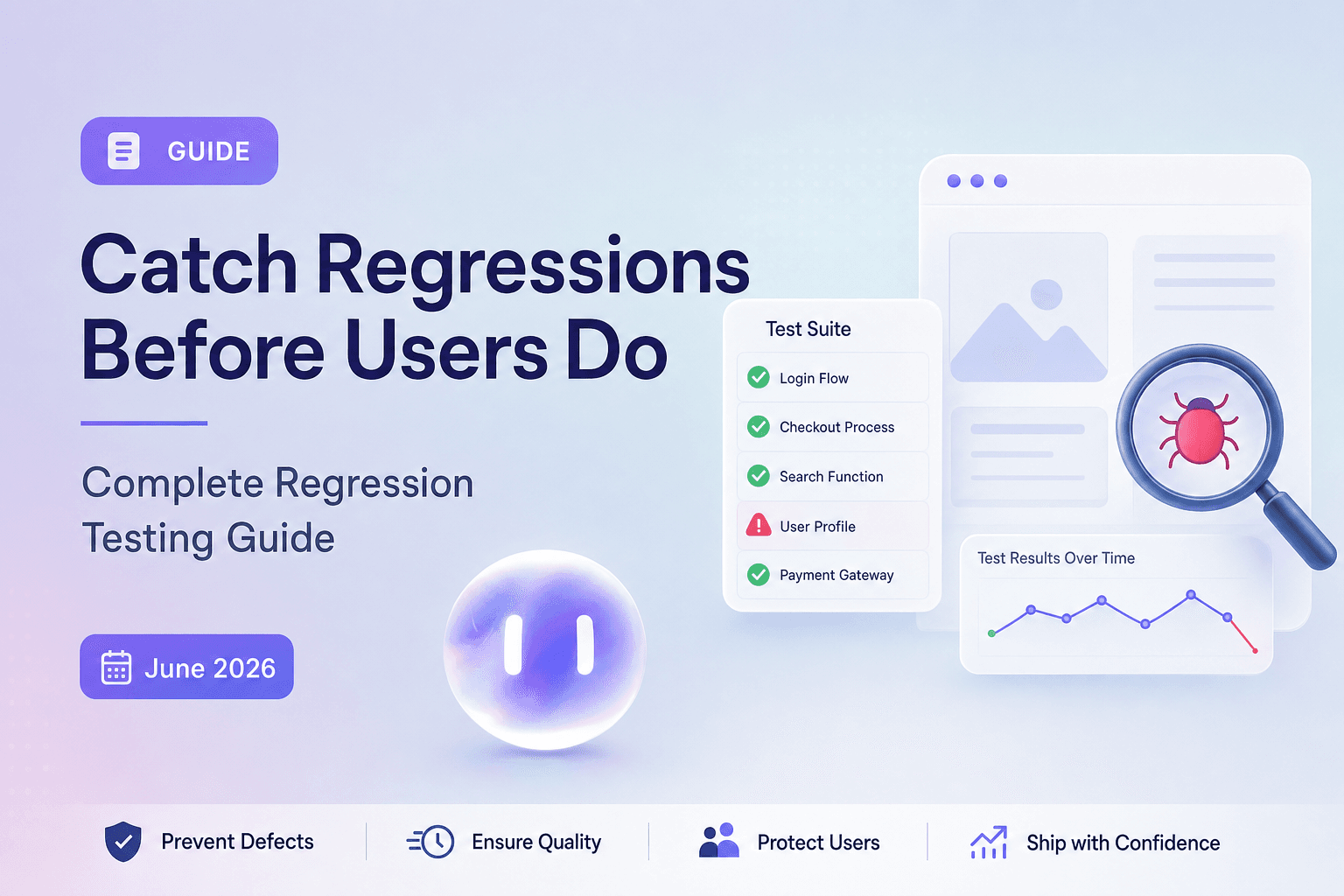
A library upgrade breaks a feature that's been stable for six months. Your CI pipeline shows green, but production users hit the failure within hours of deploy. Regression testing exists to catch breaks like this before they reach users. The complexity is that dependencies, shared state, and side effects create failure modes that span across modules in ways script-based tests miss. This guide covers what regression tests are, when to run them, and how they compare to unit and smoke tests, along with the practical decisions engineering leaders face before each release.
TLDR:
- Regression testing re-runs existing tests after code changes to confirm nothing previously working broke.
- Six regression types exist: complete, partial, selective, unit, progressive, and corrective.
- Unit tests verify isolated functions; regression tests verify full flows still work after changes.
- Smoke tests check build stability in minutes; regression tests verify broad coverage in hours.
- Minitap is a fully autonomous QA agent that reads your app from source, maps all test scenarios autonomously, and delivers regression reports in approximately one hour. The agent owns execution, maintenance, and root cause analysis. Your team never touches the test suite.
What Is Regression Testing?
Regression testing is the practice of re-running existing tests after a code change to confirm that nothing previously working has broken. The complexity comes from how interconnected software actually is: a change in one place can quietly break something else entirely.
A developer patches a bug in the payment flow, and a checkout screen that was working fine stops loading. That's a regression. They happen because of dependencies, shared state, and side effects that span across modules in ways no single developer fully tracks. Regression tests are how teams catch those failures before users do.
Why Regression Testing Matters
Software doesn't stay still. Every code change, however small, carries the risk of breaking something that worked yesterday. Regression testing exists to catch those breaks before users do.
The cost gap between catching a defect early and catching it late is real and consistent. Software defect research has shown production bugs take more time and resources to fix than the same defect caught earlier in the cycle, with some analyses putting the cost multiplier at 10x or more depending on severity and the time between introduction and discovery. A bug found during QA testing that takes an hour to fix can cost days of engineering time in production, where it can trigger support escalations, erode user trust, and pull engineers away from scheduled work to fight fires.
For engineering leaders, that's the core argument. Regression suites aren't overhead. They're the mechanism that keeps release confidence high as codebases grow and teams move fast.
Types of Regression Testing
Not every code change warrants a full suite run. The type of regression testing you run should match the scope of what changed, the risk it carries, and how much time you have before the next release.

| Type | What it covers | When to use it |
|---|---|---|
| Complete regression | The full test suite | Major releases or sweeping architectural changes |
| Partial regression | Changed modules plus their direct dependencies | Moderate changes with a known blast radius |
| Selective regression | A targeted subset mapped to changed code | Isolated changes with clear module boundaries |
| Unit regression | Tests for a single changed unit or function | Small, localized fixes |
| Progressive regression | New tests written alongside new features | Growing suites where coverage needs to keep pace with the product |
| Corrective regression | Tests built from confirmed defects | Post-fix validation when existing tests already cover the spec |
The choice rarely falls cleanly into one bucket. A team fixing a critical payment bug might run unit regression first for speed, then layer in partial regression to catch anything the fix touched downstream. Complete regression gets reserved for release candidates, not every pull request. Another common scenario: a dependency upgrade with an unclear blast radius warrants a partial or complete run even if only one package version changed, because library updates can silently break behavior across modules in ways selective tests will not catch. When in doubt, err toward broader coverage before a release and narrower coverage on smaller hotfixes.
Regression Testing vs Unit Testing
Unit tests and regression tests operate at different scopes, and mixing them up leads to coverage gaps that surface at the worst time.
Unit tests verify isolated logic. A function receives an input and returns the expected output. That's the entire contract. Regression tests verify that previously working behavior still works after a change, which means they span components, flows, and integrations that unit tests never touch.
Here's where teams get this wrong: passing unit tests do not mean passing regression tests. A unit test confirms a payment calculation function returns the right number. A regression test confirms the checkout flow completes end to end after you refactored that function.
Where Each Test Type Fits
Unit tests run fast and give precise failure attribution. When a unit test fails, you know exactly which function broke. They belong early in the pipeline, running on every commit. The scope is narrow (a single function or class) and the primary question is whether this specific logic works.
Regression tests run broader flows and catch failures that surface from the interaction between components. They belong pre-release, validating that integrated behavior held through all the changes that accumulated since the last release. The scope spans full feature flows and integrations, and the primary question changes: does the product still work?
Both matter. Neither replaces the other.
Regression Testing vs Smoke Testing
Smoke tests and regression tests often get conflated, but they serve different purposes at different points in the release cycle.
A smoke test is a quick, shallow check that the build is stable enough to test at all. It covers the most basic flows: can users log in, does the app launch, do the core screens load. If smoke fails, you stop and fix before running anything else. The whole point is speed. A smoke run should finish in minutes.
Regression testing goes deeper. It asks whether everything that worked before still works after a change. That means running a broad set of test cases across the full product, beyond the happy path.
Where They Fit in Your Release Cycle
The two are sequential, not interchangeable. Smoke runs first as a gate. If it passes, regression follows to verify nothing broke under the surface.
Smoke tests are narrow (critical paths only) and fast. A smoke run finishes in minutes. The purpose is a build stability check, and it runs at the start of every test cycle. When smoke fails, you stop testing and fix the build before moving forward.
Regression tests are broad (full feature coverage) and slow. A regression run takes hours. The purpose is change impact verification, and it runs only after smoke passes. When regression fails, you investigate which specific flows broke and where.
A sanity test sits between the two: narrower than a full regression run, but focused on a specific area that changed. Where smoke asks "is the app alive," sanity asks "does this particular fix actually work."
When to Run Regression Tests
Every code change is a potential regression vector. The practical answer to when you should run regression tests is: more often than most teams currently do.
Some natural trigger points:
- After any code change merges to a shared branch, even a one-line fix. Side effects rarely announce themselves.
- Before every release candidate is cut, so defects don't travel to production with the build.
- After dependency upgrades, since library updates can silently break behavior your code relies on.
- When a production bug is patched, to confirm the fix holds and nothing adjacent broke.
The right cadence scales with your release frequency. Teams shipping daily need automated regression on every merge. Teams on longer cycles can gate on release milestones, though waiting that long compresses the window to act on what you find.
How to Build a Regression Test Suite
Map features against business risk first. High-traffic flows like checkout, authentication, and onboarding go in first. If those break, you feel it in production immediately.
From there:
- Group tests by feature area so failures localize quickly when a run comes back red
- Tag by risk level so you can run a reduced subset when the release window is tight
- Record a baseline run before any changes merge, giving you a clean reference point
When a run fails, compare against that baseline. The delta tells you what the change actually touched versus what was already broken before it landed.
Regression Testing Challenges
Three challenges show up consistently across engineering teams running regression suites at scale.

Test suite maintenance grows with every release. As the app changes, selectors break, flows shift, and tests written six months ago start failing for reasons unrelated to actual bugs. Teams end up spending more time fixing tests than shipping features.
Coverage gaps are harder to see than missing tests. A suite that runs green can still leave entire user journeys untested. The confidence the green badge provides is only as good as what the suite actually reaches.
Slow feedback loops block releases. As suites grow, runtime climbs, and teams start skipping runs or deferring them to off-hours. That delay is where regressions reach production.
Regression Testing Best Practices
Run test cases that cover high-risk flows first. Payment, authentication, and onboarding failures cost more than a broken settings screen, so run those before anything else when time is short.
Keep your regression suite lean. Every test you add is a test someone has to maintain. If a case has never caught a bug in several releases, question whether it belongs in the suite at all.
Run regression tests on every meaningful code change, before release and after. Catching a breakage the day it's introduced is cheaper than untangling it a sprint later.
Treat flaky tests as debt. A test that sometimes passes and sometimes fails without a code change erodes confidence in the whole suite. Fix or remove it.
Keep test coverage aligned with the actual product. When a feature ships, the tests covering it should reflect current behavior, not what the product looked like six months ago. Minitap handles this automatically, keeping tests in sync with code changes without manual intervention.
Automation in Regression Testing
Regression tests run the same flows every time code changes. That repetition is what makes automation the right call. A human running fifty flows before every release introduces fatigue, missed steps, and inconsistency that grows worse under deadline pressure. Automated regression testing runs all fifty the same way every time, regardless of what else is happening on the team.
In CI/CD pipelines, regression tests run automatically on every commit, giving teams immediate feedback before code reaches production. The shift from scheduled runs to commit-triggered runs cuts the window between introducing a defect and finding it from days to hours.
Speed matters too. Teams shipping multiple times a week can't hold releases while someone manually walks through the product. Autonomous regression testing removes that wait entirely. Where traditional script-based frameworks turn a cycle that used to take days into something that completes overnight, Minitap delivers a full regression report in approximately one hour.
Autonomous agents like Minitap catch edge cases, usability issues, and unexpected behavior by testing user jobs from the same perspective users experience them.
How Minitap Changes Regression Testing for Mobile and Web Teams
Minitap is a fully autonomous QA agent that reads your app from source, autonomously maps all test scenarios, keeps them up to date without any maintenance from your team, and delivers a full regression report in approximately one hour for typical mobile and web apps.
Minitap runs AI-driven testing on every build, so failures surface at the change that introduced them. A checkout flow that breaks an hour after deploy gets caught before the first customer hits it, not at the next scheduled regression run. Your team sees the failure, the affected path, and the reproduction context without writing a single test.
Each run includes session traces, screenshots, and fix prompts you can paste directly into Cursor or other AI coding tools. Your team sees what broke, where, and why, with full transparency into every test execution.
Final Thoughts on Regression Testing
Regression tests are what keep your product stable while your codebase changes. Script-based regression testing forces teams to choose between running tests too infrequently or spending too much time keeping them working. Minitap removes that tradeoff entirely. Minitap is a fully autonomous QA agent that reads your app from source, autonomously maps test coverage, runs full regression in approximately one hour, and keeps tests in sync with code changes with zero maintenance. The agent owns execution, maintenance, and root cause analysis. Your team gets session traces, screenshots, fix prompts, and clear explanations of every finding without ever touching the test suite.
FAQ
What are regression tests used for?
Regression tests verify that previously working features still work after a code change. They exist to catch breaks before users do: when a payment patch unexpectedly breaks the checkout screen, or a dependency upgrade silently breaks auth, regression tests surface those failures in testing before production.
Regression tests vs unit tests: what's the difference?
Unit tests verify isolated logic within a single function or class, while regression tests verify that complete user flows still work after changes. Passing unit tests don't guarantee passing regression tests: a unit test confirms your payment calculation returns the right number, but only a regression test confirms the entire checkout flow completes end to end after you refactored that function. Minitap tests user jobs and outcomes (whether a user can log in and reach the home screen, whether checkout completes successfully), catching failures that span components in ways unit tests never reach.
Regression test vs smoke test: when do you run each?
Smoke tests run first as a fast stability check: can users log in, does the app launch, do core screens load. If smoke passes, regression follows to verify nothing broke under the surface. Smoke asks "is the build stable enough to test," regression asks "does everything that worked before still work after this change."
Can you run regression tests without maintaining a test suite?
Yes. Minitap is a fully autonomous QA agent that reads your app from source, maps all test scenarios automatically, and keeps them current without your team writing or maintaining tests. Each run delivers a full regression report in approximately one hour, with session traces and fix prompts for any failures. The agent owns test authorship, execution, maintenance, and root cause analysis; the entire QA loop runs autonomously without human intervention. Your team never touches the suite.
What's the fastest way to catch regressions before they reach production?
Minitap runs AI-driven testing on every build, so failures surface at the change that introduced them. A checkout flow that breaks an hour after deploy gets caught before the first customer hits it, not at the next scheduled regression run. Catching a breakage immediately costs a fraction of what the same bug costs when it surfaces in production: support escalations, eroded user trust, and engineers pulled away from scheduled work to fight fires.