

9 min read
When was the last time you manually smoke tested a mobile build and felt confident you caught everything that mattered? You covered iOS and Android, hit the core flows, checked a few devices, and shipped. Then a checkout bug slipped through on a device you didn't test. It's a familiar pattern: a missed edge case reaches production, and within days uninstall rates climb and reviews cite the exact flow your team tested around. Manual smoke testing mobile apps doesn't scale with release cadence or device fragmentation. Here's how to reduce the manual effort while improving the coverage that actually protects your release.
TLDR:
- Manual smoke testing can take anywhere from 15 minutes to 2 hours per run depending on app scope, and scales poorly with daily releases.
- Manual smoke runs across a realistic set of app configurations can take 5 hours per test cycle.
- Focus smoke tests on auth flows, checkout paths, and onboarding where failure blocks releases.
- Agent-based testing adapts to UI changes without breaking, while scripts break on every refactor.
- Minitap runs smoke suites autonomously on every build, with teams reporting more than 50% reduction in manual testing time.
What Is Smoke Testing for Mobile Apps
Smoke testing is a quick verification pass that checks whether the core functions of an app work after a new build lands. The name comes from hardware testing: if you power on a circuit board and it doesn't catch fire, the smoke test passes. For mobile apps, the concept is the same. Does the app open? Can a user log in? Does checkout complete without crashing?
The goal is not thorough coverage. It's a fast signal that the build is stable enough to test further or ship.
Why Manual Smoke Testing Becomes a Bottleneck Before Mobile Releases
A single manual smoke run takes anywhere from 15 minutes to 2 hours depending on the app's scope. That feels manageable at a monthly cadence, but weekly or daily shipping changes the math fast. Two engineers each covering a couple of devices means real senior IC time spent on rote verification before every build ships.
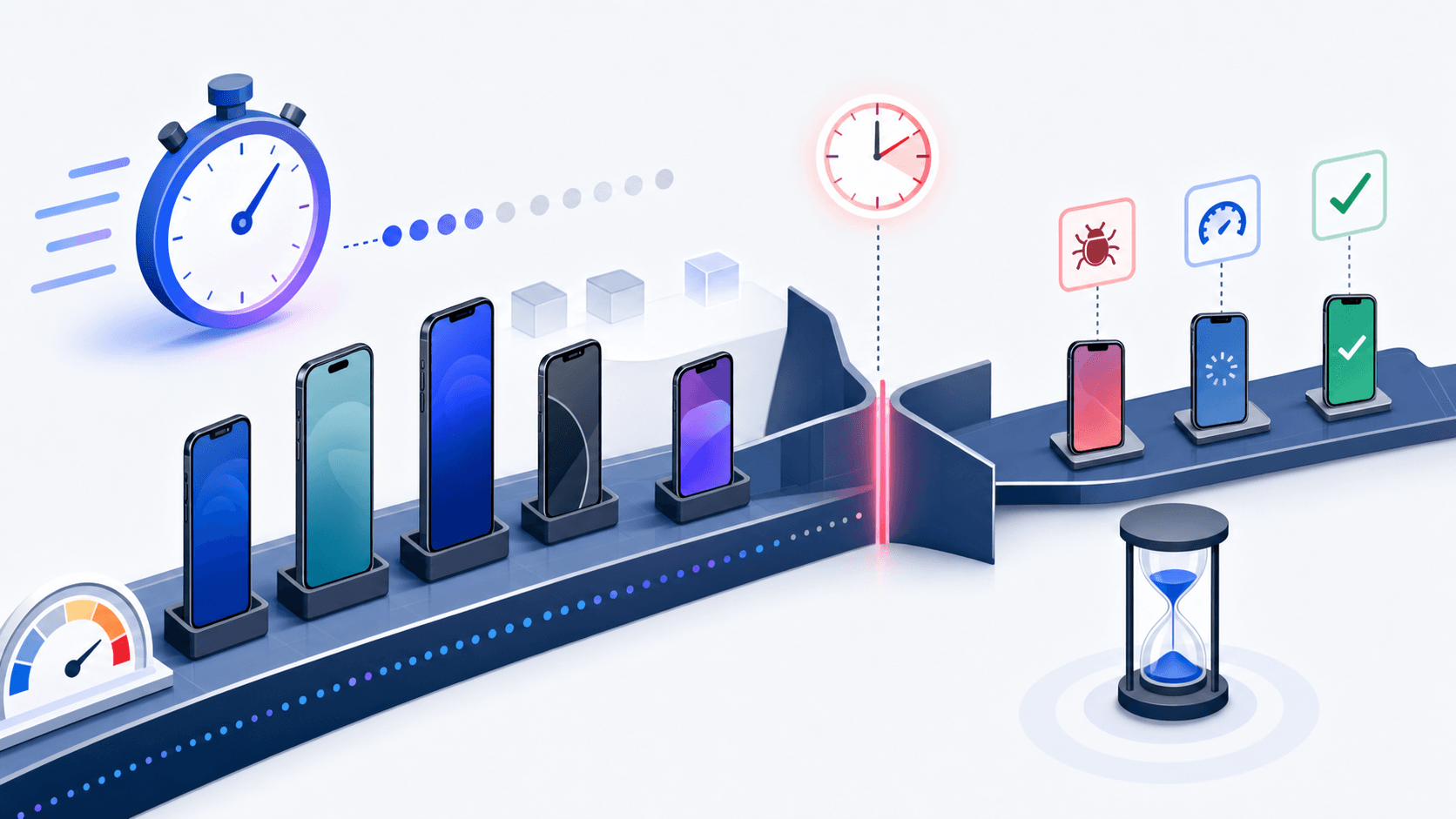
The problem scales with release frequency. Teams that want to ship daily but still run manual smoke on each build quickly find testing is what's slowing them down, not code.
App configuration coverage makes it worse. With Android apps running across manufacturers like Samsung, Xiaomi, Oppo, and Vivo, each with different builds and system behaviors, deciding which configurations to cover manually is always a judgment call with no clean answer. You either skip configurations or spend more time, and neither option sits well when a release is waiting.
When to Perform Smoke Testing in Your Mobile Release Cycle
Timing smoke tests correctly prevents two distinct failure modes: QA cycles wasted on builds that shouldn't have entered testing at all, and critical failures caught too late to act before a release window closes.
Four trigger points work consistently well:
- After each new build compiles, before deeper QA begins
- After bug fixes land, to confirm nothing adjacent broke
- Before a release candidate is cut
- As a CI/CD gate that blocks unstable builds from consuming regression testing time
The CI gate deserves the most attention here. When smoke runs automatically on every build, your QA effort only touches builds that have already passed basic checks, which tends to recover hours per release without requiring process changes from the team.
The Hidden Costs of Manual Mobile Smoke Testing
Manual smoke testing before a mobile release pulls engineers away from building. A single pre-release smoke pass across two platforms, three device sizes, and a handful of OS versions can take several hours of focused QA time. Multiply that by weekly release cadences and you get a recurring time sink that compounds quietly.
The cost goes beyond hours. Testers following the same checklist repeatedly will miss things. Attention drifts. Steps get skipped under deadline pressure. A checkout flow that broke in a specific edge case slips through, reaches production, and within 48 hours you're watching uninstall rates climb and 1-star reviews cite a bug your team technically tested for.
There's also the opportunity cost. Every hour a senior engineer spends tapping through login flows is an hour not spent on architecture, code review, or the next feature.
Device Fragmentation Makes Manual Smoke Testing Unsustainable
Both Android and iOS present real coverage challenges. App behavior can differ based on runtime conditions. A flow that passes in a clean environment can fail silently on another when memory pressure, background processes, or system state changes between runs.

The math breaks down fast. Cover 10 configurations per hour with 50 meaningful combinations, and the smoke test alone runs five hours. Most teams narrow to a handful of representative setups and accept the gap. The bugs that slip through rarely announce themselves in advance, which is why fixing flaky mobile UI tests matters so much.
How to Focus Smoke Test Coverage for Maximum Impact
Start with your core flows. Before you can cut manual smoke testing down, you need agreement on what actually has to work at launch.
Most mobile teams find a useful starting point in three categories:
- Happy path flows that process money or data: checkout, subscription renewal, in-app purchases, and any flow where a failure means lost revenue or a compliance exposure.
- Authentication entry points: login, sign-up, password reset, and token refresh, since a broken auth gate blocks every other flow downstream.
- First-run experience: onboarding, permission prompts, and the first meaningful action a new user takes, because first impressions drive retention and uninstall rates in the first 48 hours.
Applying a Risk-Tiered Approach
Once you have your list, tier it by failure cost instead of test complexity.
| Tier | Criteria | Testing Priority |
|---|---|---|
| P0 | Revenue impact or auth breakage | Always in smoke suite |
| P1 | Core feature, high DAU touchpoint | Include if capacity allows |
| P2 | Edge case, low-frequency flow | Defer to regression cycle |
New features that have shipped fewer than two releases belong outside your smoke suite entirely. The UI is still changing, so any smoke test you write against it will need rewriting next sprint. Run exploratory passes on those flows and use what you find to build the smoke test once the feature stabilizes.
Automating Smoke Tests to Reduce Manual Effort
AI-based mobile test agents can run your smoke suite end-to-end without a human touching the device. The agent opens the app, walks through your core flows, logs the result, and flags any failure with a screenshot and session trace. No script to maintain. No tester blocked waiting for a build.
A few things make this worth doing before a release:
- Smoke tests run on every build automatically, so regressions surface the moment they're introduced, not the day before launch when a tester finally gets to it.
- Test runs complete without a tester manually cycling through the app before each release, so regressions surface the moment they're introduced instead of the day before launch when a tester finally gets to it.
- Failures come back with enough context to act on immediately: the exact screen state, the step that broke, and a reproducible session trace.
Getting Started
The one piece of upfront work is scoping: you define which flows matter most and give the agent context on your app's structure. From there the agent runs the suite on every build, adapts as the UI changes, and reports each finding with a session trace, so the payoff compounds with every release.
Choosing Between Script-Based and Agent-Based Testing Approaches
Script-based tools give you precise control over what gets tested. That precision comes with a cost: every selector is a potential failure point when a developer renames a component or refactors a screen. On apps that ship frequently, scripts can spend more time broken than running.
Agent-based testing works from intent. You describe what should happen, and the agent figures out the path. UI changes that would break a script tend to fall within what an agent adapts to without intervention.
When Each Approach Fits
The choice mostly comes down to how often your UI changes and who owns maintenance.
- Script-based frameworks like XCUITest, Espresso, or Maestro are a reasonable fit for teams with stable UIs, a dedicated QA engineer, and flows that rarely change. The coverage is predictable and the failure output is explicit: assertion failures trace to the exact component and line. A login flow with fixed element IDs that hasn't changed in months is a strong candidate. The cost shows up when the UI moves. A single screen refactor can break a dozen test selectors at once, and someone on the team owns those rewrites. On apps shipping weekly with active frontend work, that maintenance debt compounds fast.
- Agent-based approaches fit teams shipping on short cycles where UI churn is constant. The agent reads screen state and adapts to layout changes without code intervention, so a checkout flow that gets a UI refresh every sprint keeps running without a rewrite. Failure output is rich and reproducible: you get a screenshot, a session trace, and the exact step that broke at the point of failure, so you can see what the user would have hit and re-run the journey to confirm the fix. The agent reproduces the failure reliably instead of leaving you to reconstruct it from a stack line.
An agent earns its place across the whole suite, including your P0 flows. It exercises critical paths like checkout and login the way a user would, reproduces any failure with a session trace, and keeps running as the UI changes, so you get reliable coverage on the flows that matter most without the selector maintenance scripts demand.
Best Practices for Effective Mobile Smoke Testing
Risk-based coverage is the starting point. Not every flow carries equal weight, so test the ones that matter most when time is short.
Rank flows by user and revenue impact
A few categories tend to surface repeatedly as the highest-priority targets:
- Authentication and session handling: login, token refresh, and logout are the first things users hit and the first things that break visibly when something goes wrong in a release.
- Core transactional paths: checkout, payment confirmation, and order submission are where revenue is directly at stake. A crash here costs money immediately.
- Onboarding: first-run flows set retention patterns. A broken onboarding experience drives uninstalls before users ever reach your core product.
Keep your suite narrow on purpose
A smoke suite that grows without discipline stops being a smoke suite. Cap it at the flows where a failure would block a release or trigger an immediate rollback. If a test failure would prompt a "we'll monitor it" response, it does not belong in smoke testing.
Reduce Pre-Release Smoke Testing with Minitap's Agent-Based QA
Minitap's AI agent runs your smoke test suite autonomously before every release. It opens the app, walks each critical user flow, checks that core functionality is intact, and reports back with pass/fail results and a session recording you can review in minutes.
The agent adapts to your app's UI without requiring selectors or scripted steps. When screens change between releases, it adjusts without breaking. Your team stops rewriting tests and starts reviewing results.
Teams using Minitap have reported reduced manual smoke testing time before their first production release with the agent.