

When your unit test suite hits a common target like 80% coverage, you know your functions return the correct output for controlled inputs. What you don't know is whether your login flow survives an API schema change, whether checkout holds together when the OS interrupts mid-transaction, or whether your app behaves correctly after running for hours with low memory and background processes competing for resources.
Unit testing confirms isolated logic. It doesn't confirm that your authentication service, token storage layer, and profile screen work correctly as a sequence with actual dependencies instead of mocked ones. That's not a failure of unit testing. It's a structural limitation. Mobile apps fail across boundaries unit tests don't cross, and the gap between what your tests reach and what users experience is where production bugs live.
TLDR:
- Unit testing confirms a single function works in isolation, but mobile apps fail across boundaries: API contract changes, OS interrupts, and device state changes that isolated tests don't cross.
- High code coverage measures which lines ran, not whether your app works; a function can hit 100% coverage while never being tested against real permission dialogs or denied states.
- Integration testing catches failures unit tests structurally cannot see: the handoff between your auth service, token storage, and profile screen can fail silently even when each piece passes its unit tests.
- The test pyramid allocates unit tests at the base for logic errors, integration tests in the middle for component handoffs, and end-to-end tests at the top for real user journeys that match what users actually experience.
- Minitap's AI agent runs end-to-end tests across real user journeys to catch multi-step flows, login edge cases, and third-party SDK interactions that unit tests were never designed to reach.
What Is Unit Testing?
Unit testing means testing a single function, method, or component in complete isolation from everything else in the codebase. You write a test that calls one piece of logic, feeds it controlled inputs, and checks that the output matches what you expect. No network calls, no database, no UI drawing.
In a mobile app, a unit test might confirm that a price formatting function returns $12.99 for an input of 1299, or that a validation method correctly rejects an empty email field. The test runs fast, fails precisely, and tells you exactly which line broke.
That precision is the point. When a unit test fails, you know where to look.
How Unit Testing Works in Mobile Development
On iOS, unit tests sit in a dedicated XCTest target inside Xcode and run directly within the IDE. Android leans on JUnit, typically with Mockito layered in to fake out dependencies like network clients or database handles. Mocking those dependencies keeps the test focused on your logic only, not a live API that might be down or return inconsistent data.
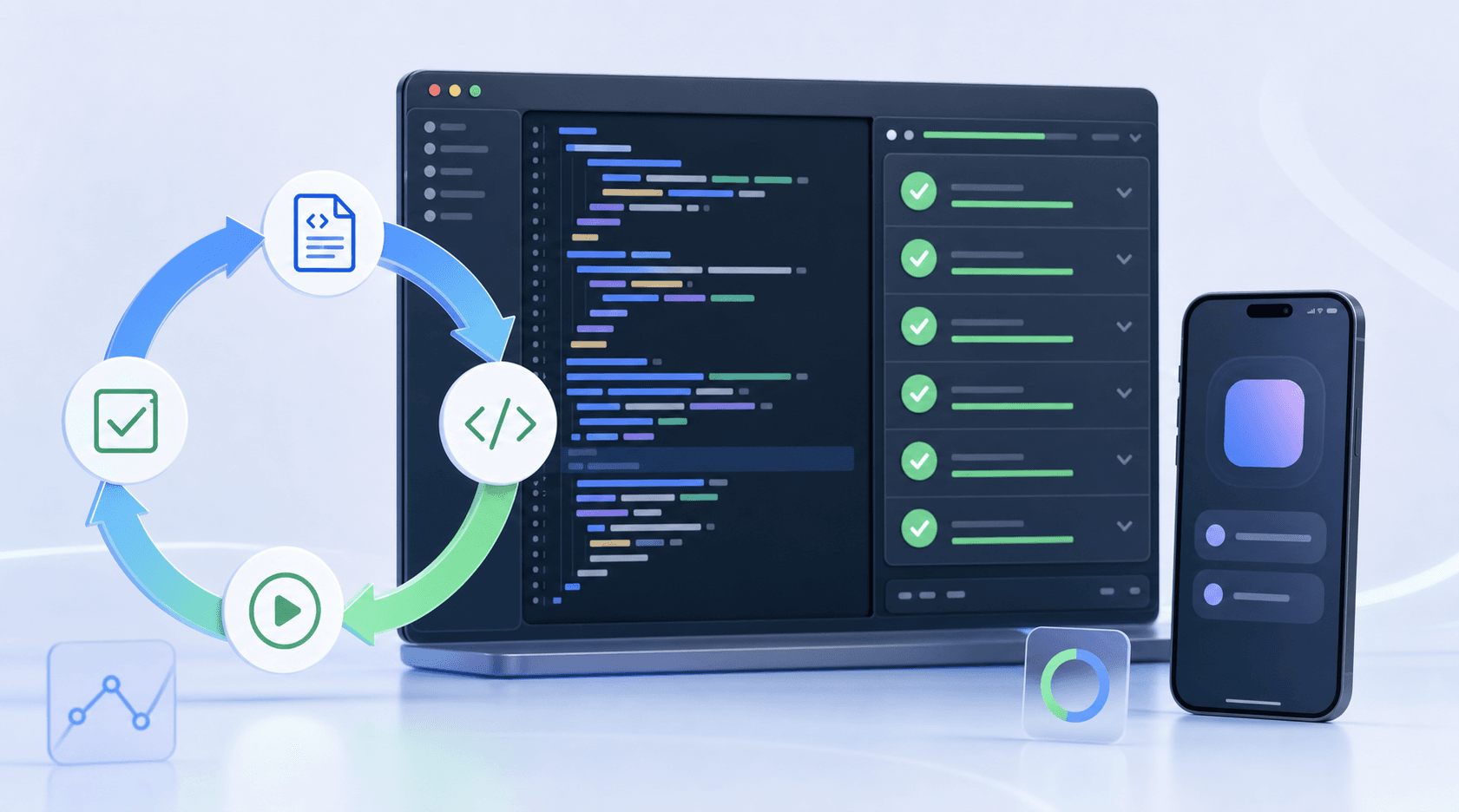
The workflow follows a short loop: write a failing test, write the code that satisfies it, run the suite, confirm nothing else broke. Most teams wire this into CI so every pull request triggers a full run before merge. A failure blocks the build, which keeps regressions from quietly accumulating between releases.
Unit Testing Frameworks for Mobile Apps
The framework you choose shapes how fast you can write tests and how easy they are to maintain.
For iOS, XCTest is the default. It runs inside Xcode, integrates with CI pipelines without extra configuration, and covers both unit and UI test layers. Swift developers tend to reach for it first because there's no additional setup required.
For Android, JUnit paired with Mockito handles most unit testing needs. Spring Boot teams often layer in additional tooling, but for mobile, JUnit with Espresso for UI flows covers the typical setup.
React Native and Flutter teams have their own ecosystems. Jest is the standard for React Native unit tests. Flutter ships with its own test package that works across unit, widget, and integration layers.
| Framework | System | Best For |
|---|---|---|
| XCTest | iOS | Unit and UI testing in native Swift/Obj-C |
| JUnit + Mockito | Android | Unit testing with mocked dependencies |
| Jest | React Native | JavaScript unit and snapshot tests |
| Flutter Test | Flutter | Cross-layer testing in a single package |
None of these frameworks test what happens when your code runs against a real backend, moves through live app state, or interacts with third-party services. That gap is where unit testing ends and integration testing begins.
The Benefits of Unit Testing
Unit testing catches bugs at the source. When a function breaks, you know exactly which function broke. That precision cuts debugging time and gives developers faster feedback loops during active development.
A few concrete advantages teams see consistently:
- Refactoring becomes safer. Tests act as a contract for expected behavior, so when you restructure code, you know immediately if something regressed.
- Documentation improves naturally. A well-written test suite tells the next developer what a function is supposed to do, beyond what it does.
- CI pipelines get faster signal. Unit tests run in milliseconds, making them the first gate in any build pipeline without meaningfully slowing releases.
Code Coverage and What It Actually Measures
Code coverage tracks which lines, branches, or functions execute during a test run. The result gets reported as a percentage. 80% coverage sounds solid until you realize that number says nothing about whether the code does the right thing, only that it ran.
A function can execute completely and still return wrong data, crash under edge conditions, or fail the moment it interacts with another service. Coverage tells you where your tests went. It says nothing about what they found.
Here are the gaps that a high coverage number routinely hides:
- Lines execute but assertions are too weak to catch bad output, so failures pass silently.
- Branch coverage hits both paths in isolation but never tests the sequence that users actually follow.
- Happy-path tests inflate the percentage while error states and empty responses go untouched.
- Integration points between services run fine in isolation but are never tested together.
For mobile apps in particular, this matters more than it does in server-side code. A function handling push notification permissions might hit 100% line coverage in a unit test while never being tested against a real OS permission dialog, a denied state, or a user who revokes access mid-session. The test ran. The scenario was never covered.
What Unit Testing Misses in Mobile Apps
Unit tests confirm that individual functions return the right output given controlled inputs. That's a narrow guarantee. In mobile apps, most failures happen across boundaries: an API returns an unexpected payload, a background process interrupts a user flow, or device state changes mid-session in ways no isolated test can replicate.
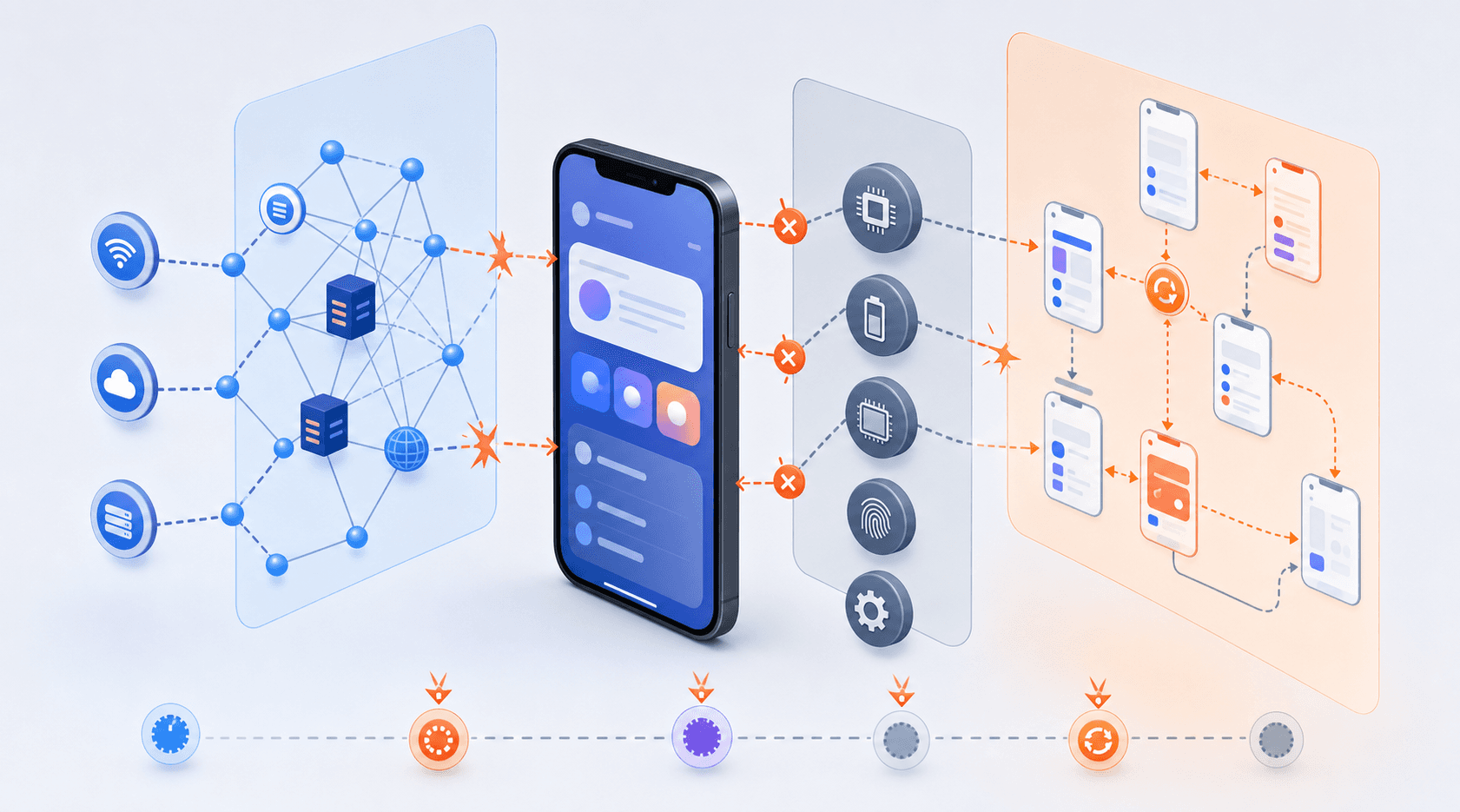
Three categories of failure consistently slip past unit test suites:
- Network and API contract failures: a response schema changes on the backend, and the unit test passes because it was written against a mock that no longer matches production.
- OS interaction bugs: permissions dialogs, push notification timing, and low-memory conditions are runtime behaviors that unit tests never touch.
- UI state and navigation failures: screen transitions that depend on async data loading, or flows that break only after a user has been active for several minutes, require actual interaction to surface.
A unit test suite with high coverage can coexist with a broken app. Coverage measures what your tests reach, not what your users experience.
Unit Testing vs Integration Testing
Unit testing confirms a function works in isolation. Integration testing confirms that two or more components work correctly together, with real dependencies instead of mocked ones.
That might mean verifying that your authentication service, token storage layer, and profile screen all behave correctly as a sequence. Each piece can pass its unit tests while the handoff between them fails silently in production.
The two approaches are complementary by design:
- Unit tests are fast and precise, catching logic errors at the source before they compound.
- Integration tests are slower but reach failures isolated testing can't see.
Mobile-Specific Testing Challenges Unit Tests Can't Cover
Unit tests run in isolation, which is exactly what makes them blind to the failure modes that matter most in mobile apps.
A test that passes in a clean environment may fail after extended runtime with low memory and background processes competing for resources. Unit tests don't cover that. They don't cover how your app behaves when the OS interrupts mid-flow, when a network request times out after a slow network transition, or when a user jumps between apps and returns to a half-loaded state.
The gaps show up in a few consistent places:
- Runtime conditions: low battery mode, accessibility settings, flaky connectivity, and background sync all affect app behavior in ways isolated tests cannot reproduce.
- Cross-layer interactions: unit tests mock dependencies. That means the actual API contract, the auth token refresh cycle, and the live database reads never get exercised until later in the pipeline, often in production.
This is where integration testing and system testing pick up the work unit tests leave behind.
When Unit Testing Is Not Enough
Unit tests confirm that individual functions behave correctly in isolation, but mobile apps don't fail in isolation. They fail when a user taps through a flow across screens, triggers a network call, hits a permission dialog, and gets an unexpected result.
Here's where isolation becomes the problem. A payment function can pass every unit test and still fail when the API returns a malformed response, the session token expires mid-request, or a background process interrupts the transaction.
That gap is where integration testing lives.
Building a Complete Testing Strategy
The test pyramid gives you the allocation logic. Unit tests form the base: write many, run often, catch logic errors early. Integration tests sit in the middle, covering the handoffs between components. End-to-end tests sit at the top, smallest in count but highest in fidelity against app state and user flows.
Risk drives where you invest above the base. Features touching payments, authentication, or data sync warrant integration and end-to-end coverage. Lower-stakes utility functions rarely need more than unit tests. Match your testing depth to the cost of that failure reaching production.
How Minitap Complements Unit Testing for Mobile Teams
Unit testing catches logic errors at the function level. What it can't catch is whether app behavior with actual dependencies enters the picture. That gap is where production bugs live.
Minitap runs AI-driven end-to-end tests, covering the flows that unit tests were never designed to reach: multi-step checkout sequences, login edge cases, onboarding paths that branch on user state. No scripts to maintain.
The result is a test layer that sits above your unit suite and catches what slips through before it reaches users.
Final Thoughts on Unit Testing and Mobile QA
Unit testing confirms your functions work in isolation. Integration testing verifies they work together. Neither tells you what happens when a user moves through your app under runtime conditions with actual network calls and live app state. Minitap runs AI-driven tests to cover the flows unit tests can't reach. Your unit suite catches logic errors early; end-to-end coverage catches what slips through before it becomes a production bug.
FAQ
What is unit testing in software testing?
Unit testing is testing a single function, method, or component in complete isolation from everything else in the codebase. You write a test that calls one piece of logic, feeds it controlled inputs, and checks that the output matches what you expect: no network calls, no database, no UI drawing.
Unit testing vs integration testing: what's the difference?
Unit testing confirms a function works in isolation, while integration testing confirms that two or more components work correctly together with real dependencies instead of mocked ones. Unit tests are fast and precise, catching logic errors at the source; integration tests are slower but reach failures that isolated testing structurally cannot see, like API contract changes or auth token refresh cycles.
Can unit testing catch production bugs in mobile apps?
Unit tests catch logic errors within individual functions, but they miss most mobile production failures. Network issues, device-specific memory constraints, OS permission dialogs, and multi-step user flows that depend on real state changes all fall outside what unit tests can reach. These require integration and end-to-end testing that exercises complete user journeys.
Who does unit testing: developers or testers?
Developers write and own unit tests. The tests run inside the IDE (XCTest for iOS, JUnit for Android) and get triggered automatically in CI pipelines before merge, giving developers immediate feedback during active development without waiting for a separate QA cycle.
What are the advantages and disadvantages of unit testing?
Unit tests catch bugs at the source with precision, make refactoring safer by acting as a contract for expected behavior, and run fast enough to gate every build without slowing releases. The limitation: they only test isolated functions with mocked dependencies, so they miss runtime failures, device-specific bugs, and integration points that break when real services interact. Coverage percentages say nothing about whether your app works under real conditions.