
Your team has a passing feature check, but you're still asking whether checkout works across the release. Different regions, CMS content, account states, and feature flags make that a bigger question than whether one fix works. Minitap vs Autosana comes down to who owns that wider regression work. We'll compare Autosana's documented change-level testing with Minitap's regression campaigns, including test upkeep and the evidence your team can review.
TLDR:
- Compare who owns your test authorship and maintenance before checking app coverage.
- Autosana describes test creation and updates from code diffs, with video proof for PRs.
- Ask Autosana to show shared flows across web, iOS, and Android; public details are unspecified.
- Check your checkout flows across geographies, CMS states, accounts, and feature flags.
- Minitap's AI QA employee writes and runs tests and proposes updates when the app changes, with video for every run.
What Is Autosana?
Autosana describes automatic test upkeep as part of its workflow. Its Y Combinator company profile says the AI-powered end-to-end testing tool creates, updates, and runs tests from code diffs across iOS, Android, and web apps. It pairs with coding agents locally and uses cloud agents for pull requests, providing video proof of the tested feature or fix.
Teams can also describe test flows in plain language. According to its marketing materials, Autosana advertises self-healing end-to-end tests that adapt as the UI changes.
A member of Y Combinator's Summer 2025 batch, Autosana raised $3.2 million in February 2026 from investors including Y Combinator, Pioneer Fund, Phosphor Capital, DeVC, and 468 Capital. Its public positioning focuses on coding-agent feedback and pull-request validation.
What Is Minitap?
Minitap is our AI QA employee that compresses multi-day enterprise regression. It writes and runs tests across web, iOS, and Android and proposes updates when the app changes. Your engineers no longer write scripts; they review the updates Minitap cannot settle on its own.
Connected to your codebase and workflows, Minitap uses specs, tickets, and prior runs to inform black-box visual tests across web, iOS, and Android. Every run includes evidence and video so your team can inspect what happened. When testing is blocked, Minitap surfaces the blocker and recommends the next action.
Test Creation and Maintenance Model
Maintenance ownership starts with who settles changes to expected behavior. Autosana's plain-language test creation model lets developers and QA engineers define flows without coding or manual selectors. Its code-diff testing workflow describes automatic generation and updates, so these descriptions do not show that customers must author every flow. Tests run against the app locally or in PRs.
With Minitap, the agent proposes routine test updates itself. It builds scenarios and acceptance criteria from product context: specs, tickets, and existing cases uploaded through CSV or Excel. When behavior changes, Minitap proposes test updates and surfaces unresolved questions with context for review.
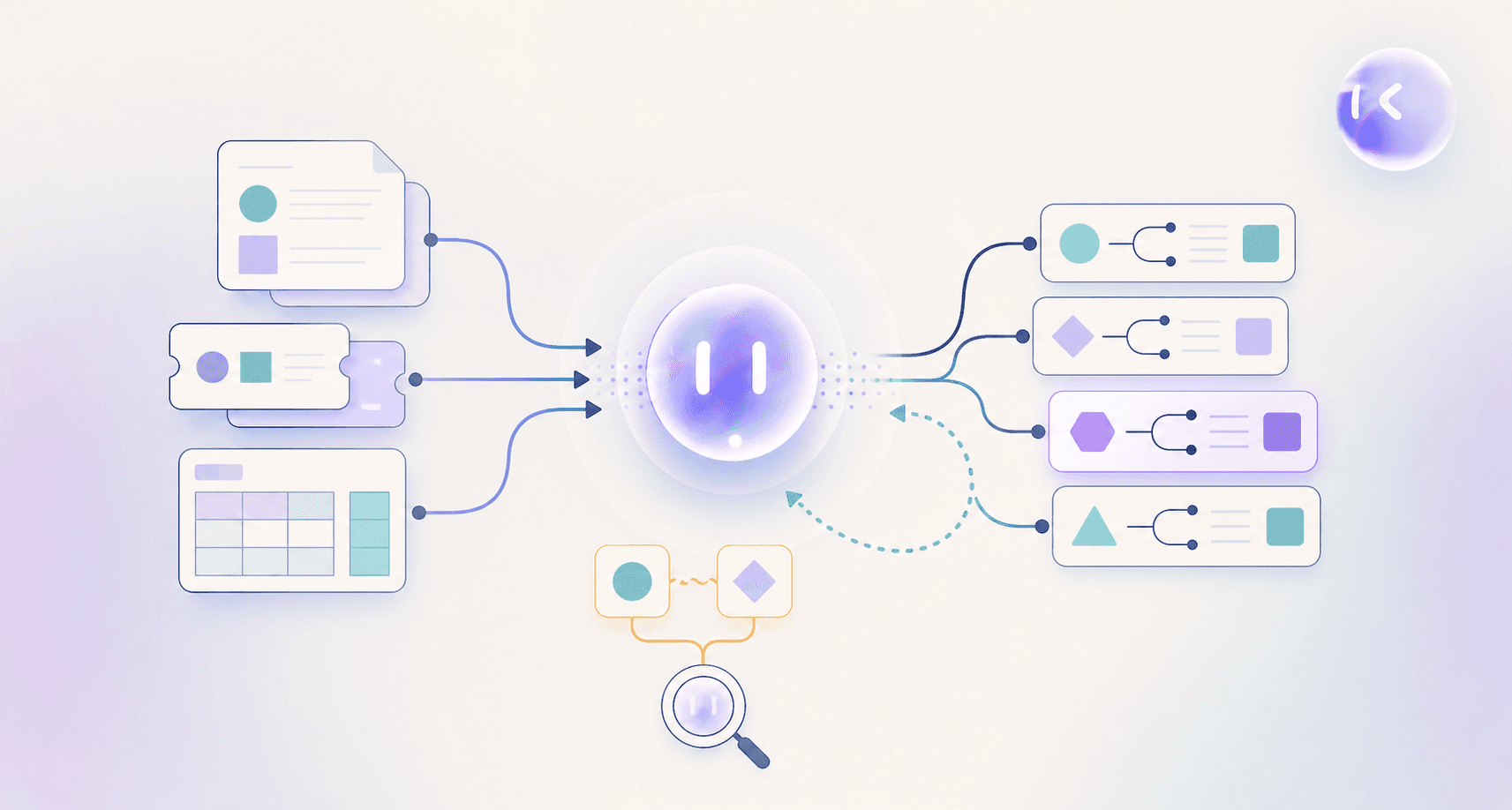
For example, when a ticket conflicts with an existing acceptance criterion, Minitap flags the disagreement for resolution before validating against the wrong expectation.
Platform Coverage and Test Specification
Maintaining separate suites raises a practical question: who keeps equivalent flows current? In a Minitap vs Autosana comparison, shared test definitions matter alongside supported app targets, a concern central to choosing among mobile testing frameworks.
| Test specification question | Autosana | Minitap |
|---|---|---|
| Supported app targets | iOS, Android, and web | Web, iOS, and Android |
| Shared flow definition | Public information leaves cross-target reuse unspecified | One set of scenarios uses the same black-box visual approach across all three |
Ask Autosana to show cross-target reuse in a demo, a question worth raising with any of the best AI mobile testing tools. Unspecified does not mean unsupported; the question is whether equivalent journeys require parallel setup.
With Minitap, a password-reset scenario defines the expected outcome once. The agent checks the visible experience across each app target without duplicated flow definitions, keeping identical user journeys tied to one source of truth.
Enterprise Regression Depth and Evidence
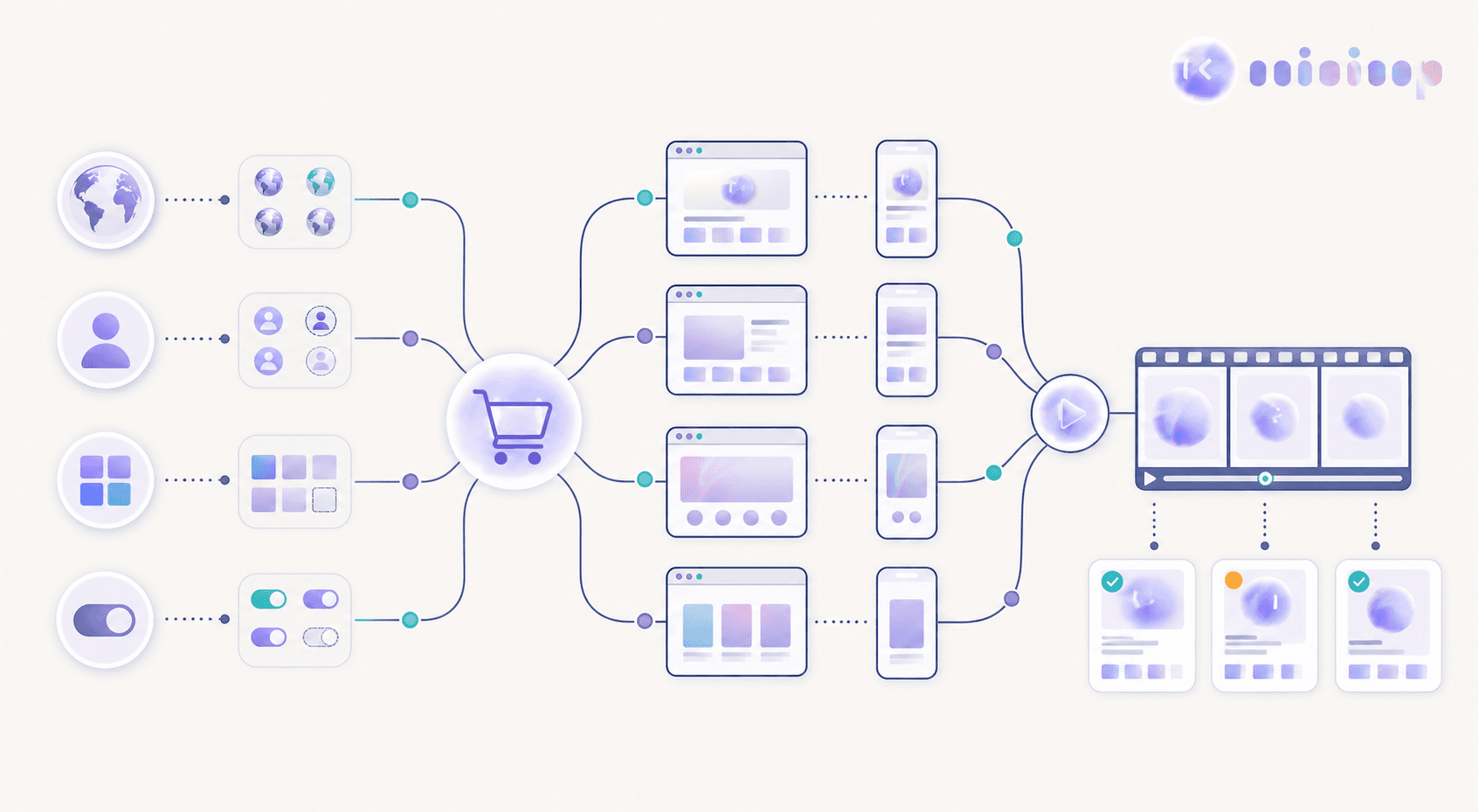
A feature-level check can leave a release question unanswered: does checkout still work for a returning customer in another geography, with different CMS content and an active feature flag?
Autosana's change-level video proof documents a feature or bug fix working end to end. Its public description ties evidence to individual changes but does not specify the full regression scope below.
The unit of release confidence is the regression campaign.
Minitap runs campaigns spanning web and mobile, multiple browsers, geographies, CMS states, account states, and feature flag combinations. Each run produces video and written findings, and Minitap flags differences between expected and actual behavior. Teams can review whether checkout meets acceptance criteria across those configurations, answering release-wide questions beyond whether a single change works, an outcome agentic testing is designed to deliver.
Where Minitap Fits Best
Start the Minitap vs Autosana comparison with ownership: who takes regression work off your release team's plate? Autosana describes a coding-agent testing loop built around individual code changes. Enterprise release confidence requires completing regression across the product's release configurations.
We built Minitap for that responsibility. As an AI QA employee, Minitap writes and runs tests and proposes updates when the app changes. It investigates unexpected behavior beyond predefined steps and turns blocked tests into recommended actions. Your team can mark a finding “Not a bug” with a short reason, which Minitap takes into account on the next run.
The deciding difference is regression ownership across releases. Minitap carries product knowledge forward, so your team gets more than a test result for an individual code change.