
BrowserStack App Automate is no longer just a grid for scripts your team brings. It now ships AI agents that generate test cases, heal broken locators at runtime, and analyze failures. Minitap starts from a different place: it is an AI QA employee that writes and runs regression scenarios on web and mobile apps and proposes test updates for your team to review. This comparison looks at what each one actually does in November 2026, based on BrowserStack's own pages, and where each fits.
TLDR:
- BrowserStack App Automate runs Appium, Espresso, XCUITest and Maestro tests on BrowserStack's real-device cloud.
- Its AI agents now generate test cases from requirements or app exploration, heal broken locators during runs, and classify failures.
- Your test suite stays at the center: the agents help write, repair and debug framework tests that your team keeps.
- Minitap's mini writes test scenarios with acceptance criteria from specs, tickets, docs and existing test cases, then runs them as black-box visual tests on web, iOS and Android.
- Pick BrowserStack if you want to keep a framework suite and run it at scale on devices. Pick Minitap if the bottleneck is the regression work itself.
What Is BrowserStack App Automate?
App Automate is BrowserStack's cloud for automated mobile app testing. Teams run Appium, Espresso, XCUITest, Maestro and other framework tests on real iOS and Android devices instead of an in-house device lab. BrowserStack also lists real-device features such as Apple Pay, biometrics and SIM-based authentication, plus performance metrics (CPU, memory, battery) captured during runs.
For web, BrowserStack sells separate products: Live for interactive cross-browser testing and Automate for automated browser tests.
BrowserStack's AI Agents in 2026
The premise that BrowserStack has no AI is out of date. Its AI agents page for App Automate and its documentation describe several agents:
- Self-Healing Agent. When a locator stops resolving during a run, the agent looks for the right element using the context of earlier successful runs, continues the test, and records what it changed. Healed locators can be applied back to your scripts through BrowserStack's MCP server or a GitHub pull request. Per the Self-Heal documentation, it needs BrowserStack AI enabled and the App Automate Pro plan, and it needs at least one prior successful run of the same element.
- Test case generation. Test Companion generates structured test cases from a PRD, user story or Jira link, or by exploring the app on a real device. A test case can then be sent to automation to generate an executable script.
- Test Failure Analysis Agent. It reads logs, stack traces and run history, gives a root cause, and sorts each failure into product bug, environment issue or automation issue.
- Cross-Device Automation Agent. BrowserStack says it turns natural-language steps into executable test code during runs.
BrowserStack is also clear about limits. Its Self-Heal docs note that not every failure can be healed and that healing can misfire on negative assertions, when an element is meant to be absent.

What Is Minitap?
Minitap is an AI QA employee. Its agent, mini, builds an understanding of your product from the context your team provides: product specs, tickets, documentation and existing test cases, which you can upload as CSV or Excel. From that, mini writes test scenarios with acceptance criteria. Anyone on the team can edit a test in plain words.
mini runs those scenarios as black-box visual tests on what is on screen, the way a user sees the app, on web apps, iOS and Android apps, and Android TV where enabled. When the app changes, mini proposes updates to its tests and asks your team to review only the changes it cannot settle on its own. Every run comes with a video and findings, and when a run is blocked, mini explains why and recommends the next action.
The job Minitap is built for is compressing multi-day regression, especially when the same journeys must be checked across environments, geographies, CMS content and feature flags. On web, mini can set feature flags or session state with cookies and local storage.
Test Authorship and Maintenance
The two products now overlap more than they used to, so the useful question is who holds the suite.
With App Automate, the suite is your framework code. BrowserStack's agents can draft test cases, turn them into scripts and repair locators, but the output is Appium, Espresso, XCUITest or Maestro code your team reviews, stores and runs. That suits teams that want to own a code suite and keep it in their repository.
With Minitap, the test is a scenario with acceptance criteria, not a script. mini writes and maintains those scenarios, and your team reviews proposed changes and marks findings as "Not a bug" with a short reason when needed, which mini takes into account on the next run. There are no selectors to repair because verdicts come from what is on screen.
Platform Coverage
App Automate covers native and hybrid mobile apps on real devices. Web testing sits in separate BrowserStack products, so teams testing a web app and a mobile app usually run two product lines, often with two suites.
Minitap covers web, iOS and Android with the same black-box visual approach, plus Android TV where enabled. One scenario describes the journey; mini runs it where the journey lives.
Regression Across Enterprise Complexity
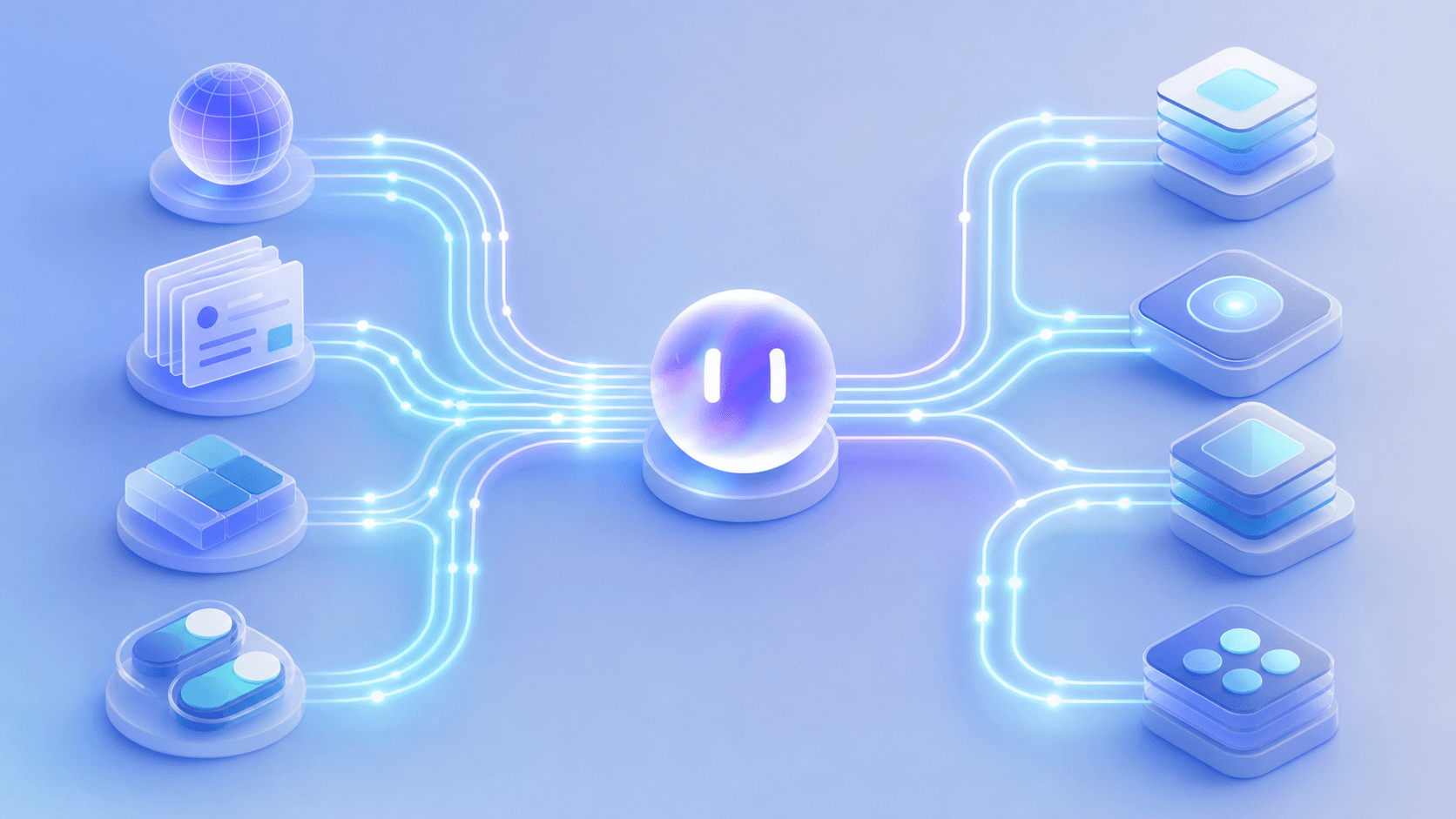
Enterprise regression is often the same scenarios run across many combinations: region, environment, app version, CMS state, account state and feature flags. With App Automate, those combinations are expressed in your test code and run configuration, then executed in parallel on devices.
Minitap treats those combinations as part of the regression campaign it runs. It uses product context to decide what to check for a release, and when a configuration cannot be tested, for example because an external service or product state is unavailable, it explains the blocker and recommends the next step instead of leaving a silent gap.
BrowserStack App Automate vs Minitap at a Glance
| Dimension | BrowserStack App Automate | Minitap |
|---|---|---|
| What you run | Your Appium, Espresso, XCUITest or Maestro tests | Scenarios with acceptance criteria written by mini |
| AI test creation | Test Companion and test case generator agents, from requirements or app exploration | mini writes scenarios from specs, tickets, docs and existing test cases |
| Maintenance | Self-Healing Agent repairs locators at runtime and can push fixes to scripts | mini proposes test updates when the app changes; your team reviews what it cannot settle |
| Failure analysis | Test Failure Analysis Agent classifies product, environment and automation failures | Video and findings per run; blockers come with a recommended next action |
| Platforms | Native and hybrid mobile apps on real devices; web in separate products | Web, iOS and Android, plus Android TV where enabled |
| Where it fits | Teams that keep a framework suite and want to scale it on devices | Teams whose bottleneck is the multi-day regression work itself |
Which One Fits Your Team?
Choose BrowserStack App Automate if your team already has a framework suite, wants to keep it in code, and needs real-device coverage for hardware-specific flows. Its AI agents now make that suite cheaper to write and keep green. Many teams compare it with other BrowserStack alternatives and with Appium-based setups before deciding.
Choose Minitap if regression is what slows releases: days of repeated execution across web and mobile, configurations multiplying with every release, and a small QA team spending its time re-running the same journeys. That is the regression testing problem Minitap is built for.
FAQ
Does BrowserStack App Automate have AI features?
Yes. BrowserStack lists a Self-Healing Agent that repairs broken locators during runs, test case generation from requirements or app exploration through Test Companion, a Test Failure Analysis Agent, and a Cross-Device Automation Agent that turns natural-language steps into test code. Self-healing requires BrowserStack AI and the App Automate Pro plan.
What is the main difference between BrowserStack App Automate and Minitap?
App Automate runs and helps maintain framework tests that your team keeps, on BrowserStack's device cloud. Minitap is an AI QA employee: mini writes test scenarios from your product context, runs them as black-box visual tests on web and mobile, and proposes updates for your team to review when the app changes.
Can Minitap test both mobile and web journeys?
Yes. mini runs the same kind of scenario on web apps, iOS apps and Android apps, plus Android TV where enabled, using the same black-box visual approach, so you do not need a separate suite per platform.
How does Minitap handle test maintenance when the UI changes?
When the app changes, mini proposes updates to its tests and asks your team to review only the changes it cannot settle on its own. Because verdicts come from what is on screen rather than from selectors, a renamed or moved element does not mean a locator rewrite.
Can I start with Minitap without rewriting my existing tests?
You can upload existing test cases as CSV or Excel to get started, and add product specs, tickets and documentation as context. mini uses them to write scenarios with acceptance criteria that your team can edit in plain words.
Final Thoughts on BrowserStack App Automate vs Minitap
BrowserStack has moved well beyond a device grid: its agents now help generate, heal and debug the tests you run on it. Minitap answers a different question, which is who does the regression work across web and mobile and how fast your team gets evidence it can trust. If that is the question you are asking, see how Minitap runs regression on your own product.